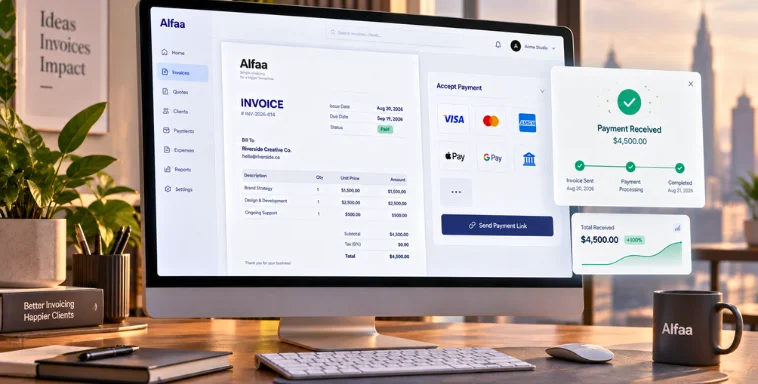
Why Switching from Excel to Invoicing Software Makes Sense
By Alfaa Team
Stay in the loop
Get finance tips delivered to your inbox.
Many businesses begin their invoicing journey with Excel. It feels simple, flexible, and readily available, especially in the early stages when invoice volumes are low and processes are informal.
As the business grows, however, invoicing through Excel starts to create challenges. Manual work increases, errors become harder to avoid, and tracking payments turns into a frustrating process. What once felt manageable can quickly become inefficient.
Invoicing software offers a smarter and more scalable alternative. It is designed specifically to handle billing workflows, automate repetitive tasks, and support growing businesses.
Why Many Businesses Still Use Excel for Invoicing
Excel remains a popular choice because it is easy to start with and widely available. Most teams are already familiar with it, which removes the need for training. It also comes with no direct upfront cost, making it appealing for small businesses and freelancers.
Over time, though, these advantages begin to fade. As invoice volume increases, Excel becomes harder to maintain, less accurate, and more time consuming.
Limitations of Using Excel for Invoicing
1. Manual Data Entry and Errors
Excel relies heavily on manual input. This increases the risk of calculation mistakes, incorrect totals, and missing tax values. Duplicate or missing invoice numbers are common and can lead to accounting and compliance issues.
2. No Real-Time Payment Tracking
Excel does not provide real-time visibility into invoice status. Tracking paid and unpaid invoices requires manual updates, and there is no built-in way to send automated payment reminders.
3. Time Consuming Invoice Management
Invoices often need to be created from scratch or copied from old files. Updating payment status, editing details, and maintaining multiple spreadsheets takes up valuable time.
4. Lack of Professional Appearance
Excel offers limited branding and formatting options. This often results in inconsistent invoice designs that do not reflect a professional brand image.
5. Poor Record Organization
Invoices are usually stored across multiple files and folders. This increases the risk of data loss and makes searching for past invoices slow and inefficient.
What Is Invoicing Software?
Invoicing software is a dedicated solution built to automate billing and payment management. It helps businesses create invoices, track payments, manage customers, and store records digitally in one centralized system.
Unlike Excel, invoicing software is purpose-built for financial workflows and scales easily as business needs grow.
Benefits of Switching to Invoicing Software
1. Faster Invoice Creation
Invoicing software offers ready-to-use templates that eliminate repetitive work. Calculations are handled automatically, reducing manual effort.
2. Automated Payment Tracking
Businesses can instantly see which invoices are paid, unpaid, or overdue. Status updates happen in real time without manual tracking.
3. Improved Cash Flow
Faster invoice creation leads to quicker delivery to clients. Automated reminders help reduce late payments and improve overall cash flow.
4. Better Accuracy and Compliance
Automation reduces errors significantly. Proper invoice numbering, consistent records, and accurate totals support compliance and simplify audits.
5. Centralized Invoice Management
All invoices are stored in one place. Searching, filtering, and retrieving historical invoices becomes quick and easy.
6. Professional Branding
Invoicing software allows businesses to add logos and use consistent layouts, improving credibility and reinforcing brand identity.
Excel vs Invoicing Software Comparison
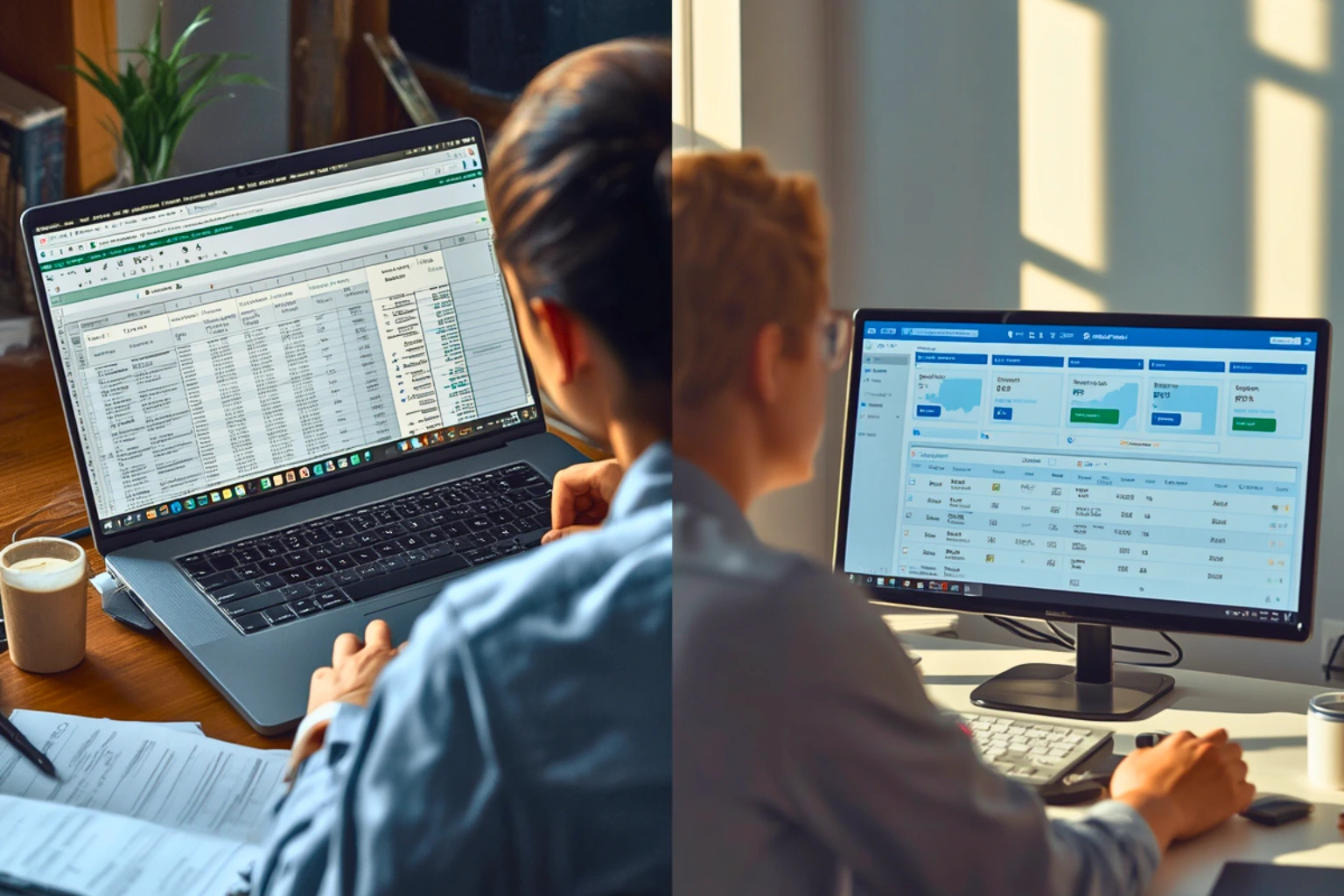
When comparing Excel and invoicing software, the differences become clear as businesses scale. Creating invoices in Excel is manual and often slow, while invoicing software uses ready-made templates to generate invoices quickly. Excel offers little to no automation, requiring manual updates for every change, whereas invoicing software automates calculations, status updates, and reminders. Payment tracking in Excel depends on spreadsheets and human follow-ups, while invoicing software provides real-time visibility into paid, unpaid, and overdue invoices. Excel also carries a higher risk of errors and does not scale well as invoice volume increases. In contrast, invoicing software is designed to grow with the business and delivers a consistent, professional invoice experience.
When Should You Switch from Excel?
You should consider switching when your number of clients increases, payments are frequently delayed, or tracking invoices becomes difficult. If billing takes too much time or errors are becoming common, invoicing software is the logical next step.
How Online Invoicing Software Simplifies the Transition
Most modern invoicing tools are designed for quick setup. Businesses can import existing data, start invoicing immediately, and adapt without a steep learning curve.
Solutions like Alfaa help businesses move away from spreadsheets while keeping invoicing simple and organized.
Common Myths About Invoicing Software
Some businesses believe invoicing software is expensive, complicated, or unnecessary. In reality, most tools are affordable, easy to use, and far more efficient than Excel in the long run. Excel may work temporarily, but it is not built to support growing billing needs indefinitely.
Conclusion
Excel works well only in the earliest stages of a business. As operations grow, its limitations become clear. Invoicing software provides automation, accuracy, better cash flow management, and a more professional experience.
Upgrading your invoicing process is a practical step toward building a scalable and reliable business foundation.
Frequently Asked Questions
It automates billing, reduces errors, and provides real time payment visibility.
Most invoicing tools are affordable and save money by reducing manual work and payment delays.
Yes, it is especially useful for small businesses planning to grow.
No, invoicing software is designed to be simple and user friendly.
Yes, most platforms support importing existing invoice data from Excel.

Olivia Bennett
Content Writer @ Alfaa
Olivia is a content writer at Alfaa who specializes in invoicing, small business, and productivity topics. She enjoys simplifying complex ideas into clear, practical insights that help business owners save time, get paid faster, and stay organized.