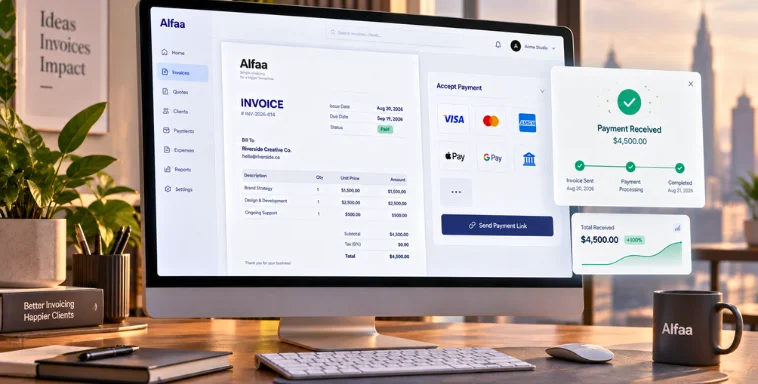
Top Features to Look for in Invoice Management Software (2026 Guide)
By Alfaa Team
Stay in the loop
Get finance tips delivered to your inbox.
Manual invoicing costs businesses more than they realize. Time spent creating invoices, chasing payments, fixing errors, and tracking overdue balances quickly adds up. Many small businesses spend several hours each week on billing tasks alone.
Over the last decade, invoicing has evolved from paper invoices and spreadsheets to modern digital invoicing software and automated billing platforms. Today, businesses rely on invoice automation tools and invoice management software to streamline billing operations, reduce errors, and accelerate payments.
Choosing the right invoicing software can directly impact your cash flow, operational efficiency, and customer experience. The right system ensures invoices are sent on time, payments are tracked automatically, and financial insights are easily accessible.
In this guide, we explore the most important invoice management software features to look for in 2026. You will learn which capabilities are essential, which advanced features provide additional value, and how to evaluate the best invoice management tools for your business.
Why Invoice Management Software Is Essential for Modern Businesses
The Hidden Costs of Manual Invoicing
Manual invoicing creates several operational challenges:
Time spent manually creating and sending invoices
Higher risk of calculation errors
Missed invoices or duplicate billing
Lack of payment tracking
Delayed collections and cash flow disruptions
Without automation, billing becomes inconsistent and difficult to scale.

ROI of Invoice Management Software
Modern invoicing systems deliver measurable benefits:
Significant time savings through automation
Faster payment collection through reminders and integrated payments
Reduced billing errors
Improved financial visibility through reporting dashboards
These benefits make invoice management software one of the most valuable tools for service businesses.
Who Needs Invoice Management Software
Invoice management software benefits:
Freelancers and consultants
Small and medium businesses
Agencies and service providers
SaaS companies with subscription billing
Any business that regularly bills clients can benefit from invoicing automation.
Core Features: Must-Have Capabilities
Before evaluating advanced capabilities, it is important to understand the foundational features every invoicing system should include. These core capabilities ensure invoices are generated accurately, delivered on time, and tracked effectively.
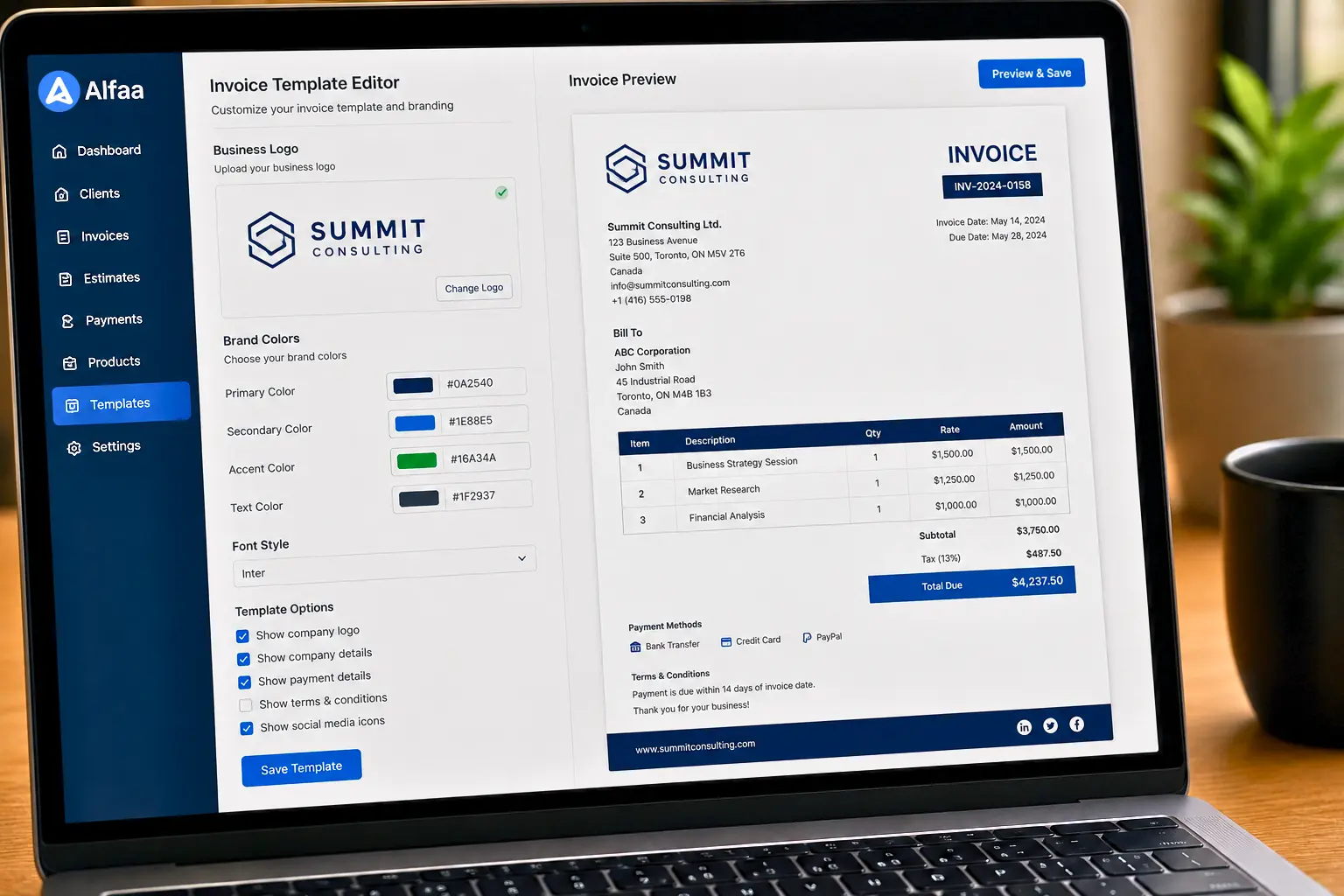
Customizable Invoice Templates
Why Template Customization Matters
Invoices represent your brand. Professional design and clear formatting help establish credibility and trust with clients.
What to Look For
Good invoicing software should include:
Customizable invoice templates
Logo and brand color support
Multiple template storage options
Custom fields for industry requirements
Mobile-friendly invoice formats
Custom templates ensure invoices remain consistent across all clients.
Automated Invoice Creation and Delivery
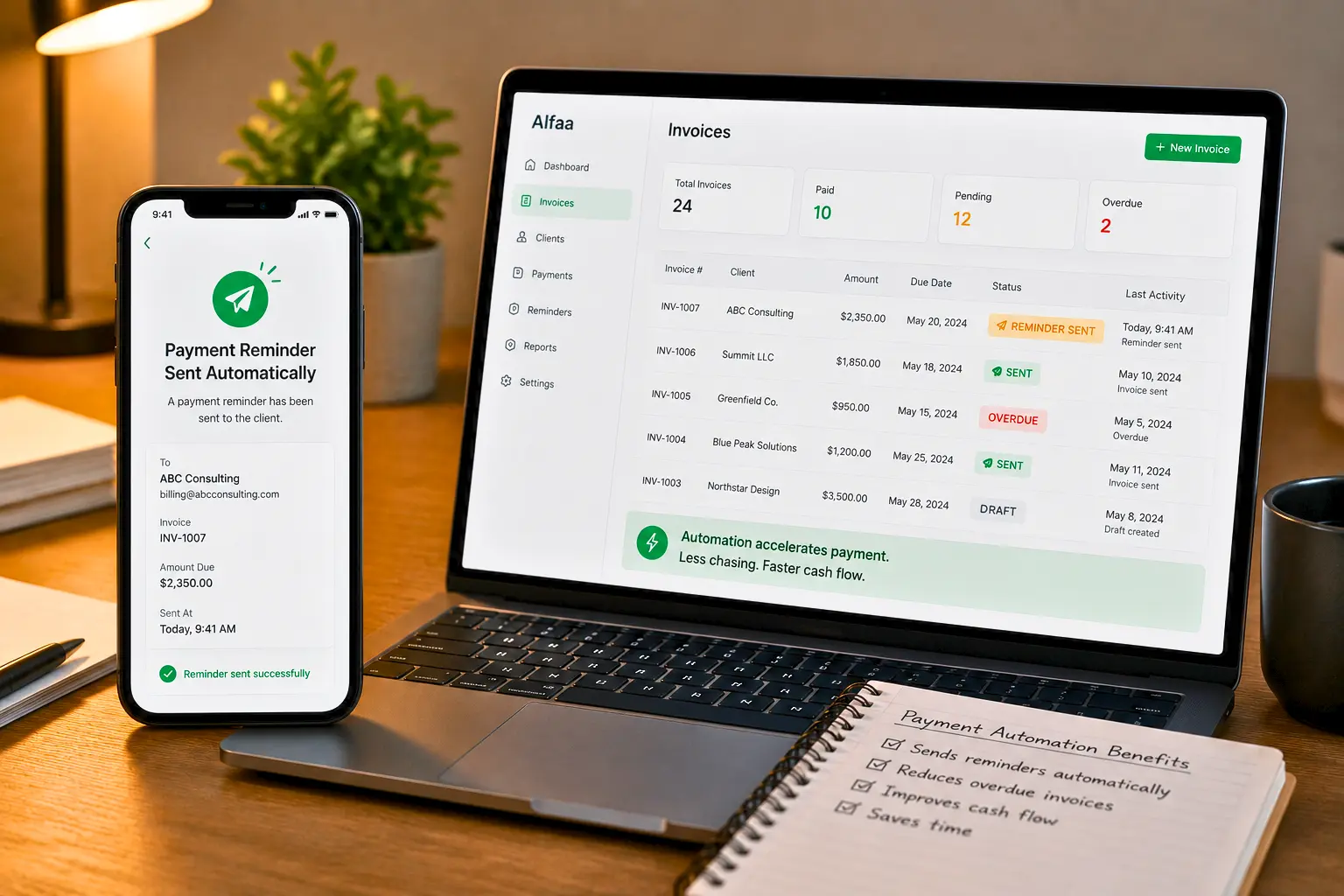
The Power of Automation
Invoice automation eliminates repetitive tasks and ensures consistent billing cycles.
Key Automation Capabilities
Look for features such as:
Scheduled invoice delivery
Batch invoicing for multiple clients
Automatic invoice numbering
Trigger-based invoicing
Automation ensures invoices are sent on time every time.
Delivery Automation
Modern systems support:
Email invoice delivery
Client portal access
Downloadable PDF invoices
Delivery confirmation and tracking features help verify that invoices reach clients.
Multiple Payment Gateway Integration
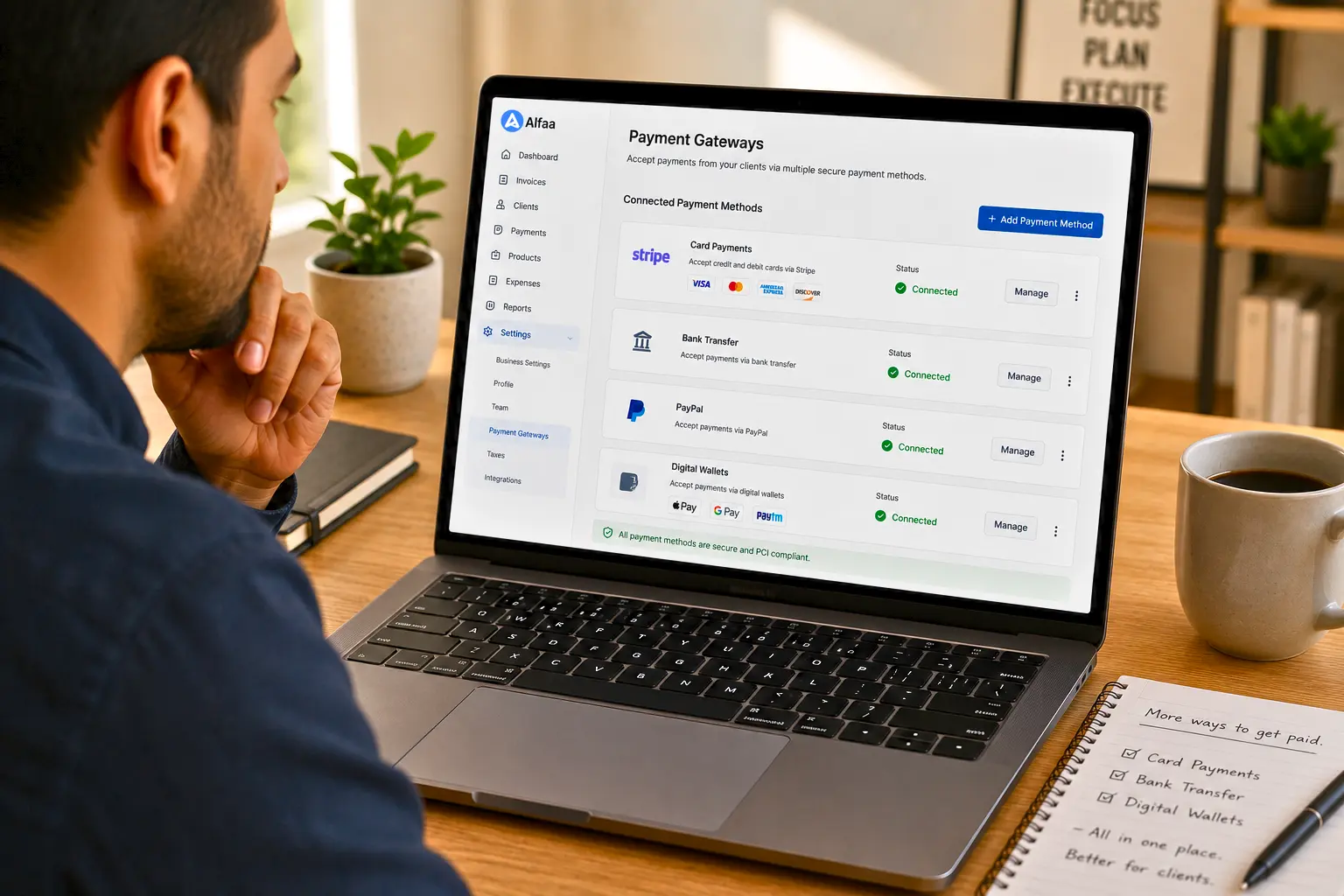
Why Payment Flexibility Matters
The easier it is for clients to pay, the faster payments arrive.
Essential Payment Integrations
The best invoice management tools support:
Credit and debit cards
Bank transfers
Digital wallets such as PayPal or Stripe
International payment options
Payment Features to Prioritize
Important capabilities include:
One-click payment links
Saved payment methods
Multicurrency support
Automatic payment reconciliation
Payment flexibility improves client convenience and accelerates cash flow.
Automated Payment Reminders
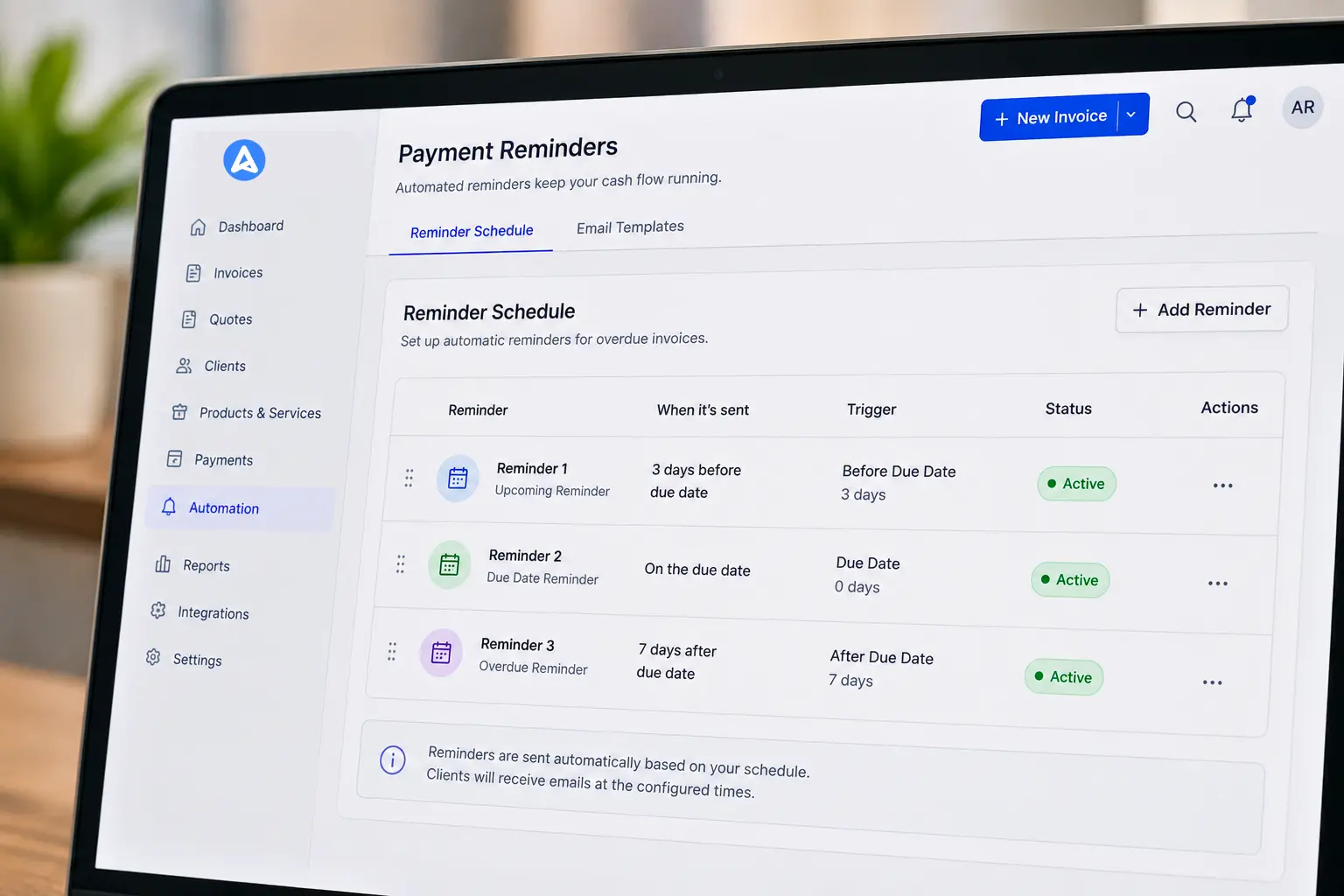
The Impact of Strategic Reminders
Automated reminders reduce late payments while maintaining professional communication with clients.
Reminder System Requirements
Look for features including:
Custom reminder schedules
Pre-due date reminders
Overdue follow-ups
Email or SMS notifications
These reminders help businesses maintain consistent collections without manual follow-ups.
Real-Time Reporting and Analytics
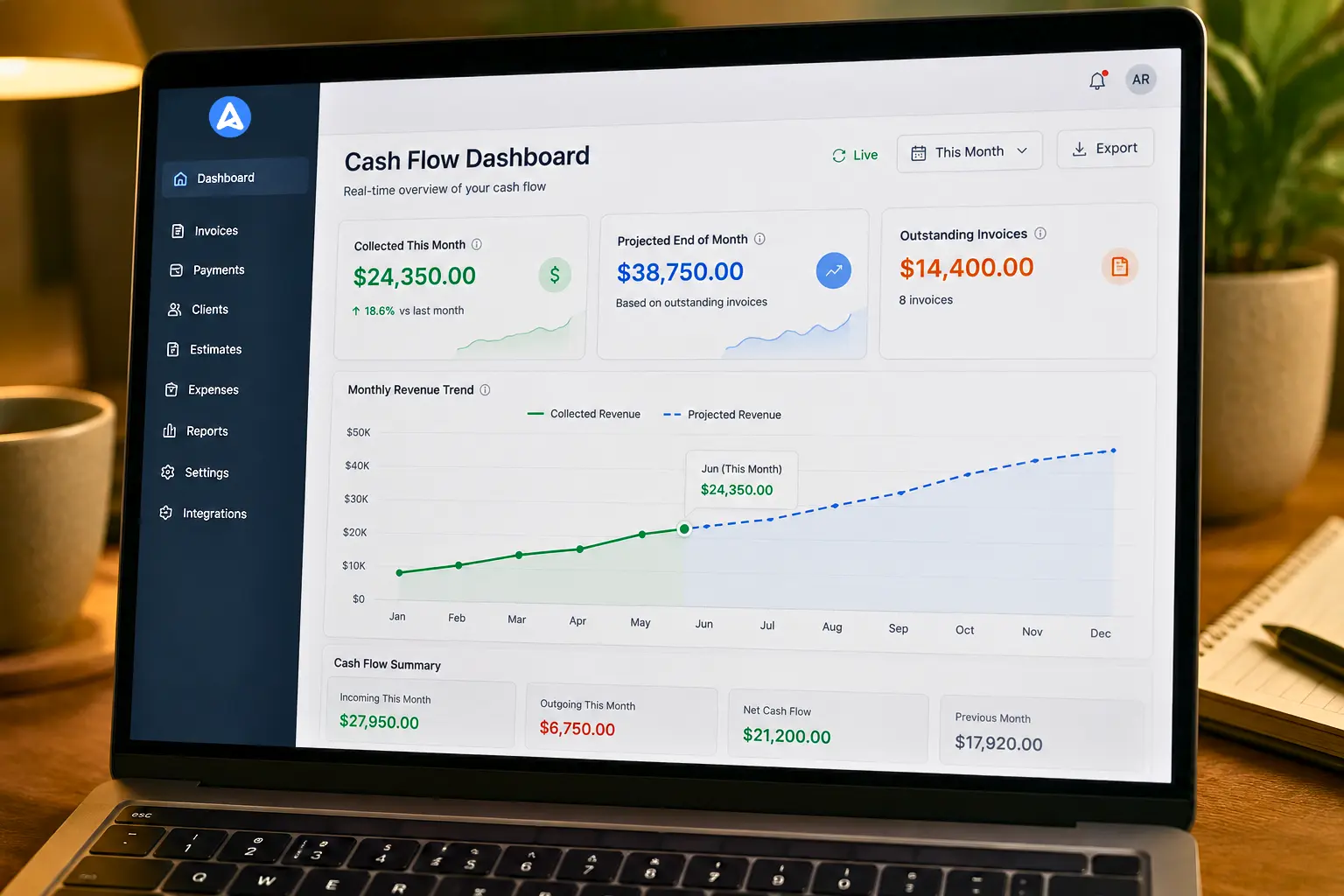
Why Data Insights Matter
Access to financial data helps businesses make informed decisions.
Essential Reports
Good invoicing systems provide the following:
Aging reports for overdue invoices
Revenue summaries
Outstanding invoice dashboards
Client payment history
Advanced Analytics
Advanced platforms include:
Predictive cash flow forecasting
Visual financial dashboards
Client payment trend analysis
These insights help businesses optimize billing strategies.
Accounting Software Integration
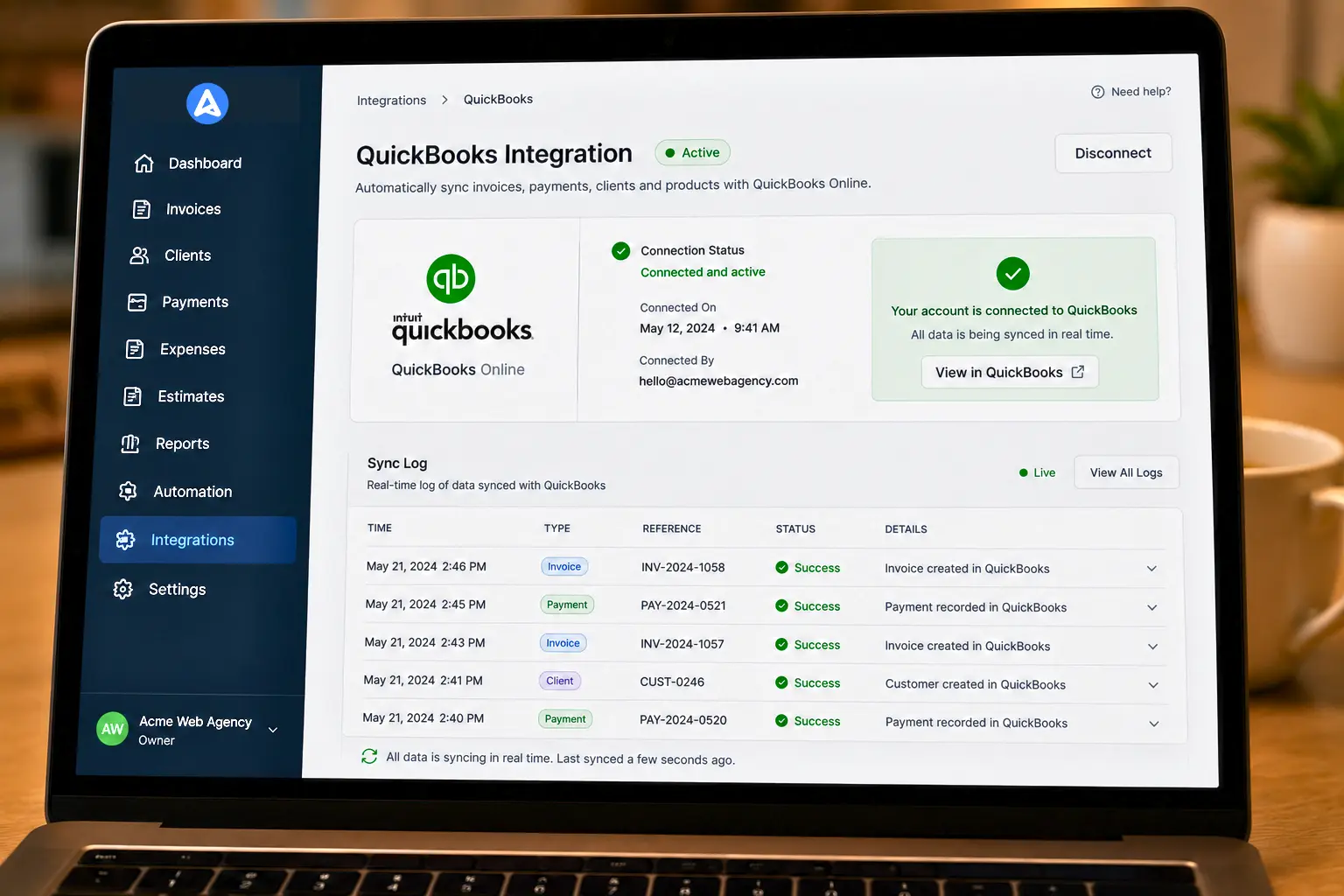
Why Integration Matters
Integration eliminates duplicate data entry and improves financial accuracy.
Common Integrations
Popular integrations include:
QuickBooks
Xero
FreshBooks
Wave
Integration ensures financial records remain synchronized across systems.
Mobile Accessibility

The Mobile-First Business Environment
Modern businesses need access to invoicing tools from anywhere.
Mobile Capabilities to Look For
Mobile invoice creation
Push notifications for payments
Mobile receipt capture
Secure mobile access
Mobile support enables faster billing and improved responsiveness.
Client Portal and Self-Service Features
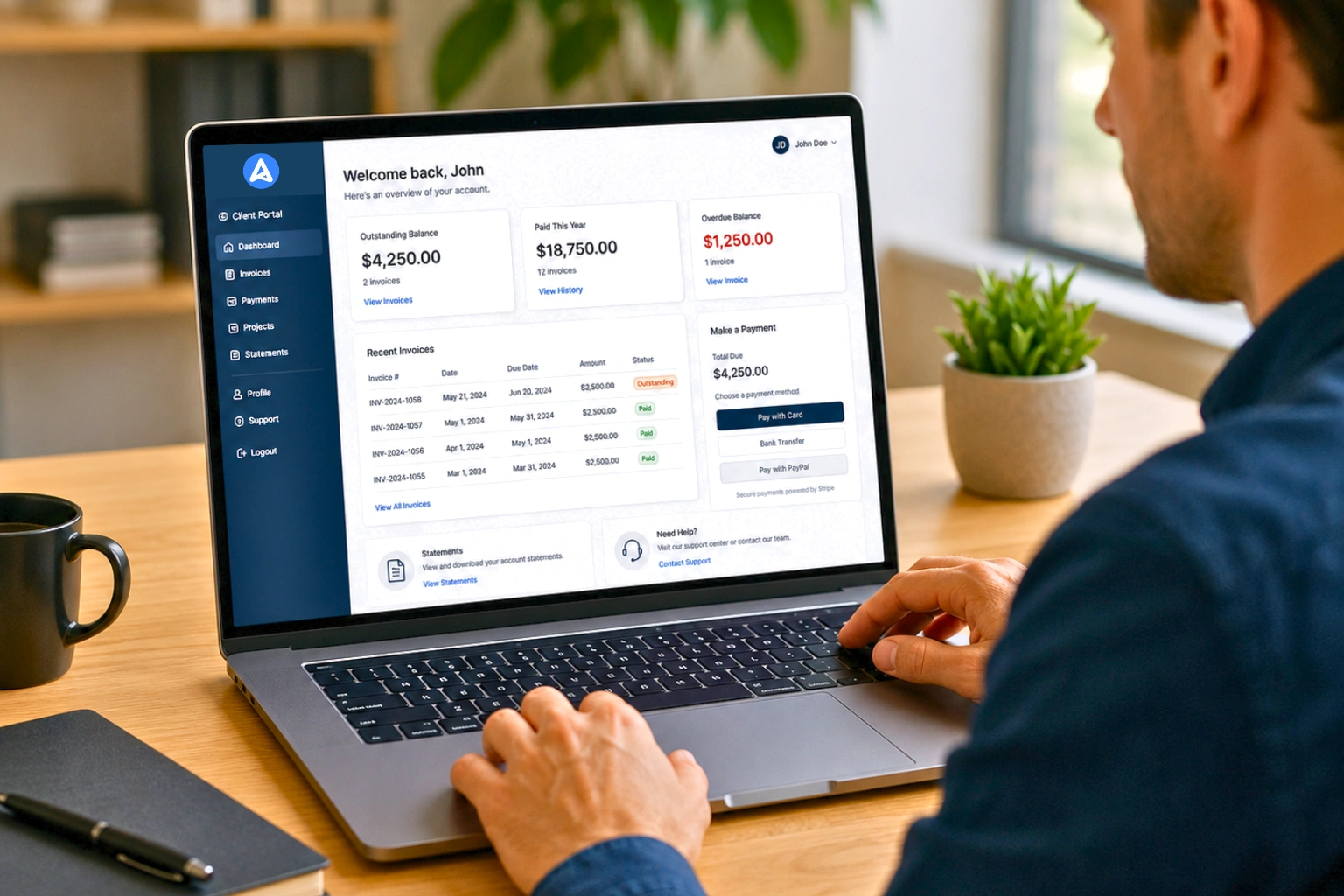
Client portals improve the billing experience for both businesses and clients.
Portal Features
Client portals should allow customers to:
View invoices
Download payment receipts
Track outstanding balances
Pay invoices online
These features reduce administrative workload and speed up payment cycles.
Time Tracking and Expense Management

For service-based businesses, time tracking integration improves billing accuracy.
Time Tracking Features
Important capabilities include:
Built in time tracking
Project-based billing
Automatic invoice creation from time entries
Expense Tracking
Expense management features allow businesses to:
Track billable expenses
Attach receipts
Add expenses to invoices automatically
These tools ensure accurate billing and profitability tracking.
Recurring Billing and Subscription Management
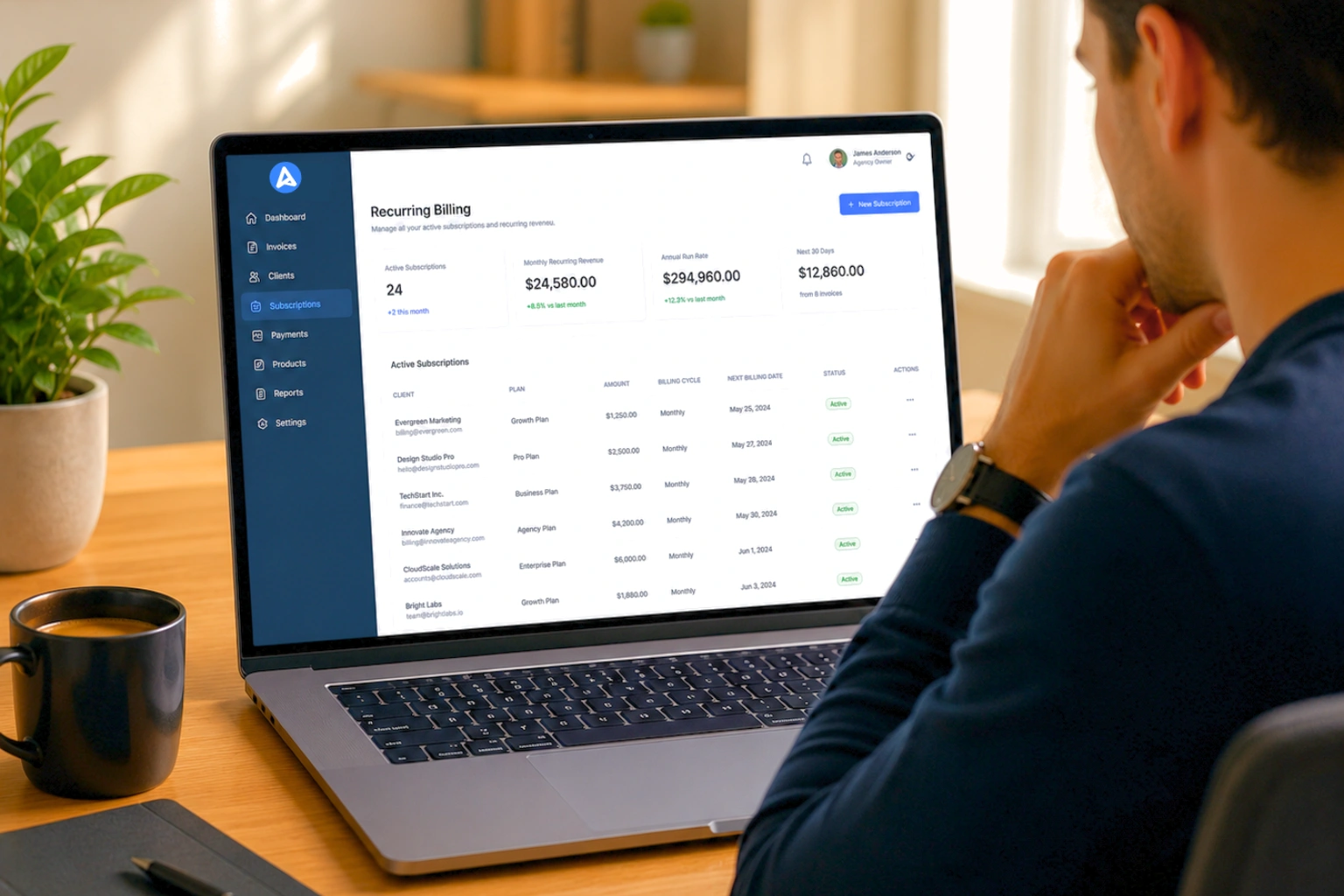
Recurring billing simplifies predictable revenue streams.
Recurring Billing Capabilities
Look for software that supports:
Flexible billing cycles
Automatic invoice generation
Subscription management
Auto-charge options
Recurring billing is essential for consultants, agencies, and SaaS businesses.
Estimates and Quotes Management
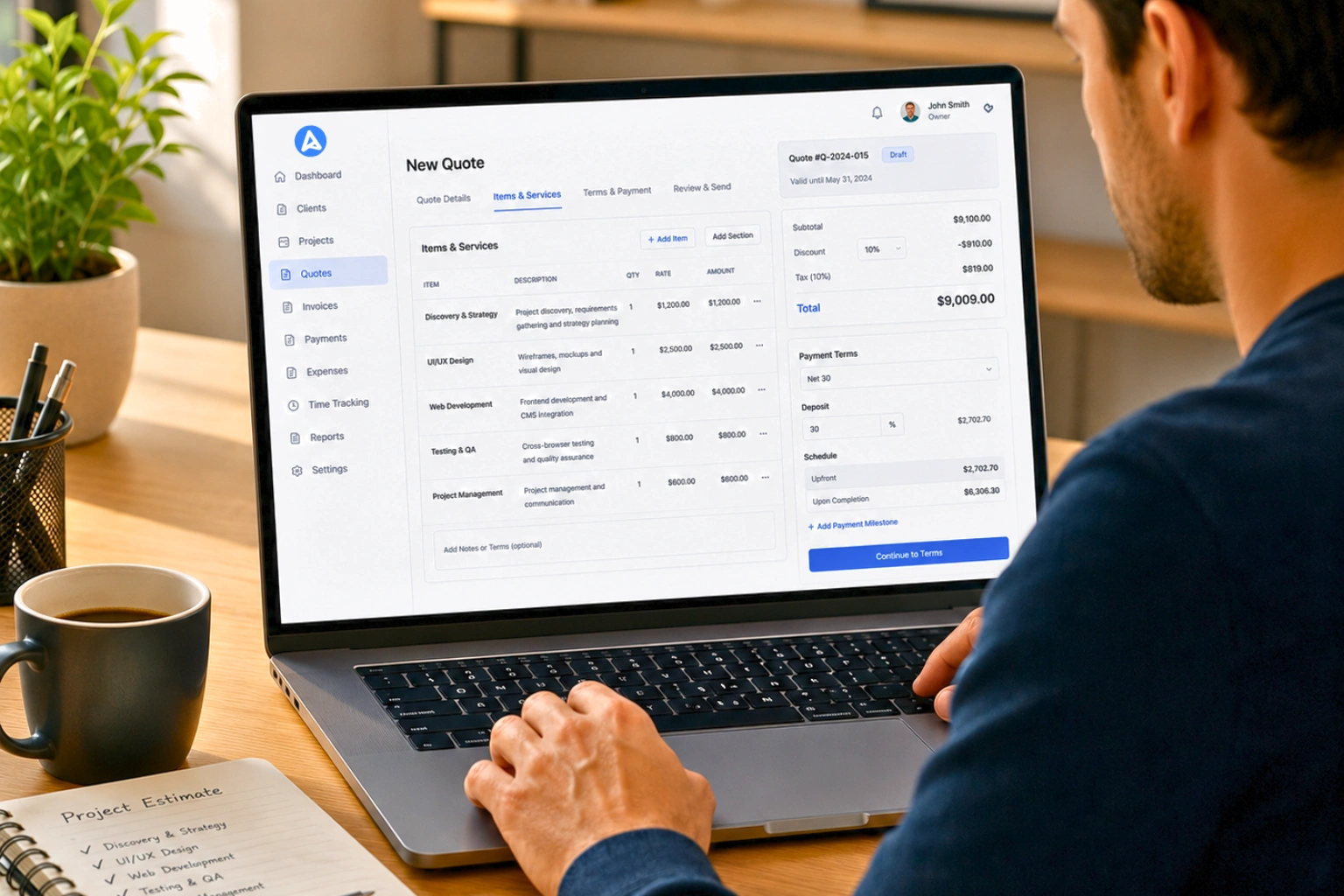
Estimates help convert prospects into paying clients.
Estimate Features
Effective invoicing systems allow businesses to:
Create professional estimates
Convert estimates into invoices
Track estimate approval status
This improves sales efficiency and client experience.
Multi-User Access and Permissions
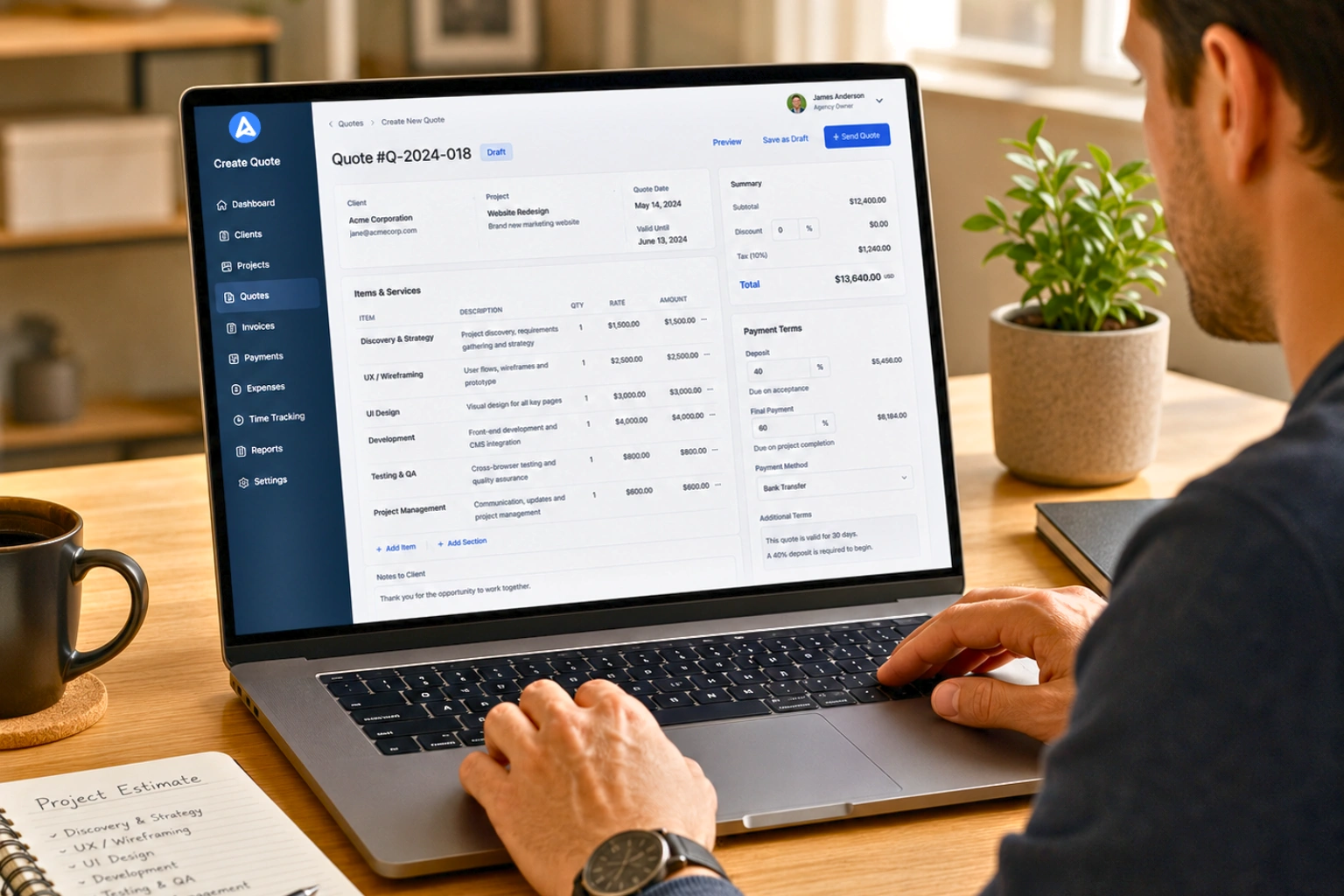
As businesses grow, multiple team members may need invoicing access.
User Management Features
Look for:
Role-based access control
Activity logs and audit trails
Custom user permissions
These features maintain security while enabling team collaboration.
Late Fee and Interest Calculation
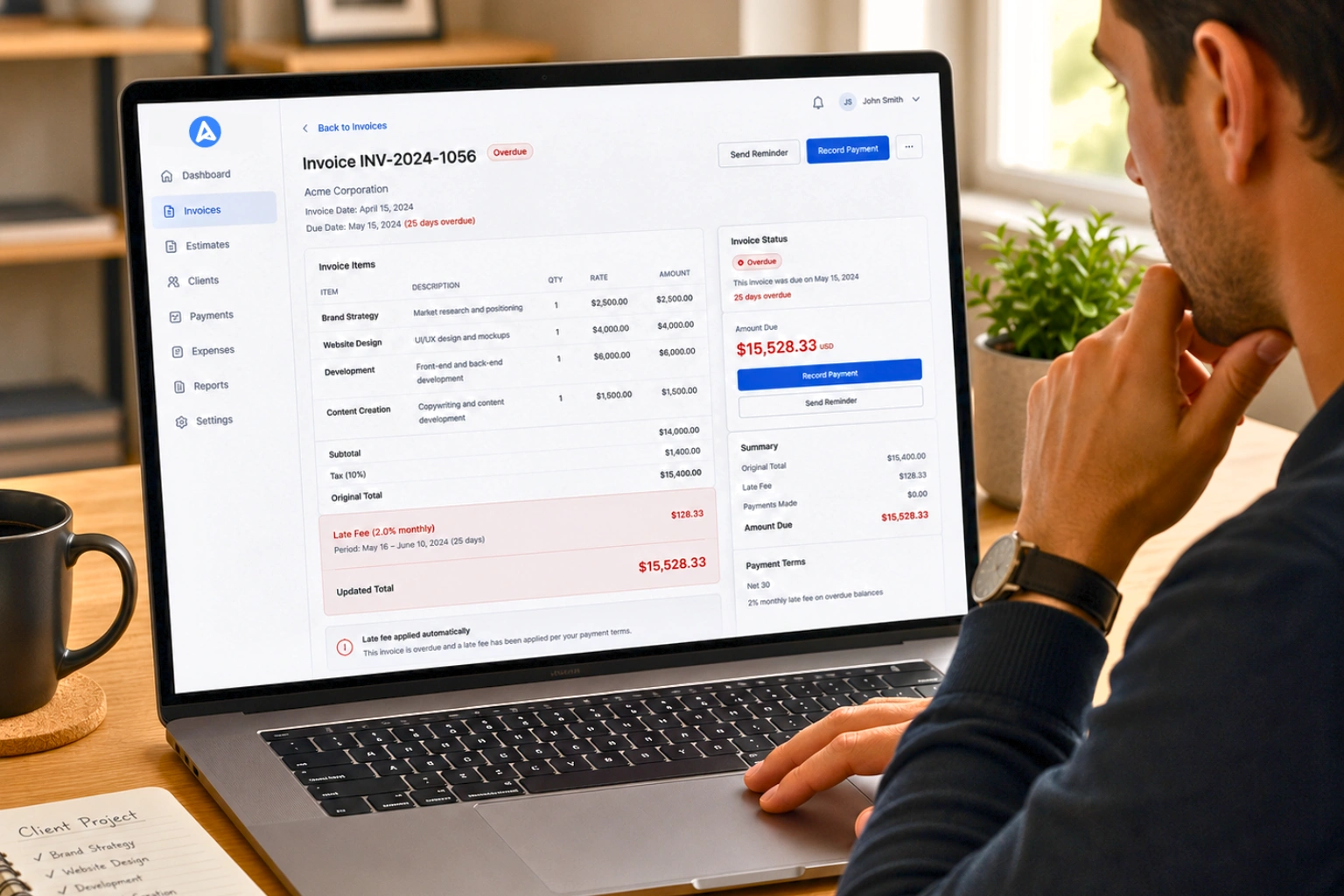
Late fees encourage timely payment.
Automation Capabilities
Invoicing systems should support:
Automatic late fee calculation
Customizable fee structures
Grace period settings
Automation ensures consistent enforcement of payment policies.
Tax Management and Compliance
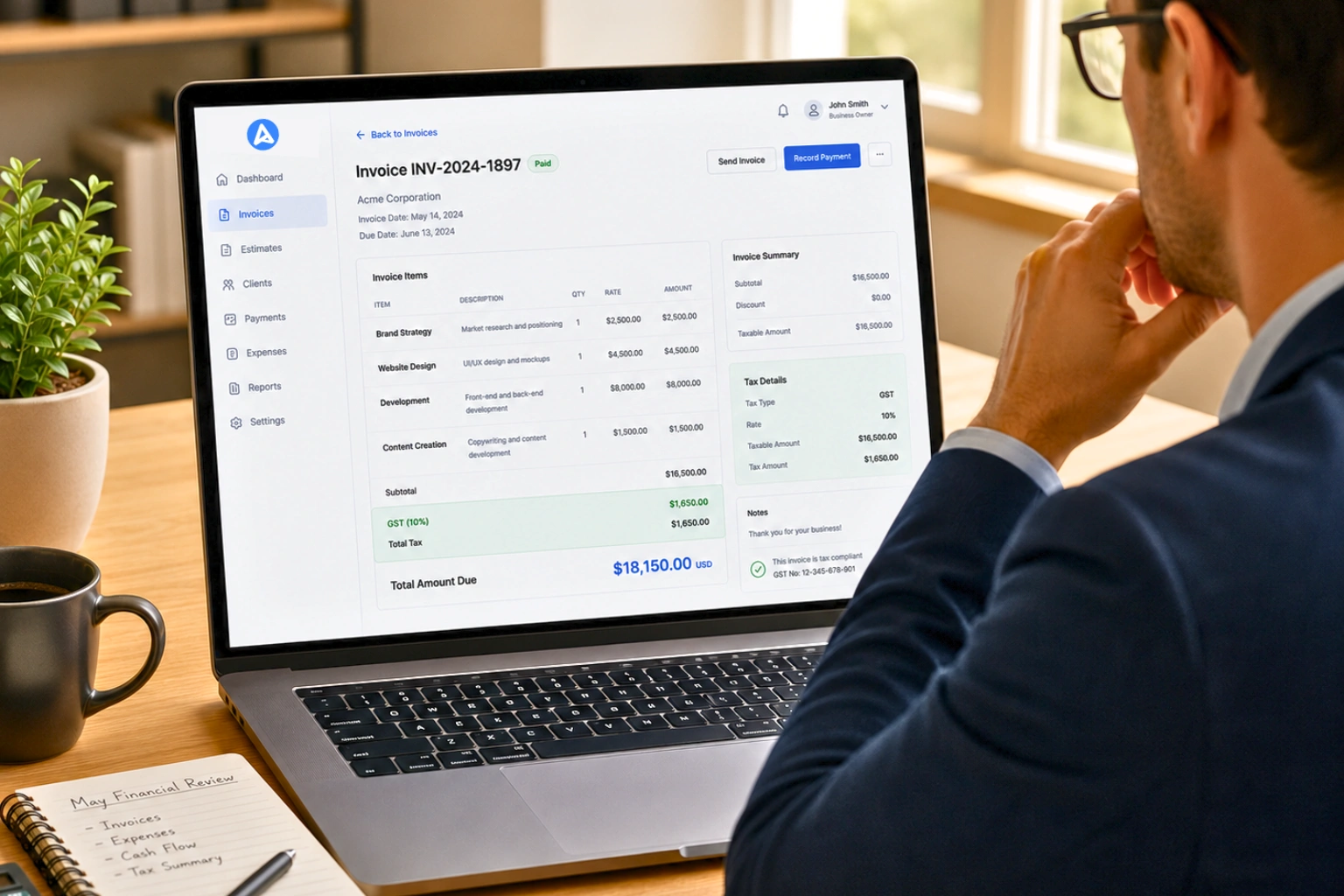
Tax calculations can become complex across regions and industries.
Tax Features
Invoice management software should support:
Automatic tax calculations
Multiple tax rates
VAT and GST compliance
Tax reporting tools
These features simplify financial compliance.
Security and Data Protection
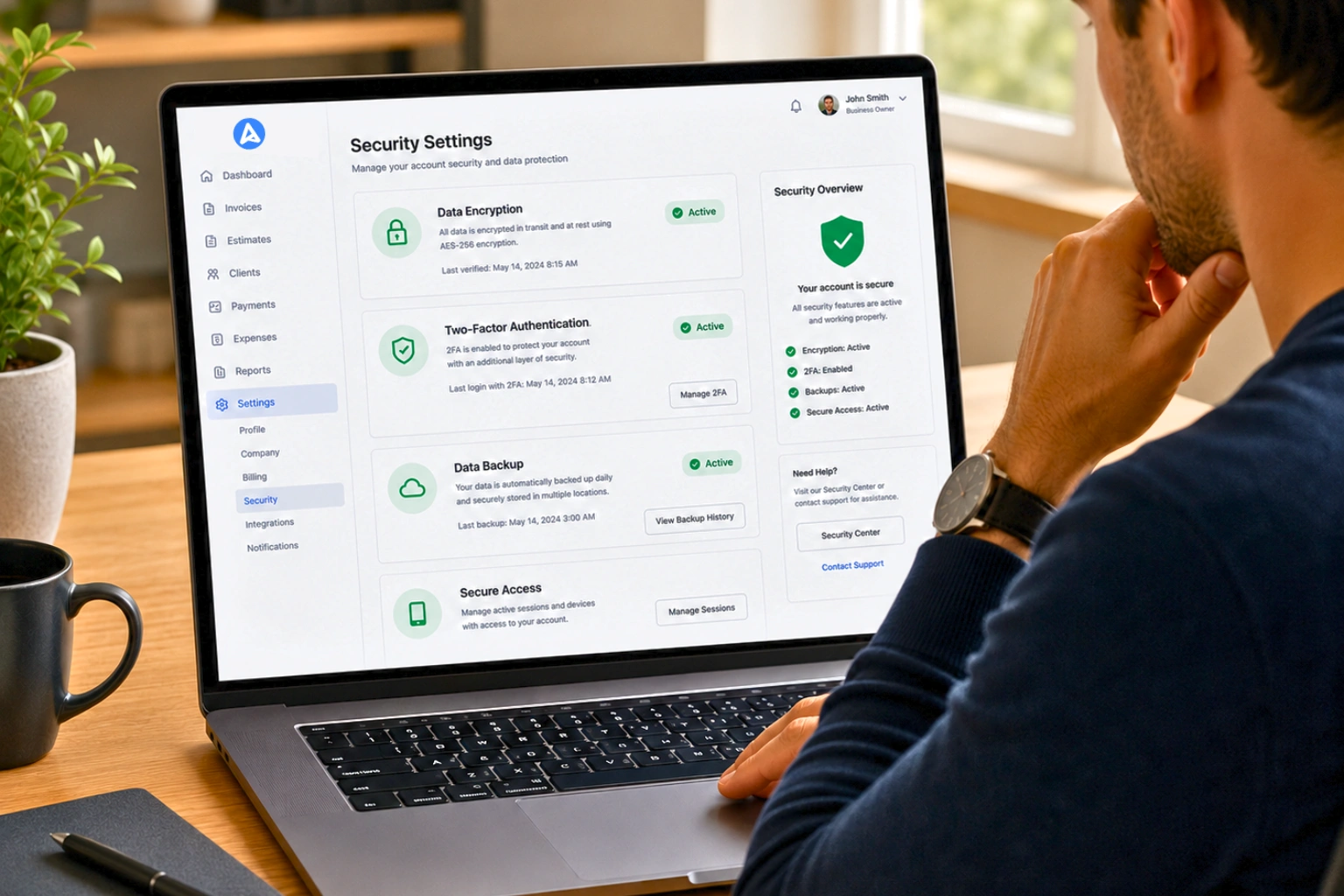
Financial data security is critical.
Essential Security Features
Look for:
Data encryption
Secure payment processing
Two-factor authentication
Regular system backups
Reliable security protects sensitive financial information.
Advanced Features Nice to Have
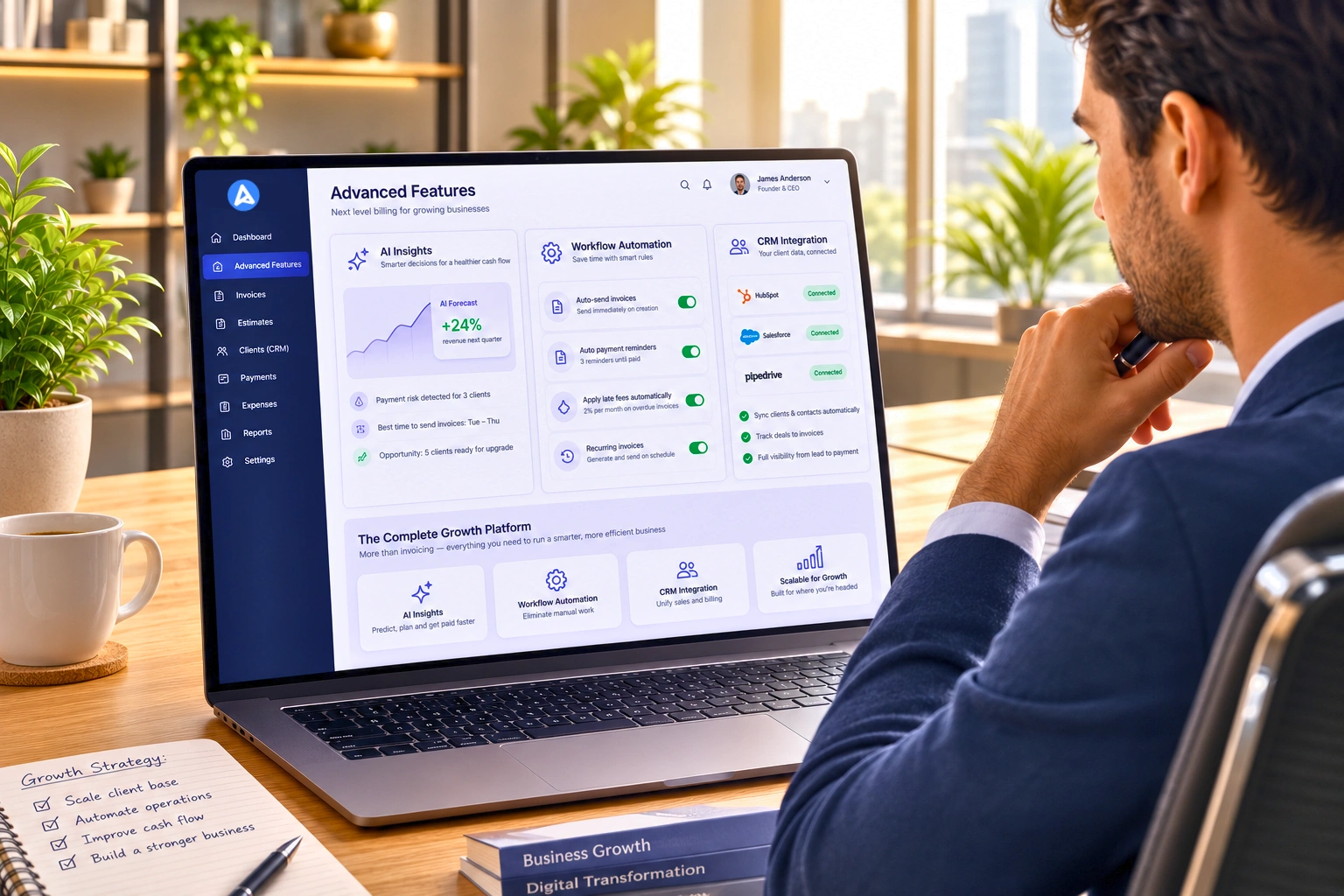
Beyond core capabilities, some advanced features provide additional value.
Examples include:
AI-driven payment predictions
Workflow automation rules
CRM integrations
Multi-currency support
These features are particularly valuable for larger or rapidly growing businesses.
How to Evaluate Invoice Management Software
Create a Requirements Checklist
Before choosing software, identify:
Must have features
Budget limitations
Integration needs
Scalability requirements
Questions to Ask Vendors
Consider asking:
What integrations are supported
How secure is the platform
What support options are available
Testing multiple tools through free trials helps ensure the right fit.
Pricing Models for Invoice Management Software
Pricing structures vary depending on features and scale.
Common models include:
Freemium plans for freelancers
Subscription plans for small businesses
Enterprise pricing for large organizations
Small businesses typically spend between $15 and $50 per month for professional invoicing software.
Implementation Best Practices
To successfully adopt invoice management software:
Audit your current invoicing process
Import client and billing data
Customize invoice templates
Configure payment integrations
Train your team
Proper setup ensures long-term success.
Common Mistakes to Avoid
When selecting invoicing software, avoid these mistakes:
Choosing software based only on price
Ignoring integration requirements
Selecting tools that cannot scale
Failing to test the software thoroughly
Selecting the right platform requires careful evaluation.
Future Trends in Invoice Management Software
Invoice management continues to evolve through technology innovation.
Emerging trends include:
AI-powered financial analytics
Automated payment predictions
Open banking integration
Voice-enabled invoicing
These innovations will continue improving financial automation for businesses.
Conclusion
Invoice management software has become essential for modern businesses. The right system streamlines billing, reduces administrative work, improves payment collection, and provides valuable financial insights.
Key features such as automation, payment integrations, reporting dashboards, and recurring billing capabilities are critical when evaluating invoicing tools. Businesses should focus on platforms that align with their operational needs while providing scalability for future growth.
Investing in the right invoicing software is not just a technology decision. It is a strategic move that improves cash flow, operational efficiency, and customer experience.
Frequently Asked Questions
Invoice management software is a digital tool that automates the creation, delivery, tracking, and payment processing of invoices for businesses.
Important features include automated invoicing, customizable templates, payment integrations, reporting dashboards, and accounting software integration.
Most small businesses spend between $15 and $50 per month depending on features and scale.
Yes, most modern invoicing platforms integrate with accounting systems such as QuickBooks and Xero.
Yes. Even freelancers benefit from automated invoicing, faster payments, and professional invoice templates.
Reputable platforms use encrypted data storage, secure payment gateways, and advanced authentication methods to protect financial information.
Yes. Most platforms support recurring billing for retainers, subscriptions, and ongoing services.
Good invoicing systems support credit cards, bank transfers, digital wallets, and international payment options.
Identify essential features, evaluate integrations, test free trials, and select a platform that supports your business growth.

Olivia Bennett
Content Writer @ Alfaa
Olivia is a content writer at Alfaa who specializes in invoicing, small business, and productivity topics. She enjoys simplifying complex ideas into clear, practical insights that help business owners save time, get paid faster, and stay organized.