How to Send an Invoice: A Complete Guide
By ALFAA Team
Stay in the loop
Get finance tips delivered to your inbox.
Sending an invoice sounds like the easy part. You've done the work, you've built the document, all that's left is getting it in front of the client. But this is also the step where most payment delays actually start, not because the invoice was wrong, but because it went to the wrong inbox, landed in spam, hit a client's vendor portal instead of their email, or left the sender unsure when the payment clock even started.
This guide covers the practical mechanics: which method to use, how to send through each one correctly, and the situations most guides skip entirely: what to do when a client won't accept email at all, how to fix an invoice you've already sent, and how sending changes when your client is on the other side of the world.
For the legal side of invoicing internationally, including what a compliant invoice needs to include by country, see Alfaa's guide to invoicing an international client without a local bank account. This guide focuses on getting the invoice delivered and paid.
The Four Ways to Send an Invoice
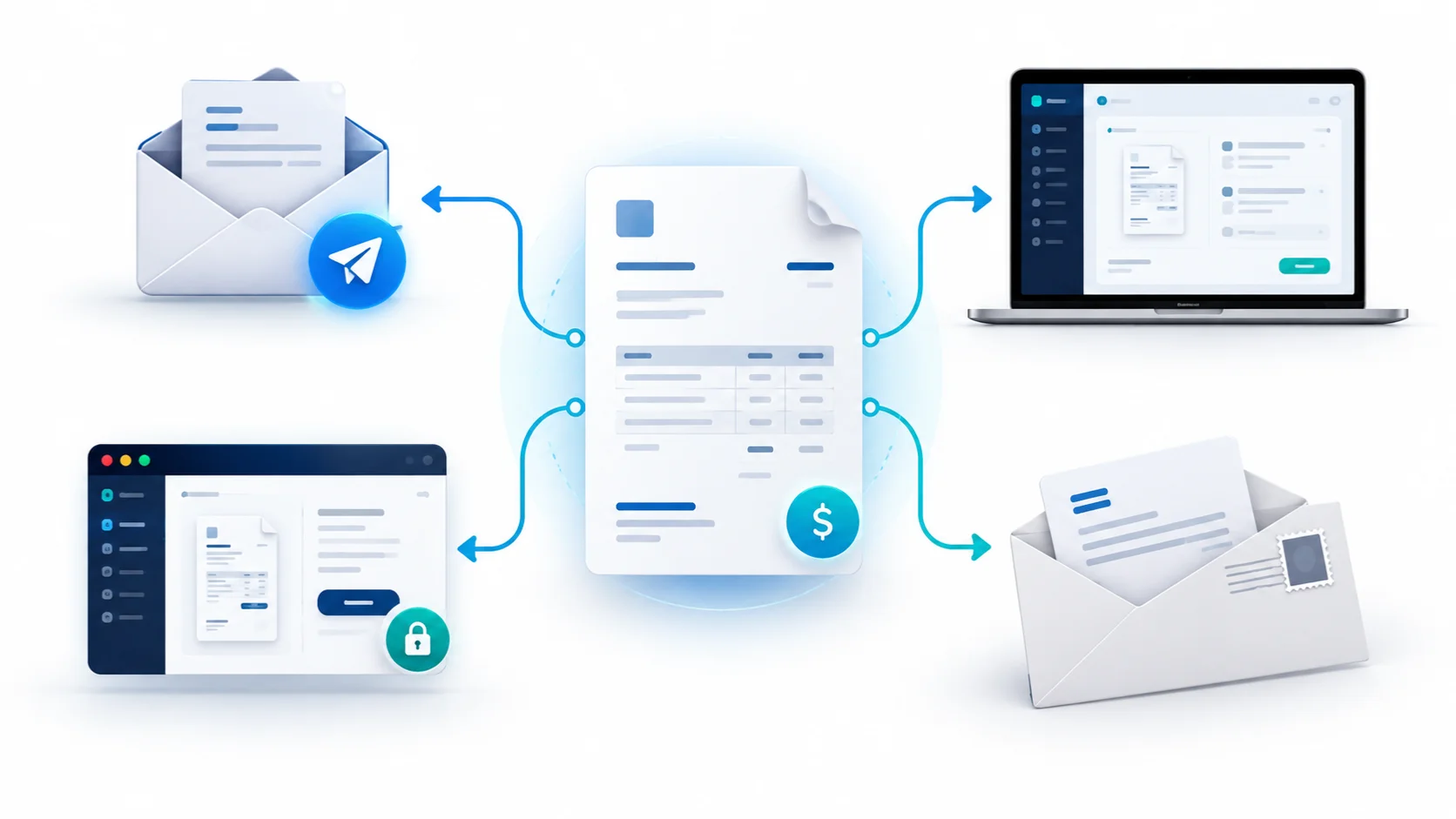
Most guides list three: email, invoicing software, and mail. There's a fourth that's increasingly common and rarely covered: the client vendor portal.
Method
Email
Invoicing software
Client vendor portal
Mail
Speed
Instant
Instant, with tracking
Varies, client-controlled
2-7 days
Best For
Most freelancers, small businesses, and one-off clients
Anyone billing more than a handful of invoices a month
Larger clients with formal accounts payable processes
Clients who specifically request paper, or legacy industries
Email remains the default for most service businesses. Save the invoice as a PDF, never as an editable Word or Excel file, attach it to a clear, short email, and send it to the client's confirmed billing contact.
A subject line that includes the invoice number and due date gets processed faster than a vague one, something like "Invoice #1042 — [Your Business] — Due [Date]" gives an accounts payable person everything they need without opening the email.
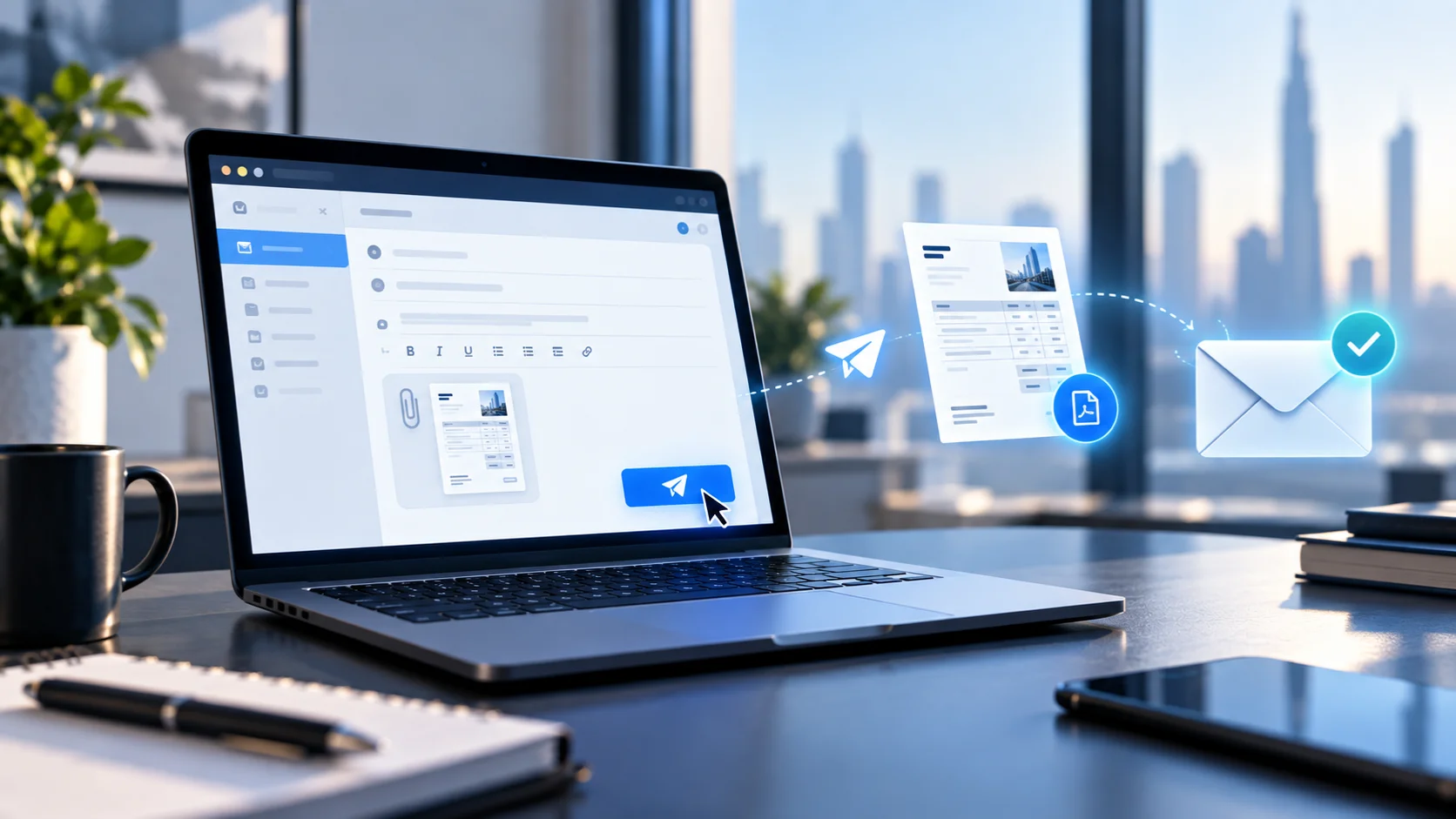
The body of the email matters almost as much as the subject line. Keep it short enough to read in the preview pane, restate the essentials the client would otherwise have to open the PDF to find, and make the ask unambiguous. A few templates for the situations that come up most:
First invoice to a new client
Subject: Invoice #1042 — [Your Business] — Due [Date]
Hi [Name],
Attached is invoice #1042 for [project/service], totaling [amount], due [date]. Let me know if anything needs adjusting or if you'd like it routed differently on your end.
Thanks, [Your name]
Recurring or retainer invoice
Subject: Invoice #1043 — [Your Business] — [Month] Retainer — Due [Date]
Hi [Name],
Here's this month's retainer invoice, attached as usual. No changes from last month unless noted below. [Optional: note any scope or rate change here.]
Thanks, [Your name]
Invoice with a discount or credit applied
Subject: Invoice #1044 — [Your Business] — Due [Date]
Hi [Name],
Attached is invoice #1044, which reflects the [X% or amount] discount we discussed for [reason]. The adjusted total is [amount], due [date]. Let me know if you have any questions on the breakdown.
Thanks, [Your name]
Naming the attached file the same way you'd want a client to find it later helps too: something like Invoice_1042_YourBusiness.pdf rather than invoice final v2.pdf. It looks more professional on receipt, and it's the difference between a client finding it in three seconds during their own reconciliation and having to open every attachment in the thread to check.
Invoicing Software
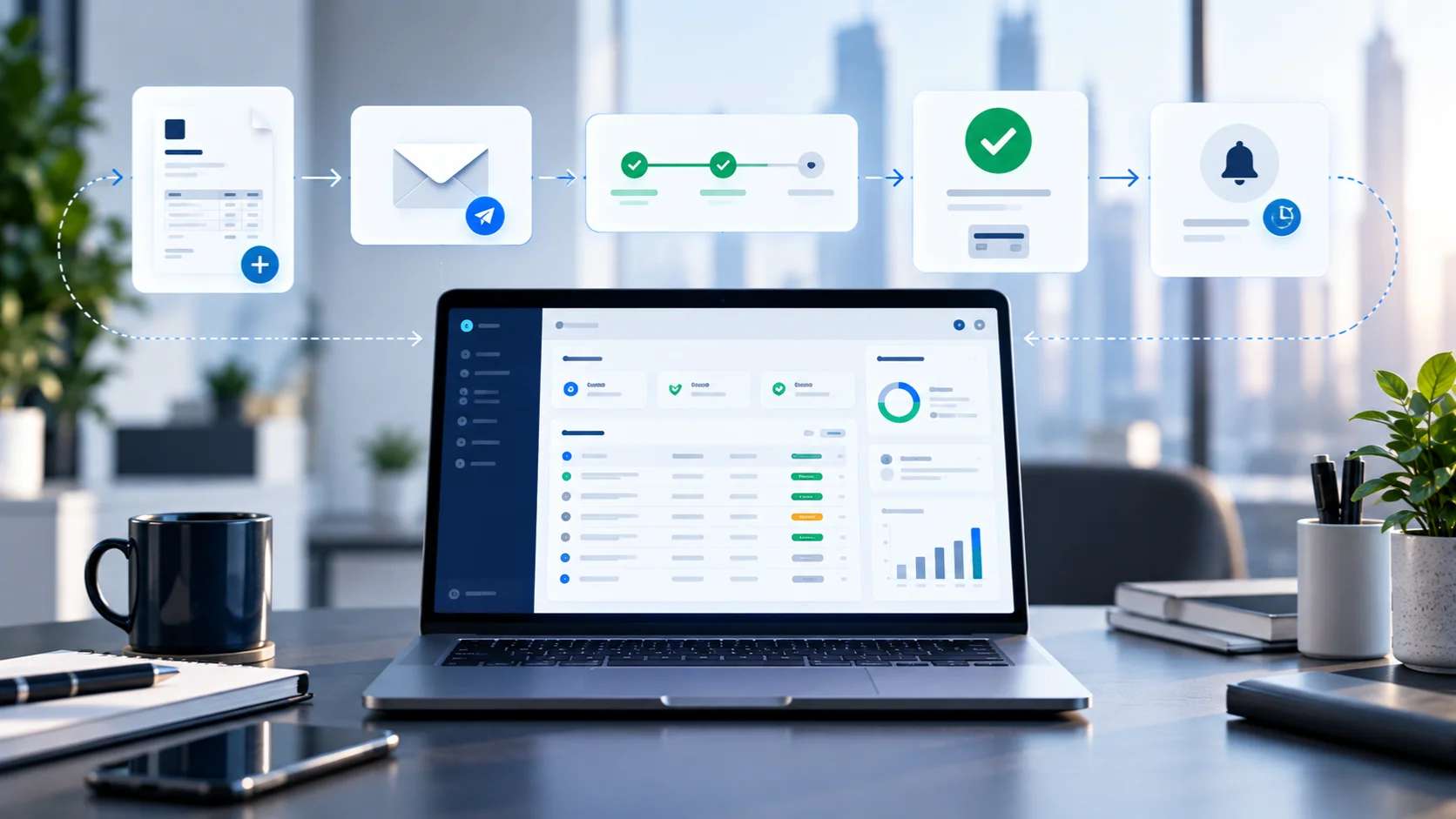
Sending through invoicing software generates the PDF, delivers it, and tracks whether the client has opened or paid it, all from one place, including from your phone if you're between meetings rather than at a desk. Alfaa sends invoices from your own Gmail, Google Workspace, or custom domain rather than a generic system address, which matters for two reasons covered in more detail below: clients recognize the sender, and it improves the odds the invoice doesn't get filtered as spam.
Client Vendor Portals
If you're a consultant or agency working with a mid-sized or larger client, don't assume email will work. Many companies route all vendor invoices through a portal, Coupa, SAP Ariba, Bill.com, Tipalti, and similar platforms are common and won't accept an emailed PDF as a substitute. Skipping this step is one of the most common reasons a first invoice to a new, larger client goes unpaid for weeks: not because the client is slow, but because the invoice never entered their actual payment workflow.
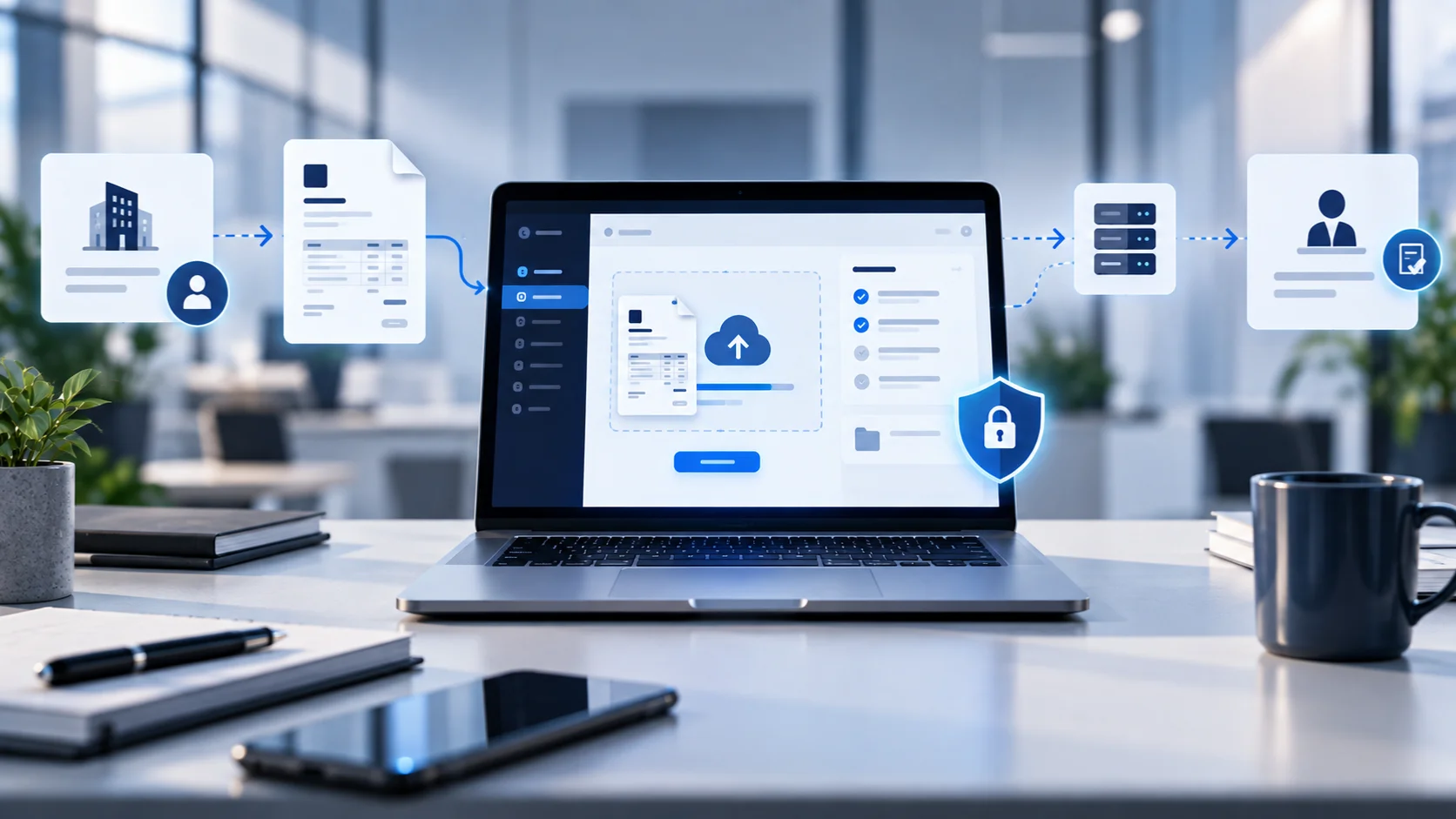
Ask new clients directly, before the first invoice: "Do you use a vendor portal, or should I email this directly?" If a portal is required, you'll typically need to register as a vendor first, which can take several days, factor that into your first invoice's timeline. Once registered, most portals ask you to either upload the same PDF you'd otherwise email, or re-enter the line items directly into their system.
Mail is now the exception rather than the rule. Use it only when a client specifically requests a printed invoice or in industries like government contracting and law where paper is still standard. Add several days to your payment terms if you're mailing, since the due-date clock in most jurisdictions doesn't start until the client actually receives it.
Deliverability: Why Invoice Emails Get Lost
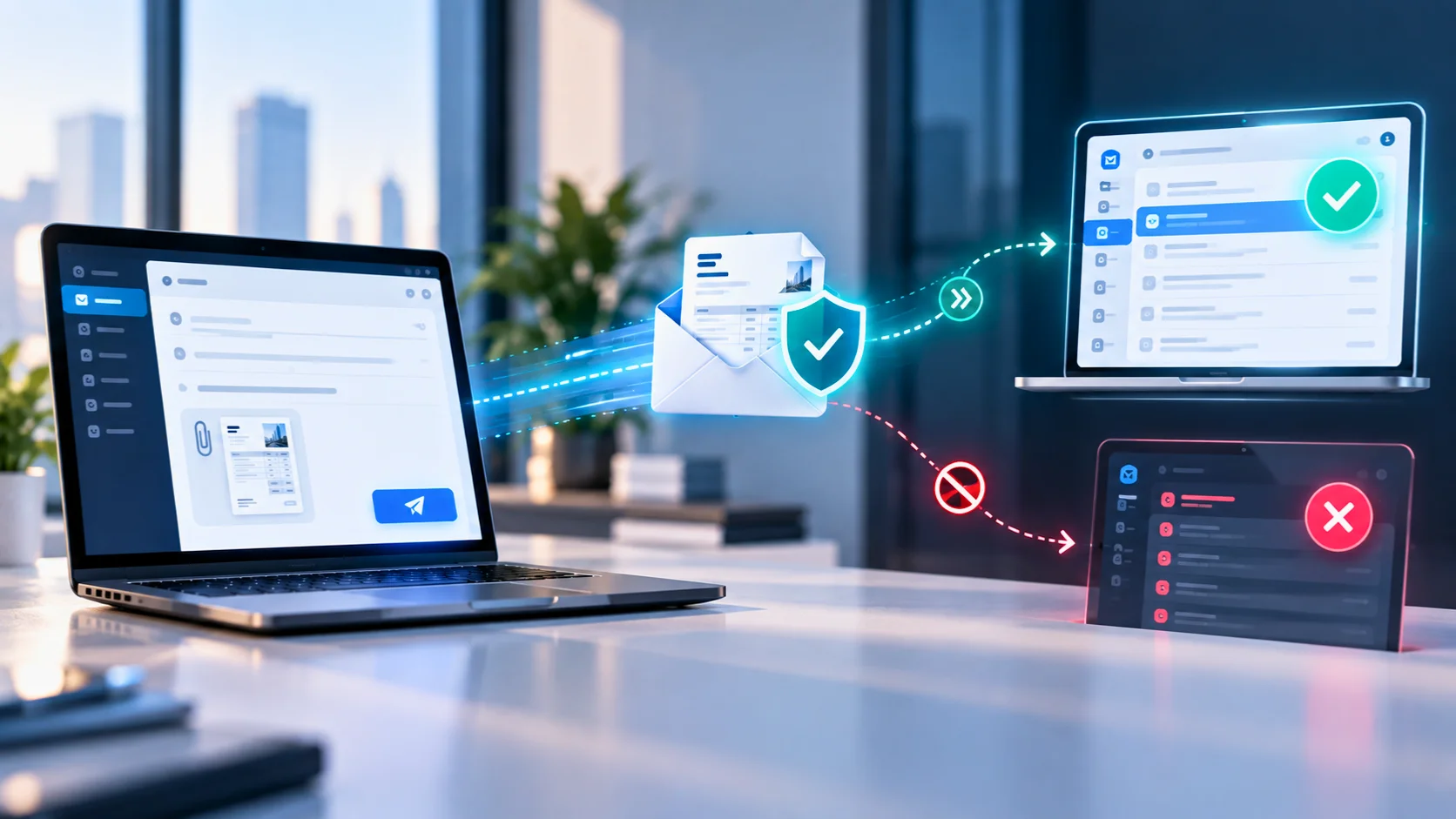
An invoice that's correctly written and correctly addressed can still fail to get paid if it never reaches the client's inbox. A few practical steps reduce that risk:
Send from a domain the client recognizes, not a generic invoicing-tool address. Invoices from an unfamiliar sender address are more likely to be filtered or ignored.
Avoid spam-trigger language in the subject line. Words like "urgent," "act now," or excessive punctuation increase the odds of a spam-folder landing, even for a completely legitimate invoice. A clean, professional invoice also gives a client less reason to hesitate before opening it.
Confirm the billing contact directly rather than guessing at an email format. A misdirected invoice doesn't bounce, it just sits unread in the wrong inbox indefinitely.
If you don't hear back within a few days, don't assume it was ignored. Check with the client that it arrived before sending a payment reminder. This also protects the relationship, since a "Did this reach you?" message reads very differently than a "You haven't paid" message would.
How Many Reminders, and How Soon
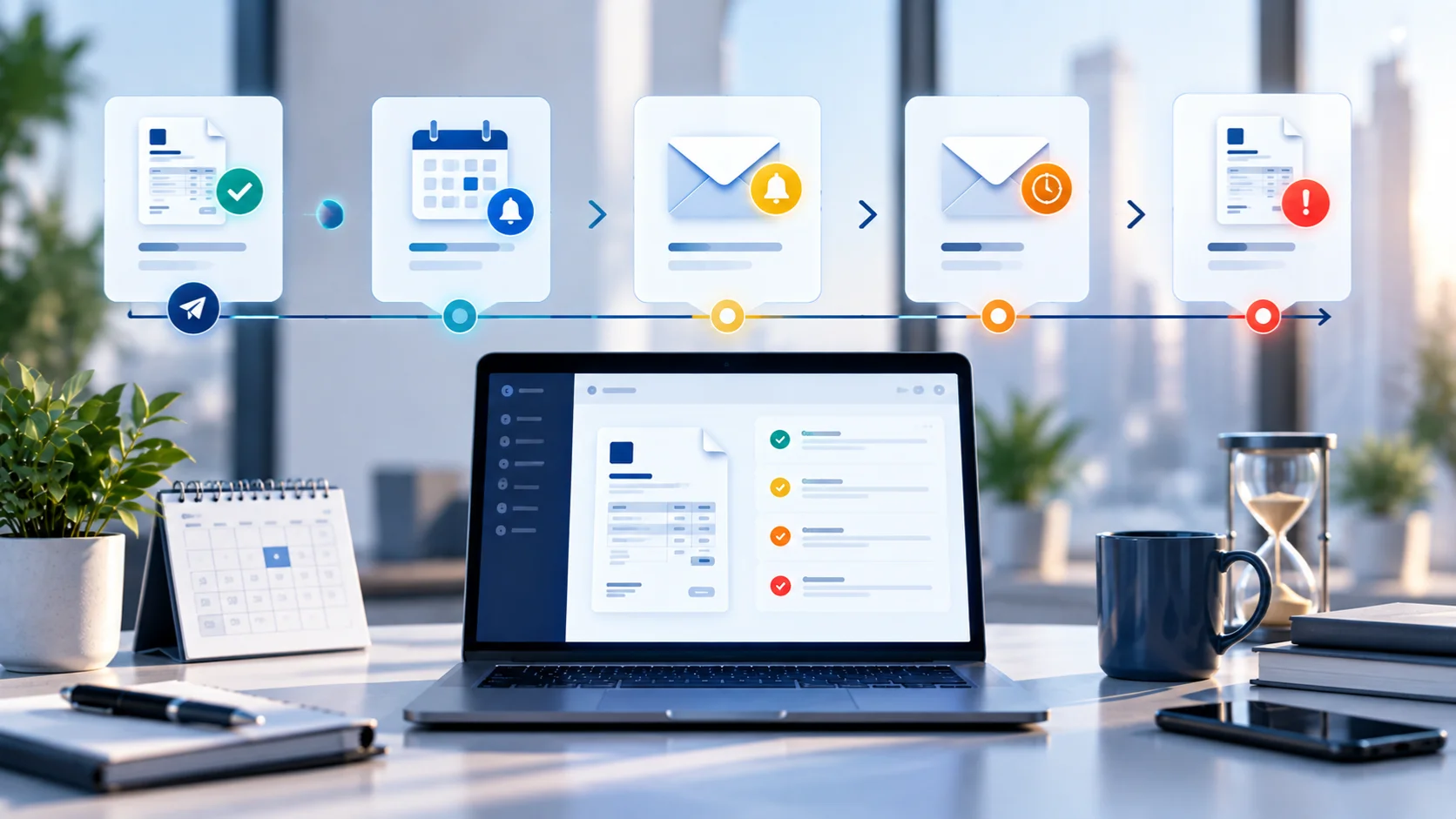
"Send a reminder if it's late" isn't a cadence, and guessing wrong in either direction costs you: too few reminders and a late payment quietly becomes a very late one, too many and the relationship takes the hit instead. Alfaa's breakdown of why clients pay late covers the underlying reasons in more depth; most of it comes down to a missing system rather than a difficult client. A cadence that works for most service relationships:
Day of due date, if unpaid: A brief, neutral nudge: "Just confirming invoice #1042 is still on track, let me know if anything's holding it up." Assume the best; most late payments at this stage are process delays, not refusal.
7 days overdue: A slightly firmer follow-up that restates the amount and due date and asks directly whether payment has been scheduled.
14 to 21 days overdue: Reference the original invoice number and date explicitly, note how many days overdue it now is, and mention any late fee your terms specify. Alfaa's guide to invoice types covers how a late fee should actually be applied and documented if your terms include one.
Beyond 30 days: This is the point to move the conversation off email, a call, or involving whoever manages the client relationship if that's not you, rather than sending a fourth written reminder that's easy to keep ignoring.
Automating the first two stages (most invoicing software, Alfaa included, can trigger these on schedule) keeps the early nudges consistent without you having to track due dates manually. The later stages are worth sending personally.
Who to CC and BCC
For a small client or freelance relationship, this rarely matters. For a larger client, it does:
CC the accounts-payable inbox in addition to your main point of contact, if the client has given you one, so the invoice enters their processing pipeline immediately rather than waiting for the contact to forward it.
BCC yourself, or a dedicated accounting inbox, so every sent invoice lands automatically in your own records without a separate filing step. Alfaa's client management tools do this automatically, keeping every invoice tied to the client record it belongs to instead of scattered across email threads.
Protecting Sensitive Details on an Emailed Invoice
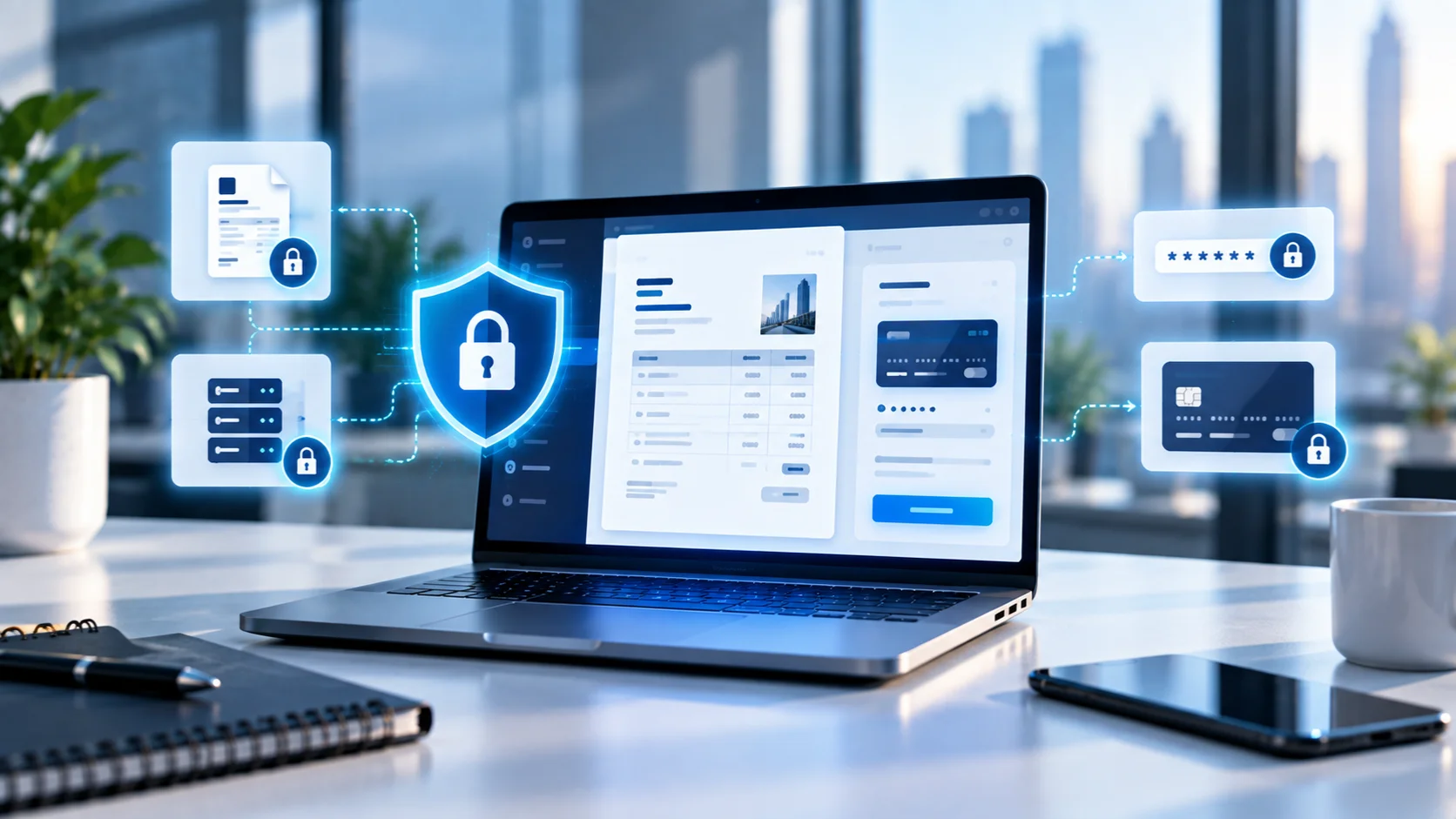
Invoices routinely carry bank account numbers, and email is not a secure channel by default. A few precautions matter more as the invoice value goes up:
Consider showing only partial account details (last four digits) with full details sent separately through a more secure channel for high-value invoices, if your bank and accounting setup allow it.
Password-protect the PDF for sensitive invoices, and send the password through a separate channel (text message, not the same email).
Be alert to invoice fraud targeting the sending side too. A common scam involves an attacker intercepting an email thread and asking the client to redirect payment to a different bank account. Confirm any last-minute change of payment details by phone, not by email reply.
Invoicing Software vs. Accounting Software as a Send Channel
These get treated as the same thing, but they're not identical. A dedicated invoicing tool is built around the invoice itself: templates, line items, sending, tracking, and reminders. Accounting software (QuickBooks, Xero, and similar) is built around your books, with invoicing as one function among many, and sending an invoice from it usually also creates the corresponding entry in your ledger automatically. Alfaa's rundown of the best invoicing software options for small businesses goes deeper into that trade-off.
Neither is strictly better. If your priority is fast, professional-looking invoices with tracking and reminders, a dedicated tool like Alfaa is built for that specifically. If your priority is a single system of record for both invoicing and bookkeeping, sending from accounting software avoids a reconciliation step later. Many small businesses end up using a dedicated tool for sending and syncing the results into accounting software rather than replacing one with the other.
Batch Sending for Agencies and Retainer Clients
If you're managing recurring billing across ten, twenty, or more clients, sending invoices one at a time isn't sustainable, and none of the standard invoicing guides address this directly. Virtual assistants and agencies running a mix of retainer and hourly clients tend to hit this wall earliest.
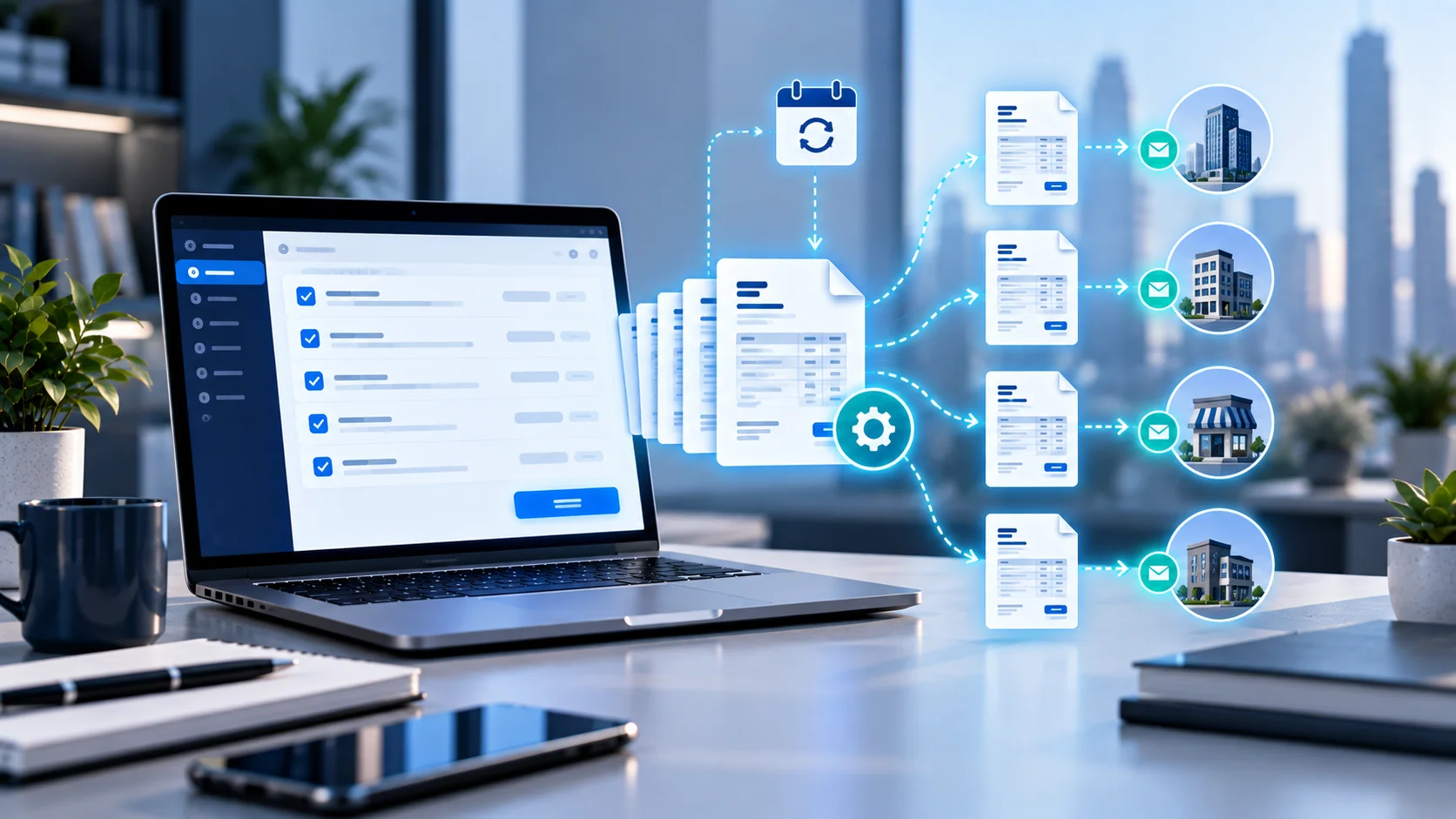
A few practices make batch sending manageable:
Set a fixed send date for all retainer invoices (the 1st of the month, for example) rather than sending as each client happens to come to mind. Consistency reduces client confusion and makes your own cash flow more predictable.
Use recurring invoice automation rather than manually rebuilding the same invoice each cycle. Alfaa's recurring billing generates and sends retainer invoices automatically on your schedule.
Review before the batch goes out, not after. A single wrong rate applied across fifteen client invoices is a much bigger cleanup problem than catching it before sending.
Keeping Invoice Numbers Consistent Across Tools and Clients
Numbering gaps and duplicates usually show up when a business switches invoicing tools mid-year, runs a side project through a different system than the main business, or has more than one person issuing invoices. None of that is a problem on its own, but a client's AP system, or your own accountant, will flag a skipped or repeated number during reconciliation, and explaining a gap after the fact is more work than avoiding it.
A few practices prevent this:
Pick one numbering scheme and stick to it even if you change software. Most invoicing tools let you set a starting number, so a switch doesn't have to mean starting back at 1 or duplicating a number you've already used elsewhere.
If you run invoices through more than one system (a main business tool plus a separate one for a side client, for example), prefix numbers by system or client type, something like A-1042 versus B-1042, so there's never a true collision even if both systems reset independently. [CONFIRM this doesn't conflict with any sequential-numbering requirement in the client's or your own jurisdiction before adopting it]
If a number does get skipped or voided, don't quietly reuse it. Note it as void in your own records so an auditor or accountant sees a documented gap rather than an unexplained one.
When Does the Payment Clock Actually Start?
This matters more than it sounds like it should, especially across borders. "Net 30" is straightforward when you and the client are in the same time zone and the invoice arrives the moment you hit send.
It gets murkier when:
You're sending late at night your time, which may already be the next business day for the client.
The client's internal process only starts their clock when the invoice is formally logged into their AP system, not when it hits an inbox.
The invoice was mailed, where most jurisdictions treat the due-date clock as starting on delivery, not the postmark date.
The practical fix: state the due date as a fixed date on the invoice itself ("Due June 15, 2026") rather than a relative term like "Net 30", so there's no ambiguity about which clock started when. Alfaa's invoice terminology glossary covers how due dates and payment terms are typically phrased if you want the exact wording.
Sending Invoices to International Clients: Language
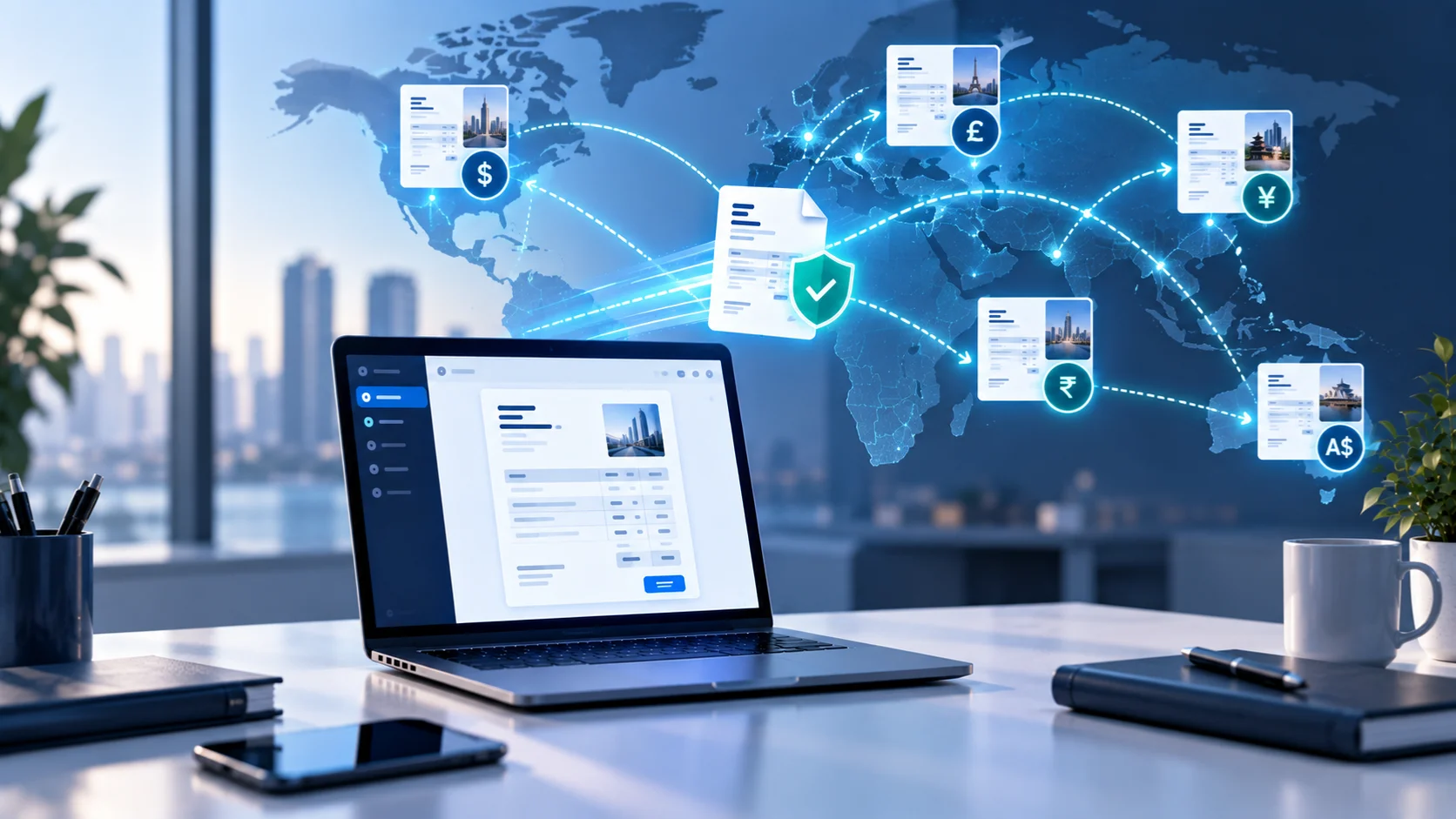
If you're billing a client in another country, consider whether the invoice should go out in their language, yours, or both. There's no universal rule, but a few patterns hold:
For clients in countries with local-language legal requirements (several Middle Eastern and Latin American markets require bilingual or local-language invoices, see Alfaa's multi-currency invoicing guide for the VAT and formatting rules that vary by country), match the requirement regardless of what's convenient for you.
For everyday B2B service invoicing without a legal mandate, a bilingual invoice (both languages side by side) reduces the odds of confusion in the client's own AP process without requiring you to maintain two separate versions. The same instinct applies to explaining a billing decision to an international client generally: a short, direct explanation lands better than a silent policy change.
Keep line-item descriptions simple and specific either way. Highly idiomatic descriptions of your work translate poorly and can create confusion regardless of which language the invoice is in.
I Sent the Wrong Invoice. Now what?
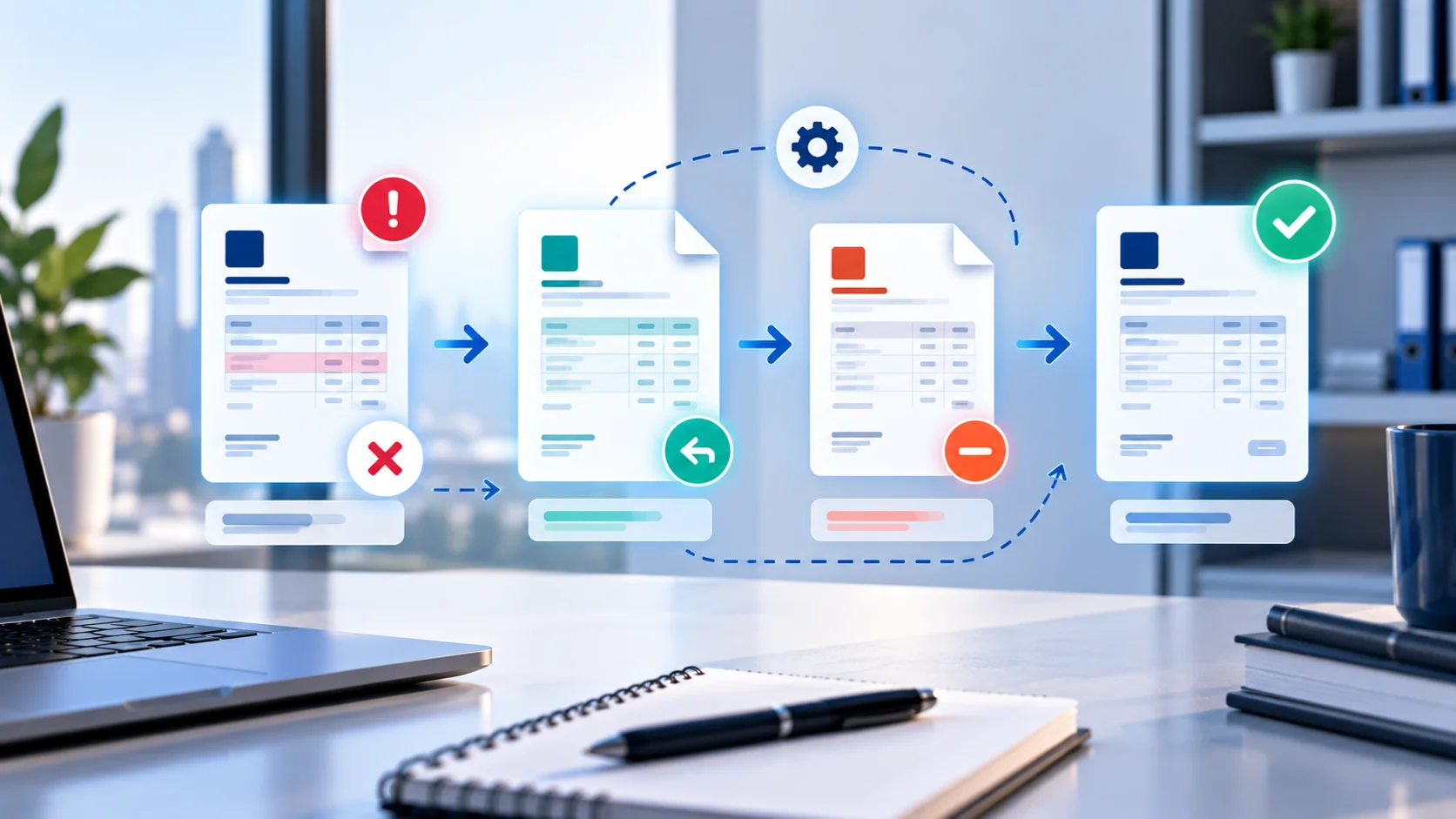
This comes up more often than any invoicing guide admits, and almost none of them cover it. The right fix depends on what's wrong and whether the client has already seen it:
Wrong amount or line item, caught immediately, before the client has looked at it: void the original in your invoicing software and resend a corrected version with a note that the prior one should be disregarded.
Client has already seen or processed it: don't just resend a "corrected" version with the same invoice number, this creates a duplicate in their AP system. Issue a credit note for the original invoice, then send a new, correctly numbered invoice for the right amount. This keeps both your records and the client's records clean and auditable.
Invoice was correct, but you've now agreed to a different total (a discount, a scope change): a credit note is the correct instrument again, not an edited resend. Editing a document the client may have already filed as an official record risks a mismatch during their own reconciliation.
Mandatory E-Invoicing: When Email Isn't a Legal Option
In a growing number of countries, simply emailing a PDF doesn't satisfy the legal definition of "sending an invoice" at all. Italy's SdI system, Saudi Arabia's ZATCA platform, and a rising number of EU member states require invoices to be transmitted through a government-connected channel. The invoice has to be cleared before it has any legal standing, regardless of whether the client received a PDF by email.
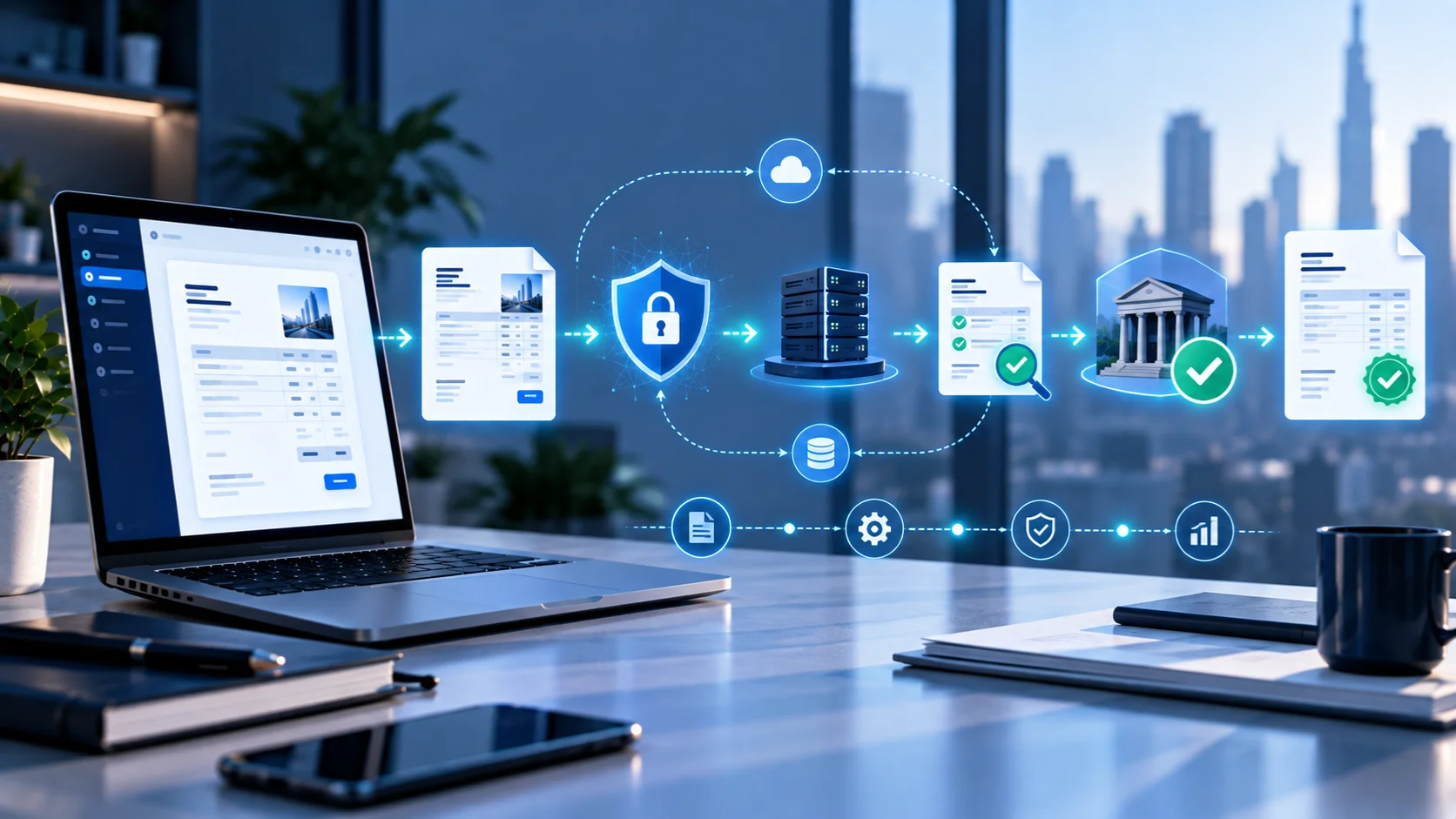
If you're billing clients in these markets, check whether your invoicing software supports the required transmission method before assuming email will do the job. Alfaa's guide to invoicing an international client without a local bank account covers tax ID and documentation requirements that vary by country, though it doesn't yet cover e-invoicing mandates specifically.
Common Mistakes When Sending Invoices
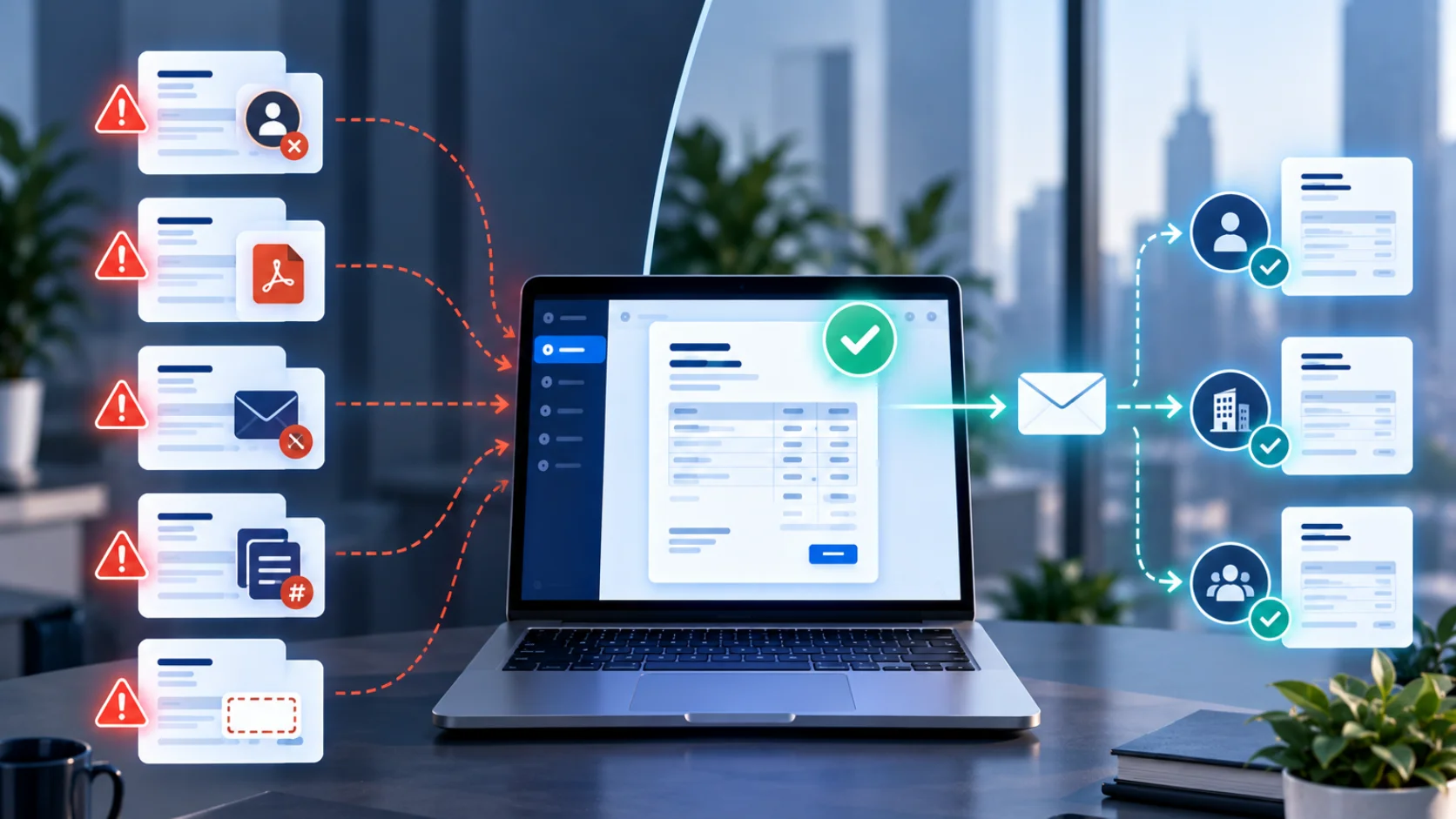
Sending to a generic company email instead of a confirmed billing contact
Attaching an editable file instead of a PDF
Naming the file something generic instead of including the invoice number and business name, making it harder for the client to find later
Assuming email will work without checking if the client requires a vendor portal
Using a relative due date ("Net 30") with no fixed date, creating ambiguity across time zones
Resending a "corrected" invoice under the same number instead of issuing a credit note
Reusing a skipped invoice number instead of documenting it as void
Sending high-value invoices with full bank details in an unprotected PDF
Sending a receipt when you meant an invoice, or the reverse, which signals a payment that hasn't actually happened
Conclusion
The invoice itself is only half the job. How it's sent, whether it reaches the right person through the right channel, whether it survives a spam filter, and whether it's set up to be corrected cleanly if something's wrong determine whether "sent" actually turns into "paid". Getting the mechanics right once, especially with larger or international clients, saves the repeated friction of chasing a payment that was never going to process on time in the first place.
Start with Alfaa's free invoice generator to create and send your next invoice directly from your own email, with tracking built in.
Frequently Asked Questions
No, but confirm the correct billing contact and email address first. Sending to the wrong address doesn't just delay payment, it can also expose invoice details to the wrong recipient.
Yes, for clients who prefer it, particularly for trades and on-site service work. Attach the same PDF you'd otherwise email, and follow up with a payment link if your invoicing software generates one, since mobile messaging apps don't always render PDFs cleanly inline.
Ask before you submit. Most portals reject an invoice outright if a required field, like a purchase order number, is missing, and the rejection isn't always obvious until payment is already late.
Often, yes, especially with larger clients. Vendor registration, first-time portal setup, and internal approval routing for a new vendor typically add time that won't apply once the relationship is established.
Three is typical: a neutral nudge on the due date, a firmer follow-up around a week overdue, and a direct reminder referencing the invoice number and any late fee around three weeks overdue. Beyond 30 days, move the conversation off email rather than sending a fourth written reminder.
Less so, most tools handle sequencing automatically. It becomes a real risk once you switch tools, run more than one business or client stream through separate systems, or have more than one person issuing invoices.

Olivia Bennett
Content Writer @ ALFAA
Olivia is a content writer at ALFAA who specializes in invoicing, small business, and productivity topics. She enjoys simplifying complex ideas into clear, practical insights that help business owners save time, get paid faster, and stay organized.