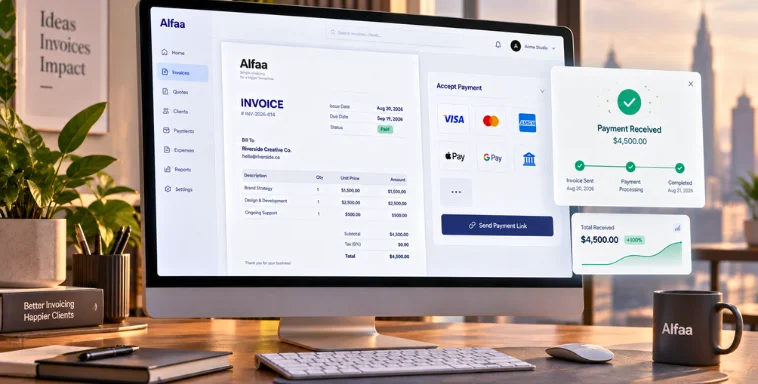
Best Invoice Billing Software for Small Businesses in 2026
By Alfaa Team
Stay in the loop
Get finance tips delivered to your inbox.
Small businesses rely on fast billing, accurate records, and steady cash flow to grow. Manual invoicing slows everything down. Today, invoice billing software gives small teams an easier way to create invoices, track payments, manage expenses, and get paid faster.
Most "best invoicing software" roundups stop at a star rating and a pros/cons list pulled straight from each vendor's own pricing page. That tells you what a tool claims to do, not what it actually costs once payment processing fees stack on top of the subscription, what happens when you outgrow the free tier, or whether you can get your data out if you switch later.
Methodology
This guide compares 10 platforms on the same set of criteria, pulled directly from each vendor's own pricing page, official pricing announcements, or (where a vendor doesn't publish a figure directly) cross-checked against multiple independent pricing trackers: list price at each tier, client or user caps, per-transaction payment processing fees, free-tier availability, multi-currency support, and mobile app quality. Pricing for software changes often and sometimes without much notice; figures below reflect what was publicly documented at the time of writing, and a note flags anywhere pricing has shifted more than once in 2026 or wasn't confirmed on the vendor's own site directly.
Questions to Ask Before You Choose
Skip straight to a "best for X" label and you end up picking based on someone else's business, not yours. A few questions worth answering first:
How many invoices do you send a month, and how close are you to a free-tier limit?
Some tools cap free usage by client count, others by invoice count, and hitting either mid-month matters.
Do you bill internationally, or is that likely within the next year?
Multi-currency support and VAT/GST handling vary a lot between tools built for domestic independent contractors and tools built for cross-border billing.
Do you need the invoice to arrive from a recognizable sender, or is a generic "billing@toolname.com" address acceptable to your clients?
This affects both trust and spam filtering.
Would switching tools later be painful?
Worth checking what you can export before you're a year into a platform, not after.
Does your budget account for payment processing fees, not just the software subscription?
Do you need AP/AR automation for a team, or just invoicing for yourself or a small client base?
Tools like bill.com are priced and built for a fundamentally different use case than a solo independent contractor's invoicing tool.
Quick Comparison: All 10 Tools
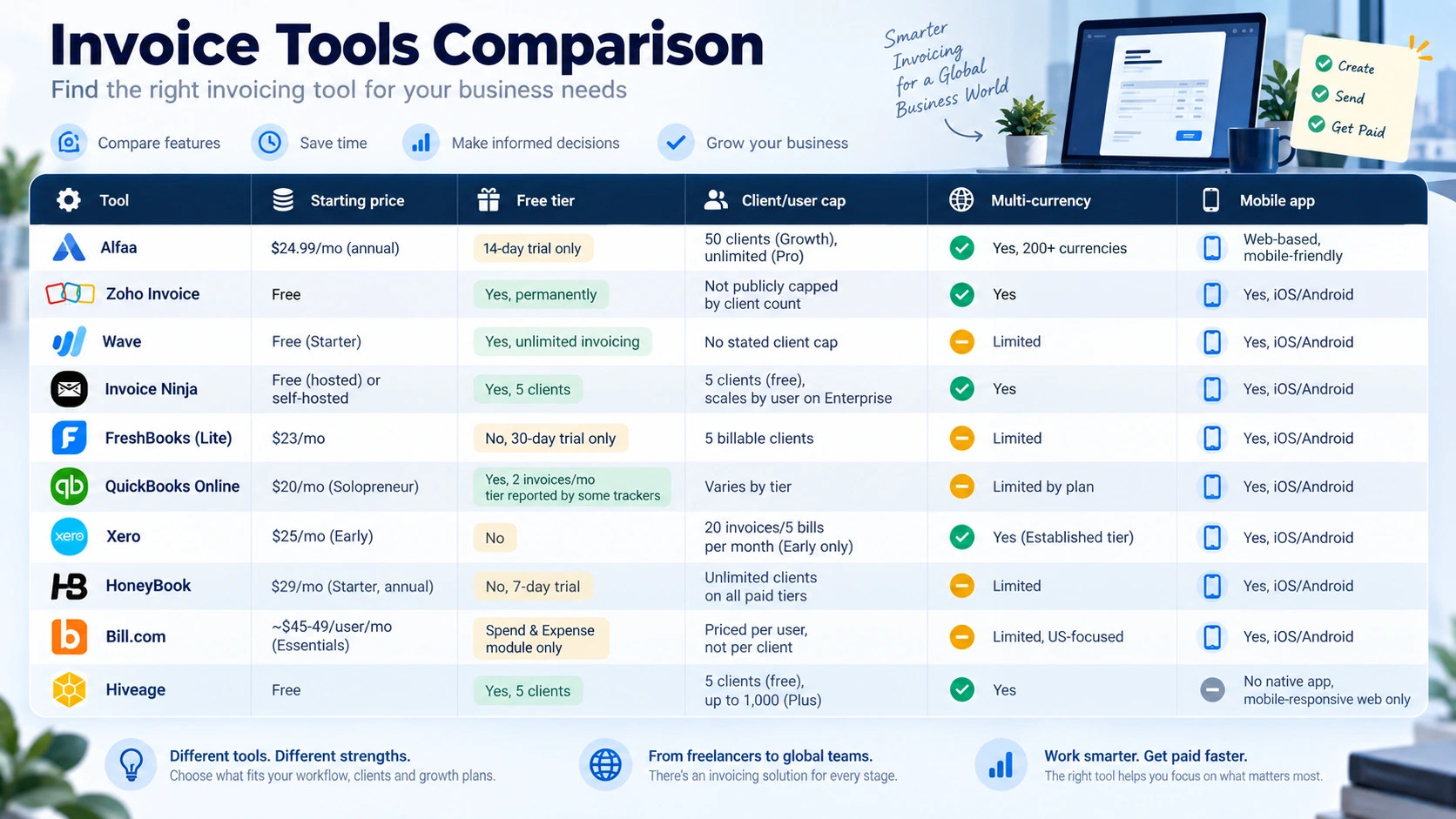
Top Invoice Billing Software for Small Businesses
1. Alfaa
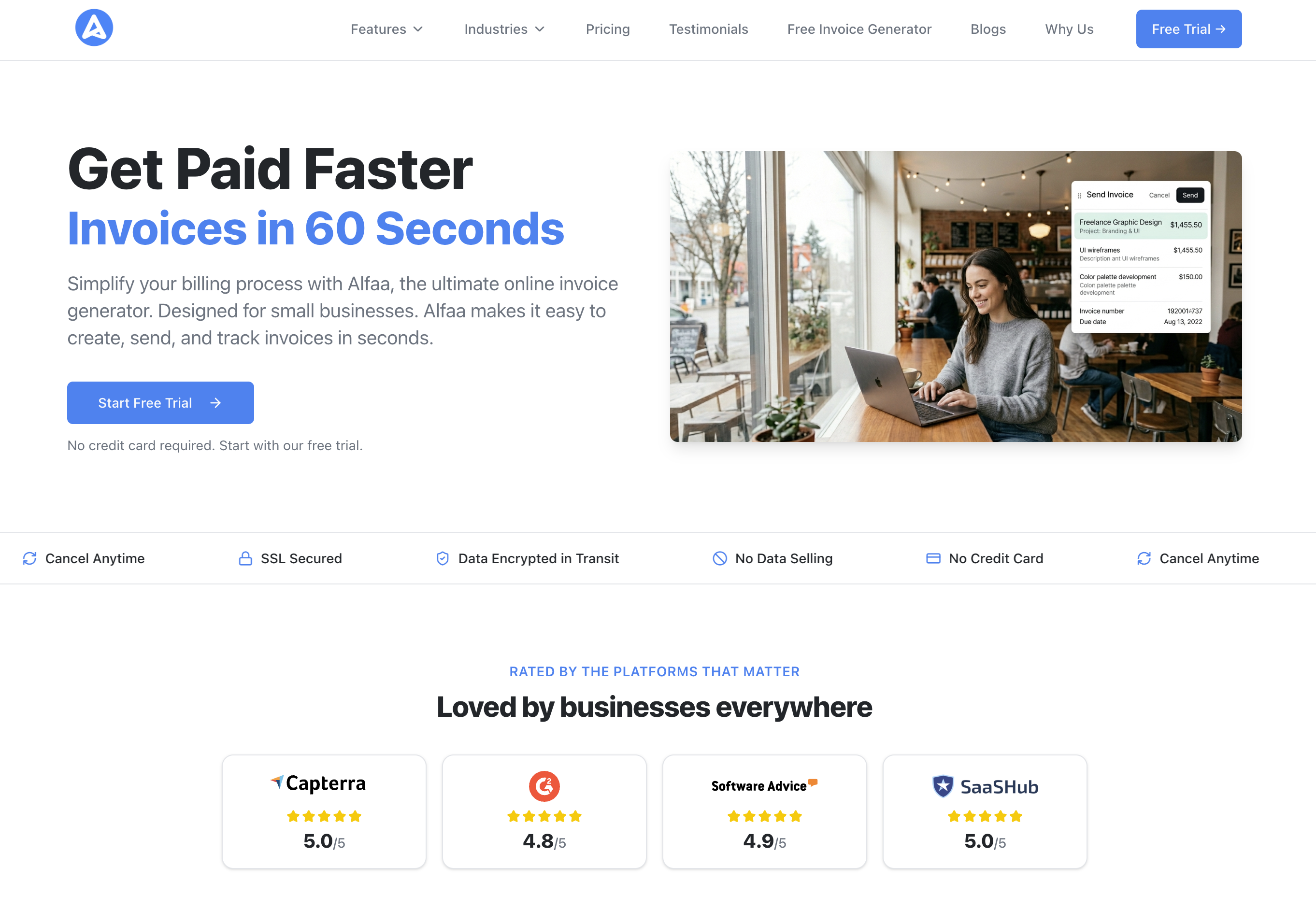
A lightweight billing platform built for speed and simplicity. Alfaa offers invoice creation, expense tracking, basic reporting, online payment support, and fast sharing options, including sending invoices directly from your own Gmail, Google Workspace, or custom domain rather than a generic platform address. Pricing runs $24.99/month (billed annually) or $39.99/month (billed monthly) on the Growth plan, covering up to 50 active clients, unlimited invoice sending, recurring invoices, and multi-currency billing; the Pro plan ($49.99/month annual, $79.99/month monthly) removes the client cap and adds custom SMTP, multiple business entities, and team seats. A 14-day free trial requires no credit card. Data is protected with 256-bit SSL encryption in transit and handled under GDPR, with no data selling.
Best for: Small to medium businesses, boutique agency owners, Contractors
2. Zoho Invoice
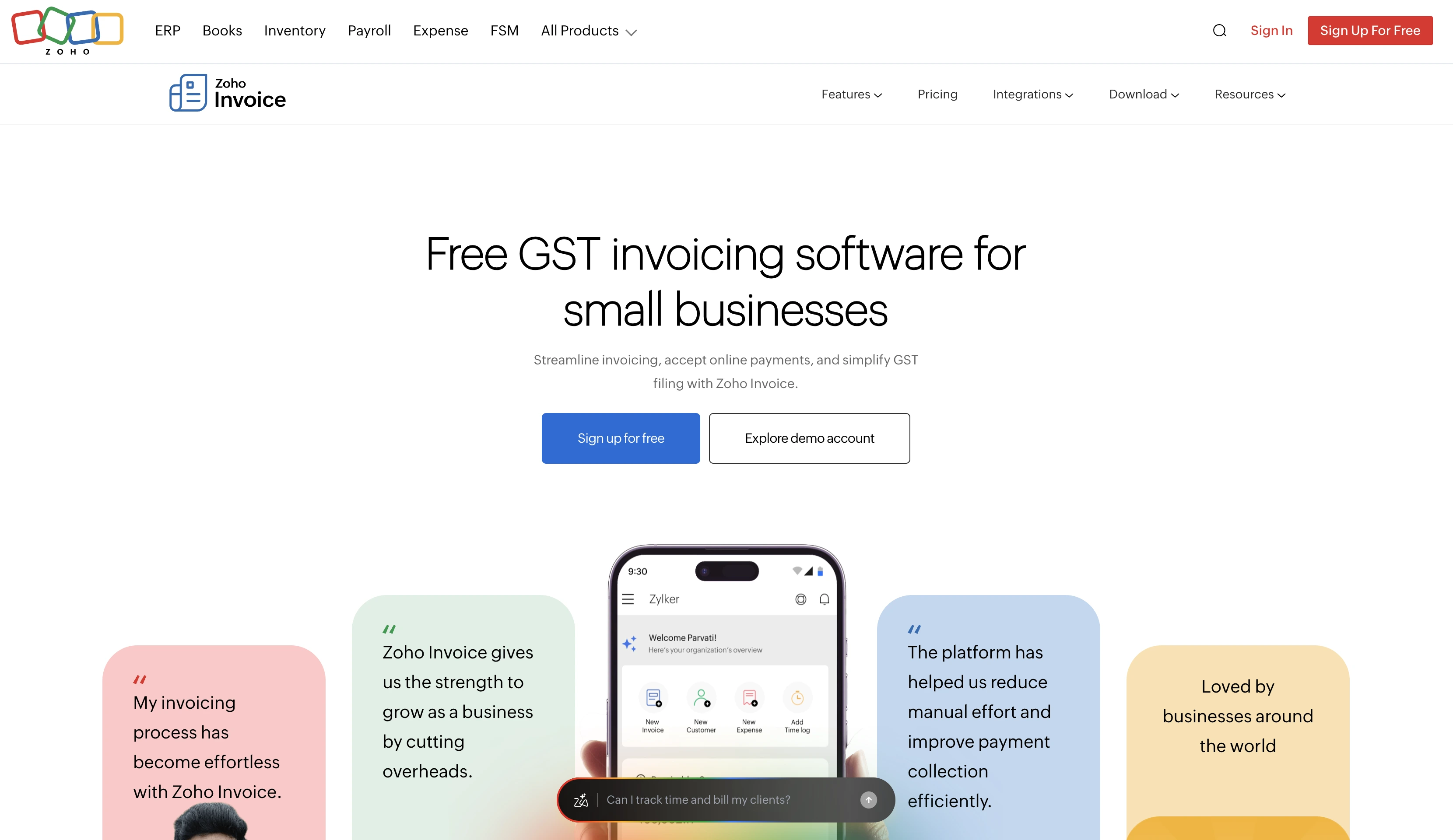
A popular choice for small business invoice software with automation, reminders, customizable templates, and integrations with payment gateways. Zoho Invoice is genuinely free, confirmed directly on Zoho's own pricing page, with no paid tier currently listed; invoices carry "Powered by Zoho Invoice" branding, and Zoho notes businesses that outgrow it are pointed toward Zoho Books instead. The trade-off for the generous free tier: support is limited to knowledge base, email, and forum access rather than live chat or phone.
Best for: Businesses wanting automation without complex accounting.
3. Wave
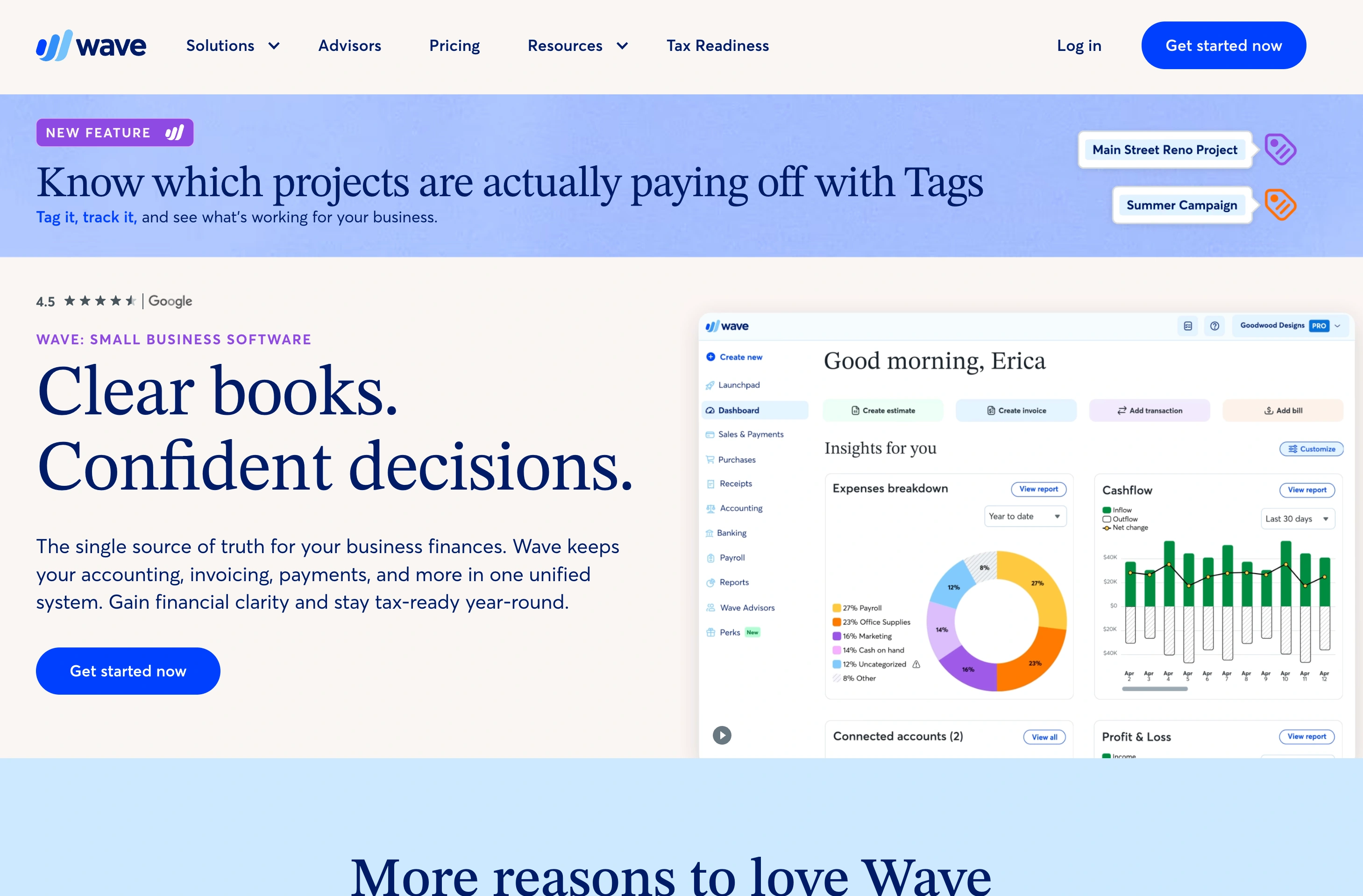
A free invoicing and billing tool with unlimited invoices, recurring billing, customer statements, and basic bookkeeping on the Starter plan, no dollar cap on invoiced volume. Automation features (bank feed imports, receipt scanning, and automated payment reminders) sit behind the paid Pro plan at $19/month ($190/year). Card payments cost 2.9% + $0.60 per transaction on Starter (3.4% + $0.60 for Amex); Pro waives the fixed $0.60 fee on the first 10 monthly transactions but keeps the percentage the same. Wave is also only available to new sign-ups in the US and Canada. [CONFIRM current availability before publishing]
Best for: Small businesses that can live without automated reminders and bank-feed imports, or are willing to pay $19/month for them, and are based in the US or Canada.
4. Invoice Ninja
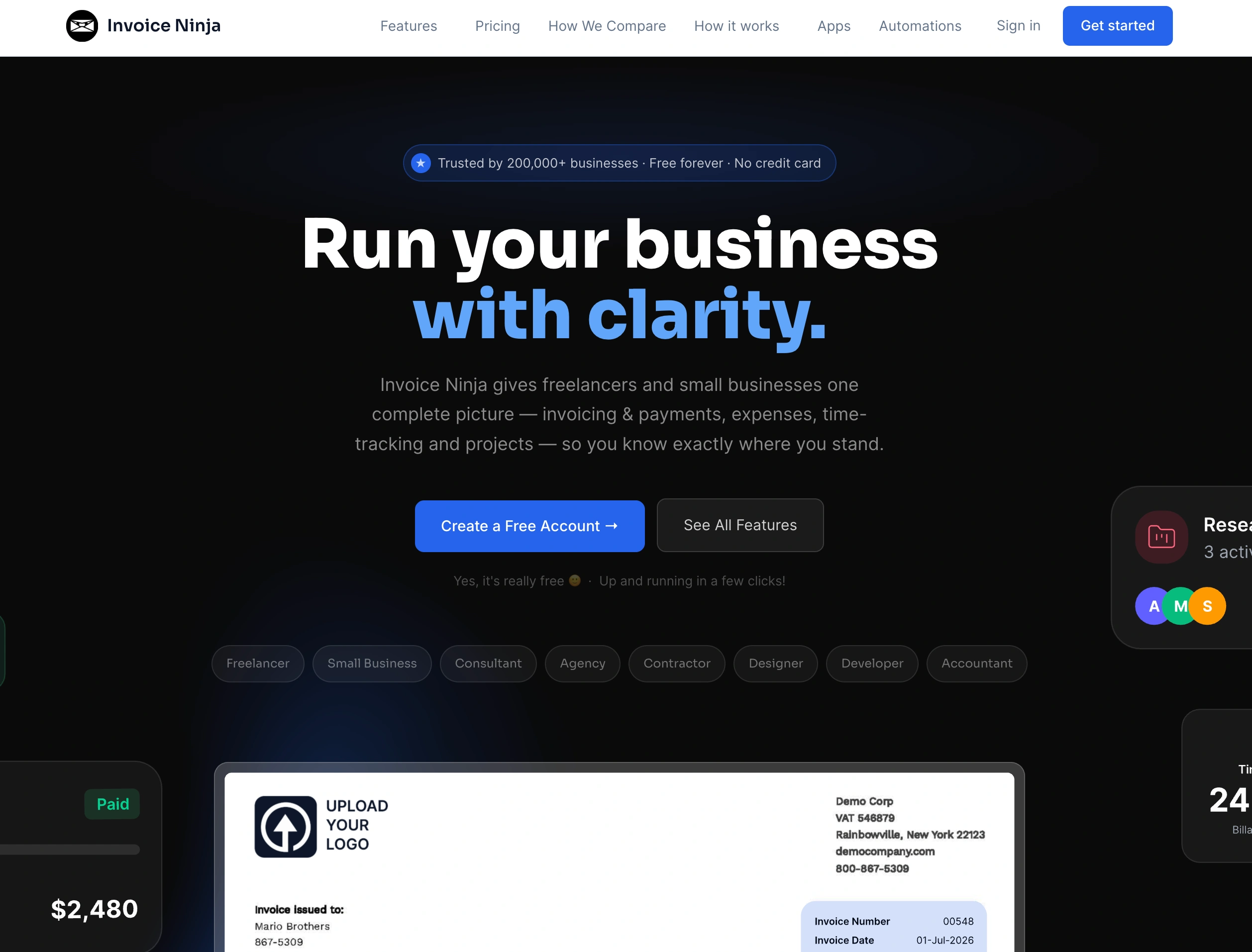
Open source and flexible, with tools like time tracking, project billing, recurring invoices, and customizable templates. The free hosted plan covers up to 5 clients with unlimited invoicing; Enterprise plans for more clients and users start at $18/month for 2 users and scale to $300/month at 100 users. Being open source, Invoice Ninja can also be self-hosted for free, with a $40/year license available to remove Invoice Ninja branding from client-facing pages, a genuine option if data control matters more to you than managed hosting.
Best for: Tech startups and service-based businesses comfortable evaluating whether self-hosting or the 5-client cap works for them.
5. FreshBooks (Lite)
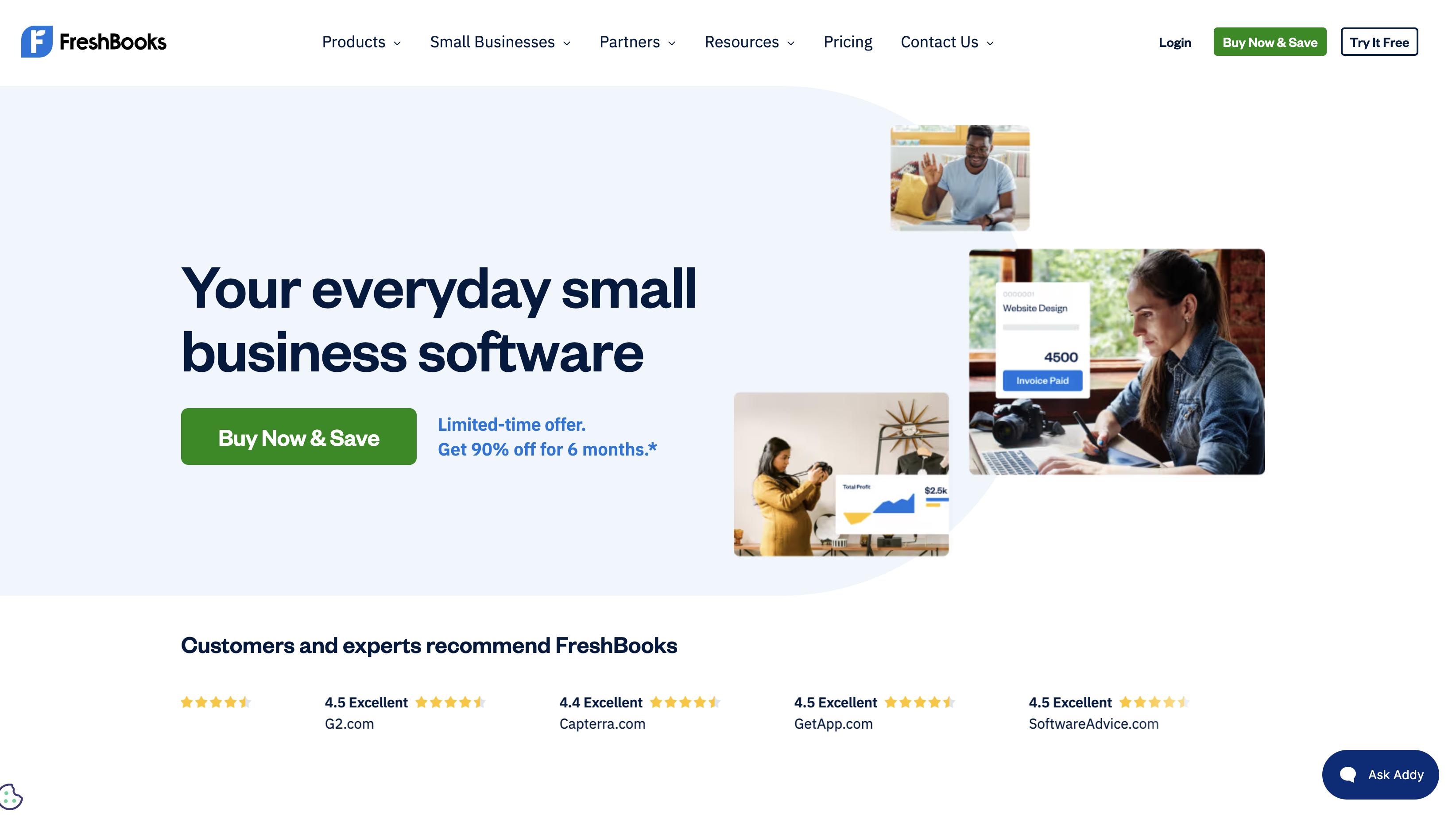
A simple version of FreshBooks that focuses on invoicing, expenses, and time tracking without full accounting complexity. Lite runs $23/month but caps billing at 5 clients, a limit reviewers frequently cite as the reason for an early upgrade to Plus ($43/month, 50 clients). Card processing runs 2.9% + $0.30 (3.5% + $0.30 for Amex), with an added 1.5% surcharge on international cards or instant payouts. There's no permanent free tier, only a 30-day trial.
Best for: Solo entrepreneurs and service professionals who expect to stay under 5 billable clients or are ready to upgrade if they don't.
6. QuickBooks Online
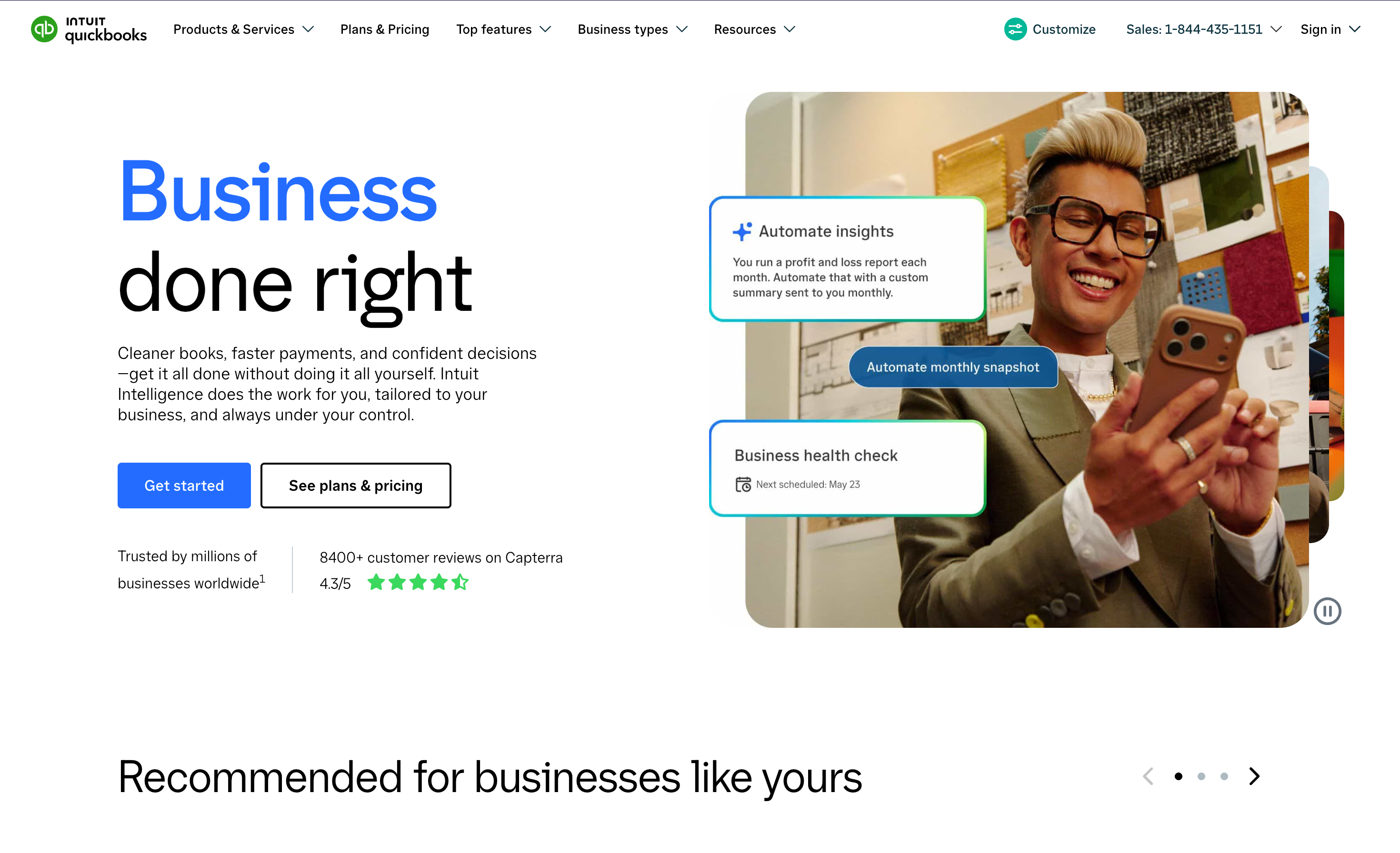
Best known as full accounting software rather than a dedicated invoicing tool, which matters if invoicing is the only thing you need. Pricing has shifted more than once in 2026 following a round of price increases; at the time of writing, published tiers run roughly Solopreneur $20/month, Simple Start $38/month, Essentials $75/month, Plus $115/month, and Advanced $275/month. Payment processing and payroll are billed separately on top of any plan.
Best for: Businesses that want invoicing bundled with full double-entry bookkeeping and don't mind the added cost of that bundle if invoicing is the primary need.
7. Xero
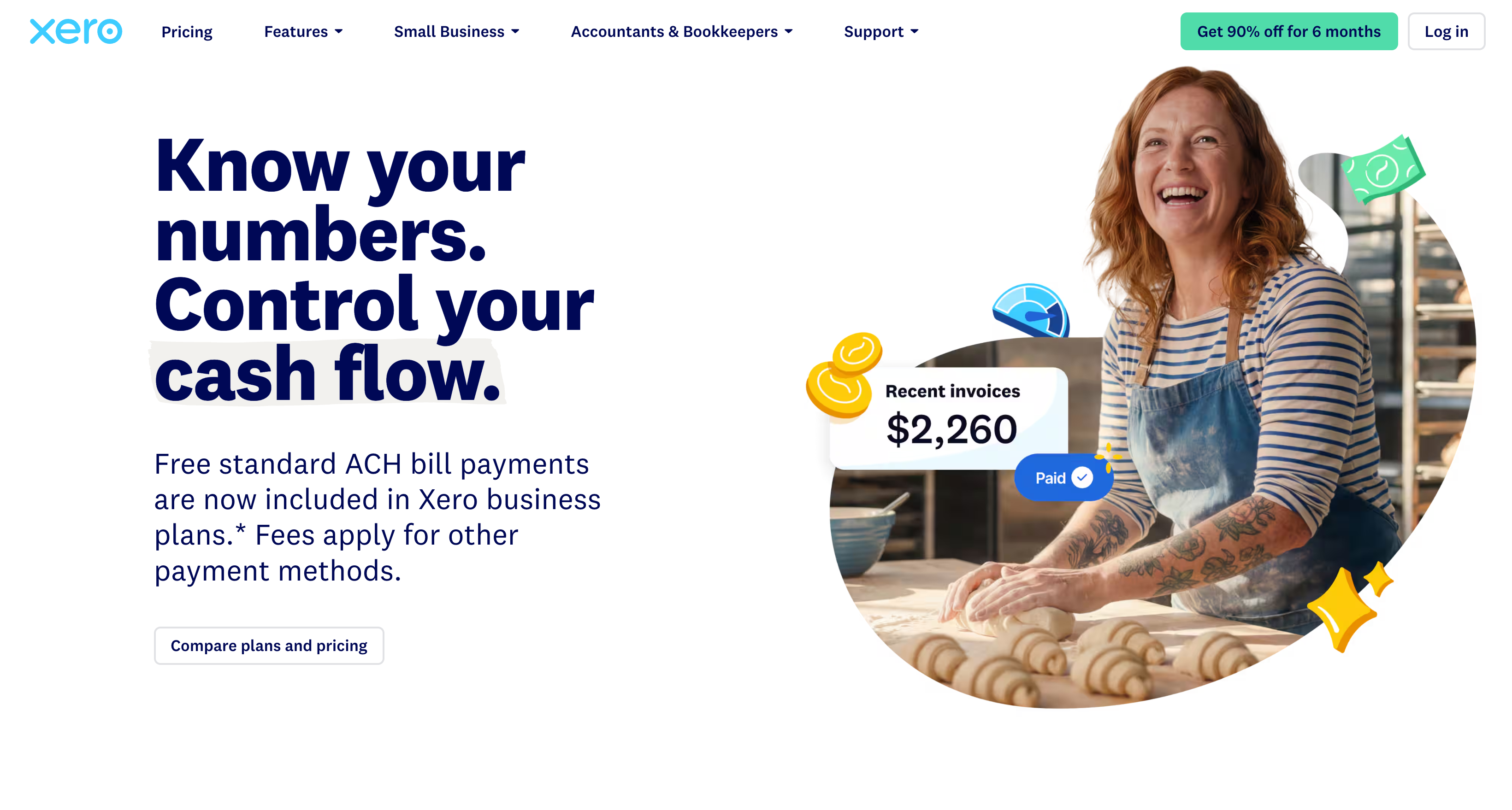
A cloud accounting platform with invoicing as one module among many. The entry-level Early plan runs $25/month but caps usage at 20 invoices and 5 bills per month, a limit that busy service businesses hit fast; Growing ($55/month) removes those caps, and Established ($90/month) adds multi-currency support, project tracking, and expense management. Every Xero plan includes unlimited users at no extra per-seat charge, a genuine differentiator against QuickBooks Online's per-user pricing.
Best for: Businesses that need multi-currency invoicing bundled with full accounting and want unlimited users without per-seat fees.
8. HoneyBook
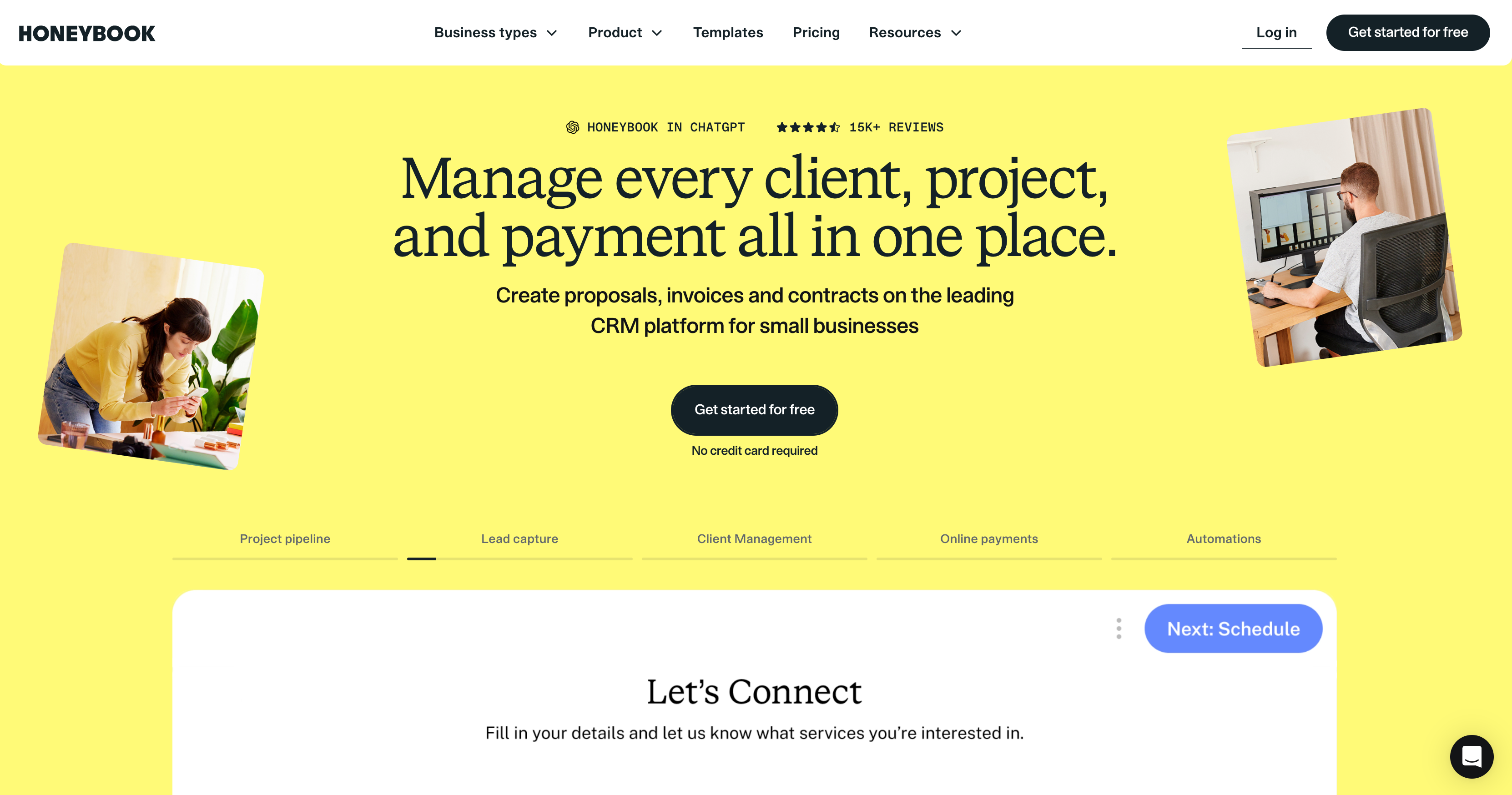
Built around the full client relationship, proposals, contracts, scheduling, and invoicing together, rather than invoicing alone. Starter runs $29/month (billed annually, $36/month billed monthly), Essentials $49/month annually, and Premium $109/month annually, with unlimited clients on every tier. Payment processing costs 2.9% + $0.25 per card transaction (3.4% + $0.09 for Amex, card-on-file, and similar) or 1.5% flat for ACH, on top of the subscription. There's no free tier, only a 7-day trial.
Best for: Creative independent contractors and client-facing service businesses (photographers, designers, coaches) who want proposals and contracts bundled with invoicing, not just invoicing on its own.
9. Bill.com
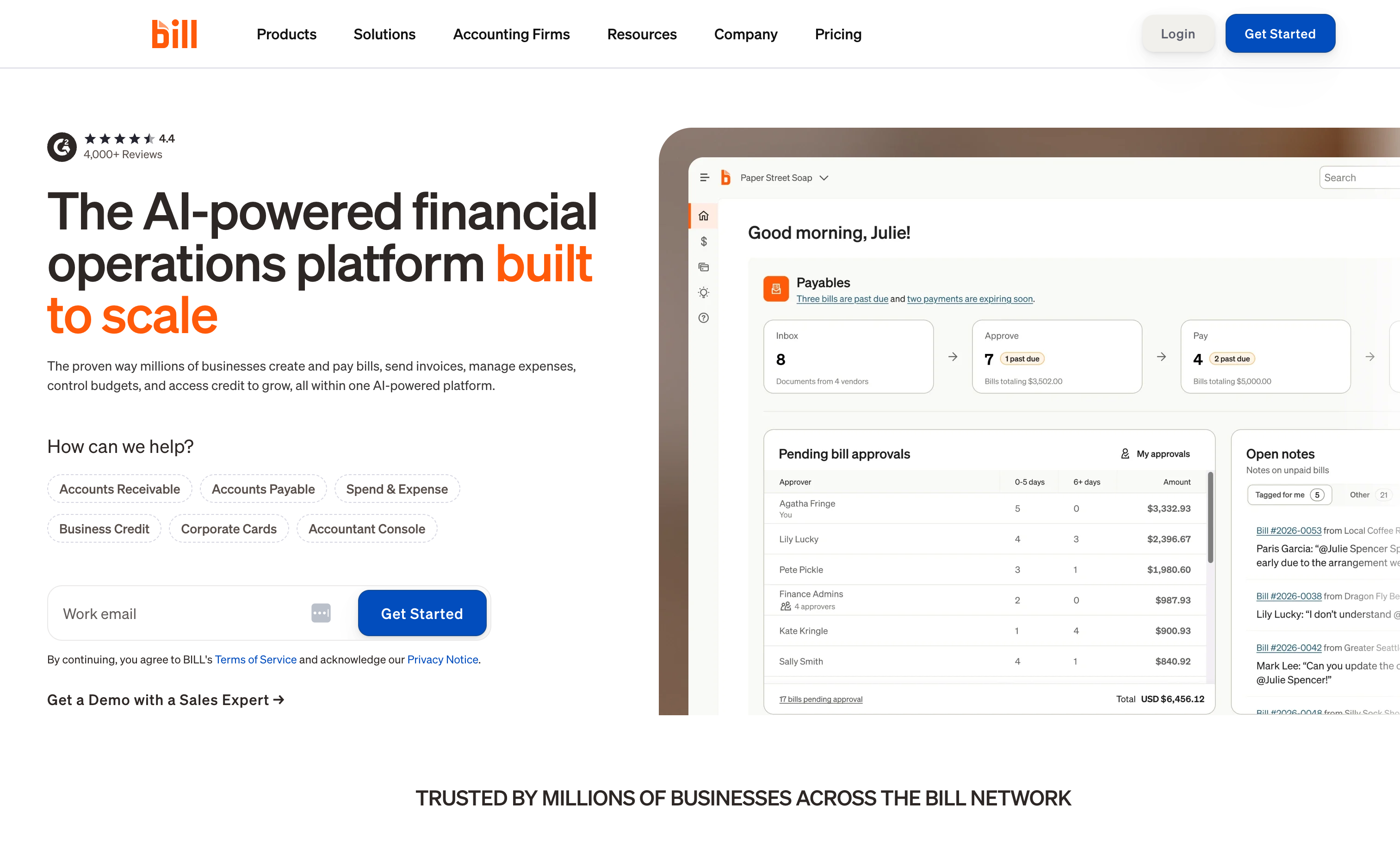
A fundamentally different category from the rest of this list: dedicated AP/AR automation priced per user, not per client, aimed at businesses with a team processing bill payments rather than an independent contractor sending invoices. Essentials starts around $45-49 per user per month, Team around $55-65, and Corporate around $89, plus per-transaction fees (roughly $0.49-0.59 for ACH, $1.99 per mailed check, and 2.9% for card payments). A free Spend & Expense module exists separately. This pricing model means a 3-person accounts team can easily exceed $150-200/month before a single transaction fee is added.
Best for: Businesses with a small team managing meaningful bill-pay volume, not solo independent contractors or businesses that just need to send invoices.
10. Hiveage
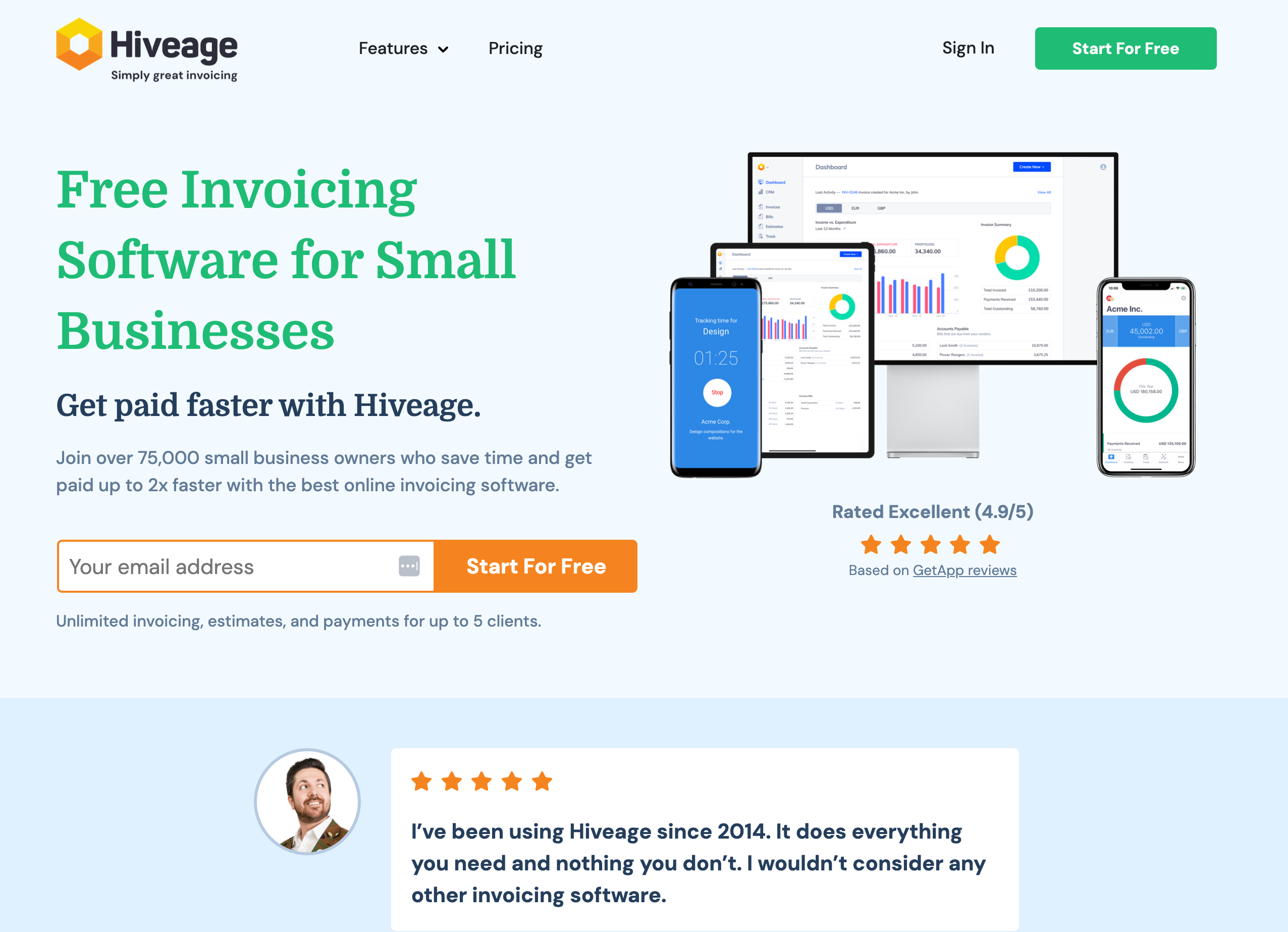
A vertical invoicing tool for independent contractors and small service businesses, with a genuinely free tier for up to 5 clients including unlimited invoices, estimates, time tracking, expense tracking, and recurring billing. Paid tiers run Basic $16/month, Pro $25/month, and Plus $42/month, with the Plus tier adding API access. The notable gap: Hiveage doesn't publish a native iOS or Android app, only a mobile-responsive web app, worth knowing if invoicing from your phone regularly matters to you.
Best for: Independent contractors and small service businesses under 5 clients who don't need a native mobile app.
The Real Cost: Subscription Plus Processing Fees
A monthly subscription price is only part of what invoicing software actually costs. Card payments carry a processing fee on top of the subscription, and that fee differs meaningfully by platform, so two tools that look similarly priced on their pricing pages can land at very different totals once you're actually taking payments. Here's the real math at a representative volume of $10,000 invoiced across 10 client payments in a month, using each platform's entry-level paid tier that would actually apply to a small business past 5 clients:
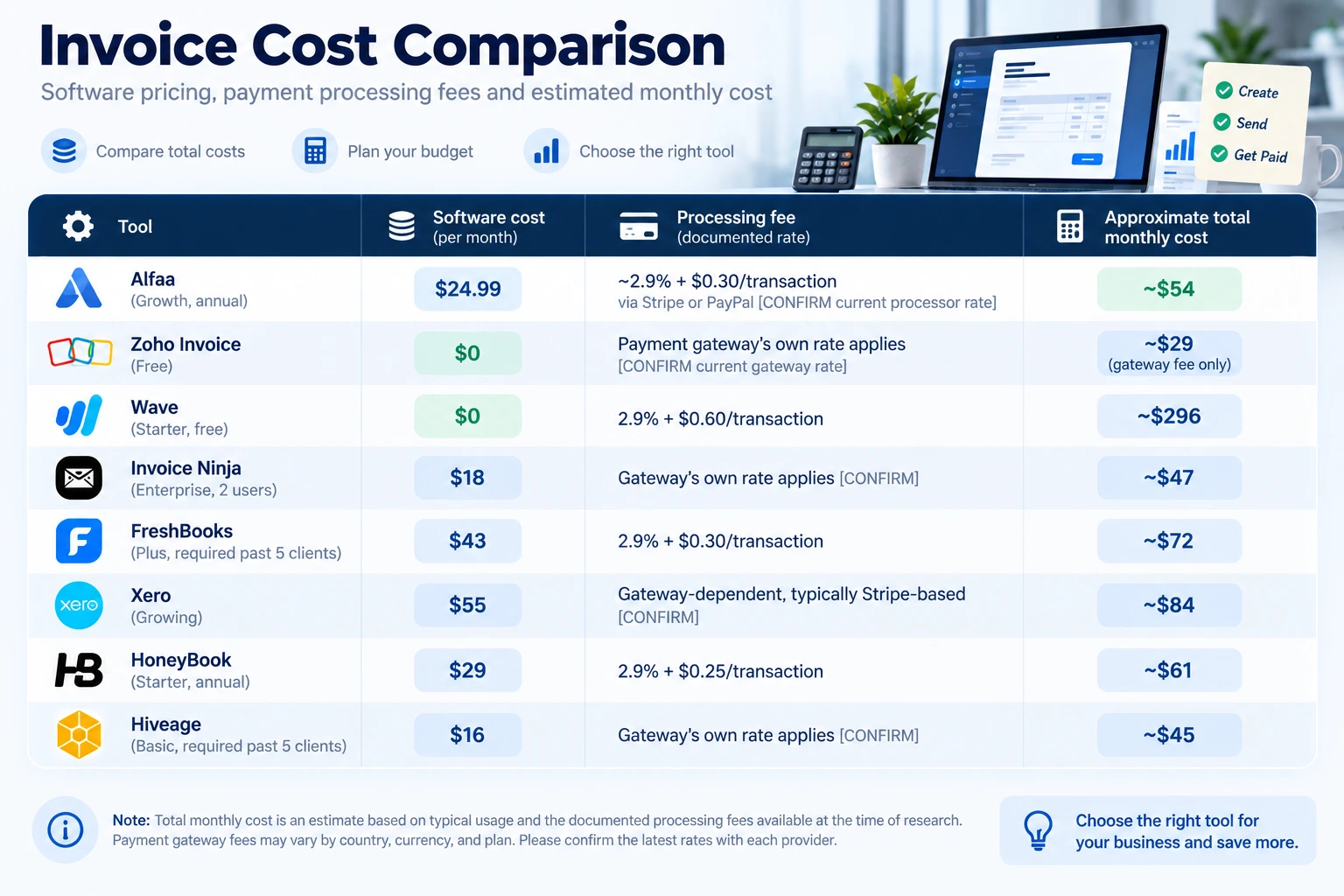
The takeaway: Wave's "free" plan is the most expensive option in this scenario once its per-transaction fee is priced in, and both FreshBooks Lite and Hiveage's free tier are cheaper on paper than in practice for anyone with more than 5 clients, since the next tier up becomes mandatory. This is the comparison no listicle on this topic currently runs, and it's the one that actually changes which tool is cheapest for a given business. QuickBooks Online and bill.com are left out of this table deliberately, both are priced in ways (per-user or bundled with full accounting) that don't reduce cleanly to a single per-transaction comparison at this volume.
Can You Get Your Data Out?
This rarely comes up until you're already a year into a platform and want to leave. Before committing, it's worth asking any vendor directly:
Can you export your full client list and invoice history, and in what format (CSV, PDF, accounting-software-compatible)?
Invoice Ninja's self-hosted option makes this moot since you control the database directly; hosted platforms vary, so ask rather than assume.
Does switching tools mean starting your invoice numbering over, or can you continue the same sequence?
Alfaa's invoice terminology guide covers why numbering continuity matters for your own records.
If the tool doubles as your accounting system (QuickBooks Online, Xero), does closing the account also mean losing historical financial reports you may need later, not just invoice records?
Does It Support Mandatory E-Invoicing Where You Bill?
A growing number of countries require invoices to be transmitted through a government-connected system rather than emailed as a PDF. If you bill clients in the EU, Saudi Arabia, or other markets moving toward mandatory structured e-invoicing, check whether your shortlist actually supports the required transmission method before assuming any of them do by default. Alfaa's guide to invoicing an international client without a local bank account and multi-currency invoicing covers the related compliance questions that come up billing across borders.
Deliverability: Who the Invoice Actually Comes From
An invoice that lands in spam or gets ignored because the sender address looks unfamiliar doesn't get paid any faster for having a clean template. Alfaa sends invoices from your own Gmail, Google Workspace, or custom domain rather than a generic platform address, which is worth checking for on any tool you're comparing, since it's rarely listed as a feature even though it affects whether a client opens the invoice at all. Alfaa's note on what makes an invoice look professional and mobile invoicing both touch on this from different angles.
Security and Compliance: What to Actually Ask
Every tool on this list stores client names, contact details, and payment information, which makes security worth more than a passing mention. Alfaa protects data with 256-bit SSL encryption in transit and handles data under GDPR, without selling or sharing it. Xero similarly publishes commitments to encryption in transit and at rest and regular backups. Not every vendor publishes this level of detail as clearly on their pricing page, so it's worth asking directly rather than assuming: what encryption standard is used, is the platform GDPR-compliant if you bill EU clients, and does the vendor sell or share client data with third parties?
Why These Tools Work for Small Businesses
Good small business billing software should simplify everyday tasks, not add more complexity. These tools offer:
Automated reminders, which matter more than they sound, since chasing late payments manually is one of the most common time drains for a small team
Online payment options
Basic financial reports
Mobile access, useful for independent contractors and virtual assistants billing between client calls rather than at a desk, though as the comparison above shows, not every tool on this list actually has a native app
Clean record-keeping
This helps businesses get paid faster, reduce manual work, and maintain clear financial visibility.
How to Choose the Right Software
When picking your billing tool, consider:
How many invoices you send each month, and where the free-tier limits sit on your shortlist
Whether you need recurring billing
If you accept global payments, and whether mandatory e-invoicing applies to any client's country
Whether you need multi-currency support
Your budget, including processing fees on top of the subscription price
Your reporting needs
Whether you could export your data and switch later without starting over
Whether you need invoicing alone, or a full accounting system, an AP/AR platform, or a client-relationship tool with invoicing bundled in
A good rule: choose something simple enough to start using today and transparent enough that you're not surprised by a fee or a limit six months in.
The right invoice billing software helps small businesses run smoother, get paid faster, and stay financially organized. Whether you choose Alfaa, Zoho Invoice, Wave, Invoice Ninja, FreshBooks, QuickBooks Online, Xero, HoneyBook, bill.com, or Hiveage, the goal is the same: streamline your billing and focus on growth.
Frequently Asked Questions
Invoice billing software is a digital tool that helps businesses create professional invoices, track payments, manage clients, send payment reminders, and organize billing records from one platform. It replaces manual spreadsheets and simplifies the invoicing process.
Small businesses use invoice billing software to save time, reduce manual errors, improve cash flow, automate recurring invoices, and keep financial records organized. It also helps businesses get paid faster through online payment options.
The best invoice billing software should include: Professional invoice templates Recurring invoicing Payment reminders Expense tracking Client management Online payment support Financial reporting Multi-currency billing (if needed) Mobile access Data security
The right software depends on your business needs. Popular options include Alfaa, Zoho Invoice, Wave, Invoice Ninja, and FreshBooks, each offering different features for freelancers, agencies, and growing businesses.
Free invoice software can work well for startups and freelancers with basic billing needs. However, growing businesses often benefit from paid plans that offer automation, reporting, recurring billing, integrations, and advanced client management.
Yes. Most modern invoicing platforms allow you to schedule recurring invoices, automatically send them to clients, and generate payment reminders, making them ideal for subscription services, retainers, and monthly billing.
Yes. Many invoice billing platforms integrate with online payment gateways, allowing customers to pay directly from the invoice using credit cards, bank transfers, or digital payment methods, depending on the software.
Yes. Zoho Invoice, Wave's Starter plan, Invoice Ninja's hosted free tier (5 clients) or self-hosted version, and Hiveage's free tier (5 clients) are all genuinely free to use indefinitely, not just free trials. The trade-off is usually a client cap, missing automation features, or branding on your invoices.
Among the tools compared here, Zoho Invoice's free plan doesn't publicly cap by client count, and Invoice Ninja's self-hosted option removes the 5-client cap entirely for the cost of hosting it yourself. Among paid tiers, Alfaa's Growth plan ($24.99/month annual) covers up to 50 clients.
Most don't directly, but Xero's Early plan caps at 20 invoices per month, and Wave and HoneyBook both charge a per-transaction processing fee that scales with how much you actually bill, which functions similarly to a volume-based cost even though the subscription itself is flat.
Often, yes, if invoicing is genuinely your only need. Both are full accounting platforms with invoicing as one feature, and you'll generally pay more than a dedicated invoicing tool for capabilities (double-entry bookkeeping, payroll add-ons, bank reconciliation) you may not use.
Bill.com is priced per user for AP/AR automation rather than per client for invoicing, and it's built for a team processing bill payments, not a independent contractors or small business sending invoices to clients. It's a different category of tool despite showing up in the same searches.
Not always. The total cost of ownership table above shows Wave's free plan costing more per month than several paid alternatives once its 2.9% + $0.60 processing fee is factored in at realistic invoice volumes. Always run the math on your own expected volume before assuming "free" is actually free.
Try Alfaa today. Create invoices, manage expenses, and track payments in minutes. Subscribe now and simplify your billing workflow.

Olivia Bennett
Content Writer @ Alfaa
Olivia is a content writer at Alfaa who specializes in invoicing, small business, and productivity topics. She enjoys simplifying complex ideas into clear, practical insights that help business owners save time, get paid faster, and stay organized.