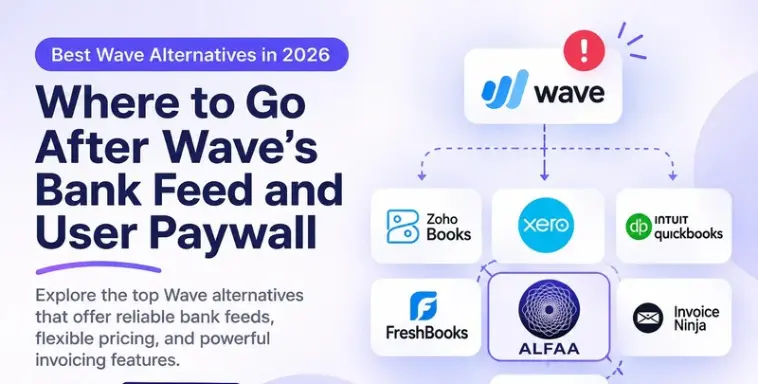
Wave built its reputation on free accounting. According to an analysis by Beancount, on June 1, 2026, Wave moved two features many small businesses relied on, automatic bank feeds and collaborator access, behind its Pro plan. If a bookkeeper or partner used your Wave account, or your transactions imported themselves, the free version no longer covers you.
This guide answers the first question honestly (is Wave Pro at $19 a month simply the cheapest fix?), then compares seven Wave alternatives for accounting or invoicing. We make ALFAA, one of the invoicing tools here; every price links to a source.
Quick answer: The best Wave alternatives in 2026 are Zoho Books (free accounting for businesses under $50,000 in annual revenue), Xero (full accounting with unlimited users from $27 a month) and QuickBooks Online (from $38 a month). If you mainly invoice clients, Alfaa, Invoice Ninja, and Zoho Invoice replace Wave's invoicing. For many solo users, upgrading to Wave Pro at $19 a month is still the cheapest fix.
Key Takeaways
Since June 1, 2026, Wave's free Starter plan no longer includes automatic bank feeds or access for additional users such as a bookkeeper.
Wave Pro costs $19 a month or $190 a year and restores bank feeds, adds unlimited users, receipt scanning, and automated late-payment reminders.
For a solo business that wants to stay on Wave, Pro is usually the cheapest fix.
Zoho Books is free for businesses with up to $50,000 in annual revenue, but its free plan has no automatic bank feeds; it costs $20 a month for 3 users.
Xero costs $27 to $97 a month and includes unlimited users on every plan.
Businesses that used Wave mainly to invoice clients can switch to an invoicing tool such as Alfaa or Zoho Invoice (free).
What are the best Wave alternatives in 2026?
Tool | Type | Best for | Starting price |
Zoho Books | Accounting | Free accounting under $50K revenue | Free; Standard $20/mo |
Xero | Accounting | Teams that need unlimited users | $27/mo; $59 for unlimited invoices |
QuickBooks Online | Accounting | Businesses whose accountant uses QuickBooks | $38/mo (Simple Start) |
FreshBooks | Accounting and invoicing | Service businesses with few clients | $23/mo (5 clients) |
Alfaa | Invoicing only | Consultants and agencies billing retainers | $24.99/mo |
Invoice Ninja | Invoicing only | Budget invoicing with unlimited clients | Free (5 clients); Pro $14/mo |
Zoho Invoice | Invoicing only | Free invoicing at low volume | Free |
How we chose these alternatives
We compared each tool with Wave on the US list price at the plan a small business would need, bank feeds, users, invoice limits, recurring invoices and automated reminders, and whether it replaces Wave's accounting or only its invoicing. Prices come from vendor pages and independent reviews checked in October 2026, and each is linked. Alfaa is our product; it's included as an invoicing-only option.
What changed at Wave in 2026?
Wave split into a free Starter plan and a paid Pro plan in 2024, then moved more features to Pro over time. The June 1, 2026 change hit hardest: automatic bank feeds and collaborator access became Pro-only, and additional users on free accounts, such as a bookkeeper or co-founder, lost access.
Feature | Starter (free) | Pro ($19/mo or $190/yr) |
Invoices, estimates, and bills | Unlimited | Unlimited |
Automatic bank and card imports | No; enter or upload manually | Yes |
Additional users (bookkeeper, partner) | No | Unlimited |
Automated late-payment reminders | No | Yes |
Remove Wave branding from invoices | No | Yes |
Receipt scanning | $8/mo add-on | Included |
Live chat and email support | Limited | Yes |
Card payment fee (Visa, Mastercard, Discover) | 2.9% + $0.60 | 2.9% + $0 on the first 10 each month, then 2.9% + $0.60 |
Some users also report that Wave removed transaction-level CSV export from free accounts without notice (Capterra user review). We couldn't confirm this in Wave's own documentation, so test your export before you rely on it.
The bottom line: Wave Starter still works for one person who enters transactions by hand and chases late payments manually. Everyone else now pays $19 a month or looks elsewhere.
Is Wave Pro worth $19 a month?
For many solo businesses, yes. Before you migrate, compare Wave Pro with the cheapest alternative plans that include automatic bank feeds.
Plan with bank feeds | Monthly price | Users included |
Wave Pro | $19 | Unlimited |
Zoho Books Standard | 20(15 billed annually) | 3 |
Xero Early | $27 (20 invoices a month) | Unlimited |
QuickBooks Online Simple Start | $38 | 1, plus 2 accountants |
Wave Pro is the cheapest of the four and the only one under $27 with unlimited users. Migrating also costs time: rebuilding customers, recurring invoices and bank rules, and closing a period in two systems.
Stay on Wave Pro if
Your books are simple, and Wave's reports are enough for you or your accountant
You only need bank feedback or a bookkeeper's access restored
You're happy with Wave's invoicing for your clients
Switch if
Your accountant prefers another system, or you need deeper reporting, inventory, or multi-entity features.
You're paying for accounting but mostly invoicing. If billing clients is your real job, an invoicing tool built for retainers and reminders fits better; see Path 2 below.
You're a growing team and want an accounting platform with more depth as you scale; Xero adds unlimited users too.
You can stay on a free plan elsewhere, for example, Zoho Books under $50,000 revenue, and don't need bank feeds.
If you mainly want automated payment reminders, Wave Pro adds them. So do invoicing tools such as Alfaa, whose automated payment reminders are included on both plans.
Which accounting software can replace Wave?
1. Zoho Books: best free accounting under $50K revenue
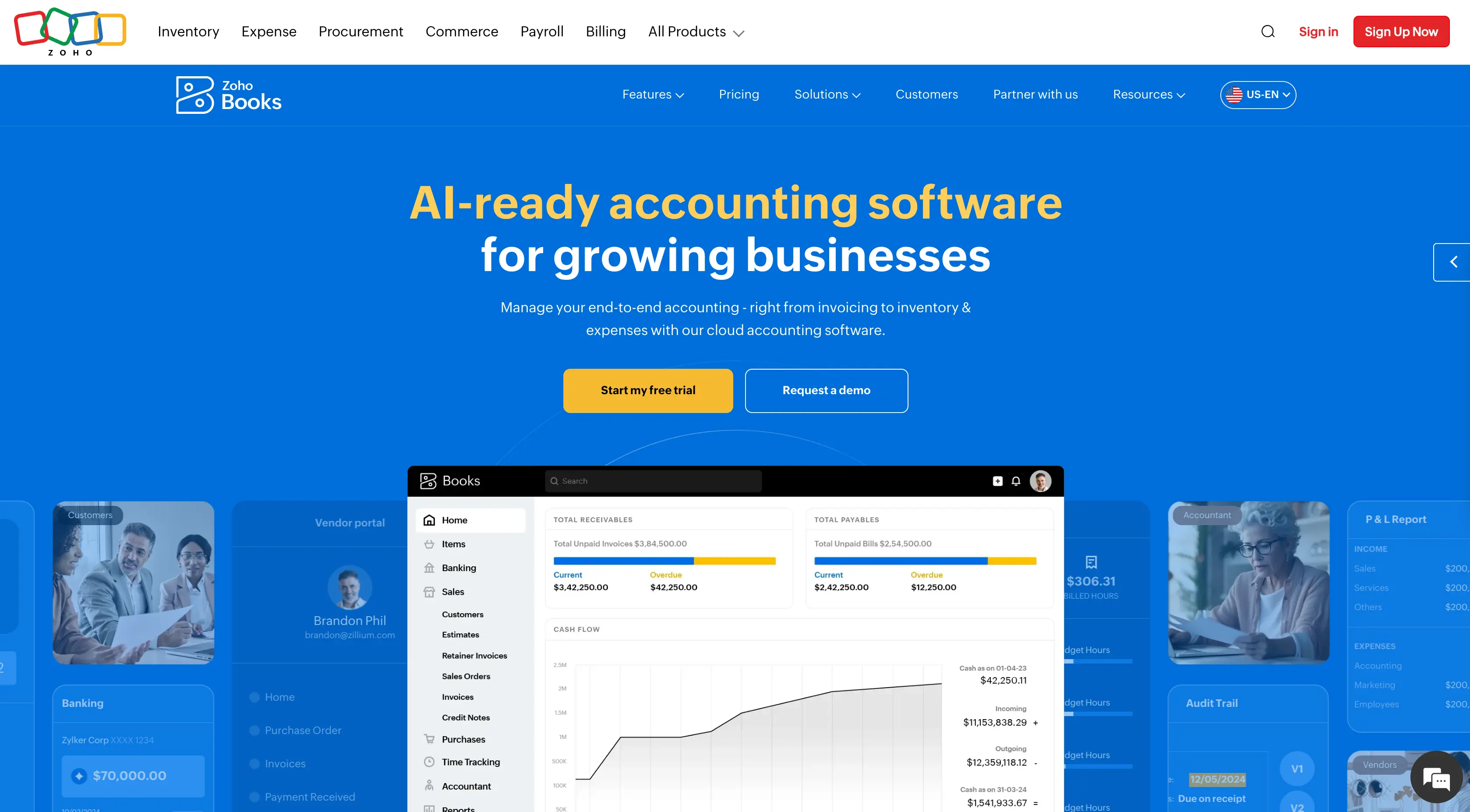
Verdict: Zoho Books is the best Wave alternative for small businesses that want to stay free, as long as revenue stays at or under $50,000 a year.
Price: Free (1 user plus 1 accountant, up to 1,000 invoices a year); Standard $20/month or $15 billed annually for 3 users; Professional $50 or $40 annually for 5 users.
Zoho Books' free plan includes recurring invoices, a client portal, automated payment reminders, and bank reconciliation. Unlike Wave Starter, it also includes an accountant seat.
Why switch from Wave: Your accountant keeps access at $0, which Wave Starter no longer allows.
Watch out for: The free plan has no automatic bank feeds, so you'd still enter or upload transactions. Feeds start at Standard and multi-currency at Professional.
2. Xero: Best for teams that need unlimited users
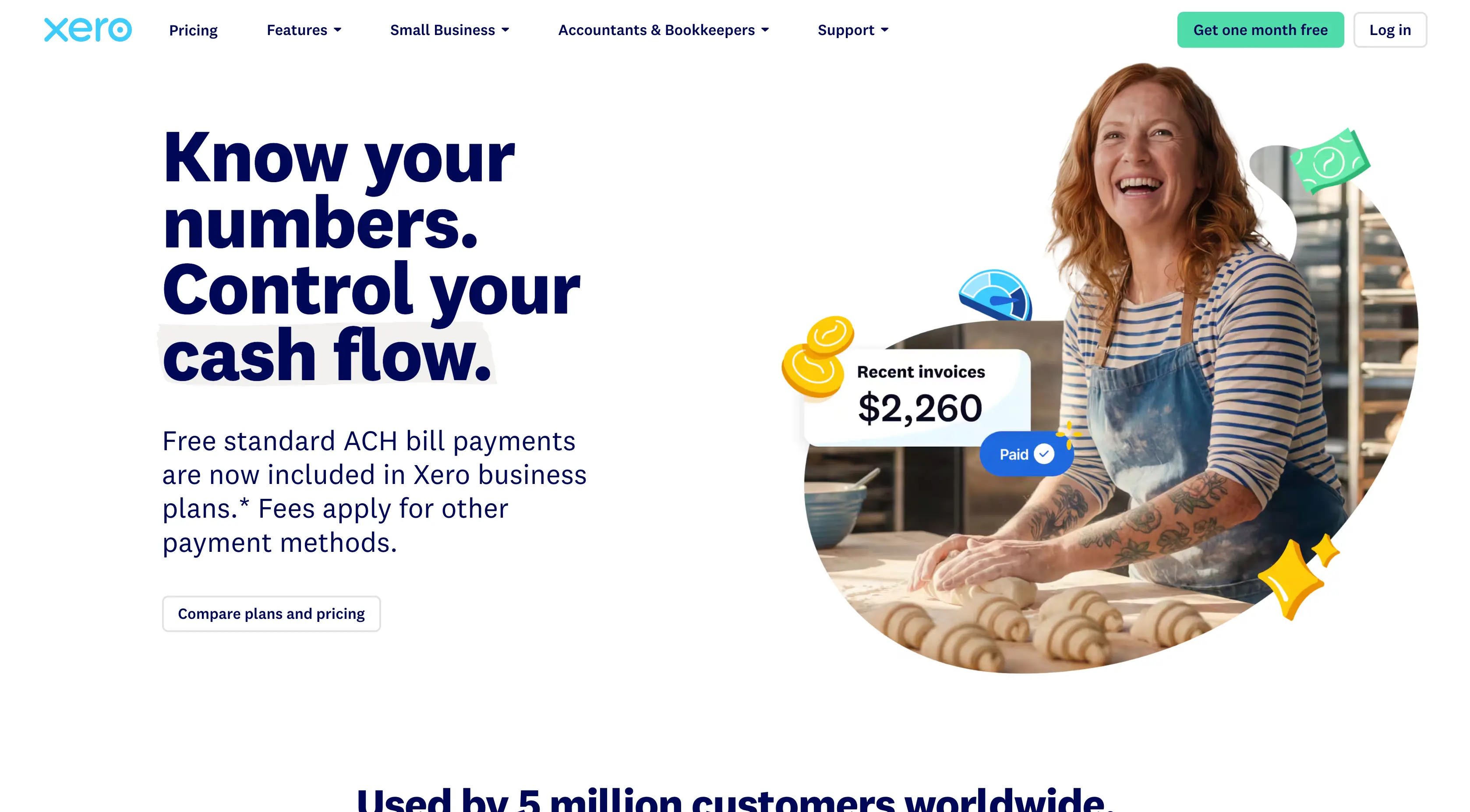
Verdict: Xero is the best Wave alternative for growing teams that need full accounting, with unlimited users on every plan.
Price: Early $27/month (20 invoices and 5 bills a month); growing $59; established $97.
Xero offers full double-entry accounting, bank reconciliation, and a large app ecosystem, with no per-user fees.
Why switch from Wave: Deeper accounting and integrations for businesses that have outgrown Wave's reports.
Watch out for: Most businesses need Growing ($59) to remove the invoice cap, which is three times Wave Pro.
3. QuickBooks Online: Best if your accountant uses QuickBooks
Verdict: QuickBooks Online is the best Wave alternative when your accountant works in QuickBooks or you need payroll and advanced reporting.
Price: Simple Start $38/month (1 user); Essentials $85 (3 users); Plus $140 (5 users), after the August 2026 increase.
Why switch from Wave: The widest accountant support in the US, with automated bank feeds included from Simple Start.
Watch out for: QuickBooks has raised prices six years in a row, and more users mean a higher tier. See our guide to QuickBooks alternatives before committing.
4. FreshBooks: Best for service businesses with few clients
Verdict: FreshBooks is the best Wave alternative for service businesses with up to 5 clients that want polished invoicing with time tracking.
Price: Lite $23/month for 5 billable clients; plus $43 for 50; premium $70 for unlimited.
Why switch from Wave: Stronger invoicing, time tracking, and proposals than Wave.
Watch out for: Client caps count archived clients, and each extra user is $11 a month. See FreshBooks alternatives for the cost at higher client counts.
Which invoicing tools can replace Wave?
Many businesses used Wave because its invoicing was free, not because they needed its bookkeeping. If an accountant keeps your books elsewhere, an invoicing tool can replace Wave entirely.
5. Alfaa: Best for consultants and agencies billing retainers
Verdict: Alfaa is the best Wave alternative for consultants and agencies whose main job is billing clients on retainers, with reminders and recurring billing from the first plan.
Price: Growth $24.99/month for up to 50 active clients; Pro $49.99/month for unlimited clients. 14-day free trial, no card required.
Both plans include recurring billing with proration and pause/resume, automated payment reminders, payment tracking software, and invoicing in 200+ currencies, with clients paying through Stripe or PayPal. Pro adds unlimited clients, team management, expenses, multiple business entities, and sending invoices from your own domain.
Why switch from Wave: Automated reminders and invoices with your own logo, without paying for bookkeeping you don't use, plus team access on Pro. See team-based invoicing for how agencies share billing safely.
Watch out for: No bookkeeping, bank feeds, or payroll. If you used Wave's accounting, pair ALFAA with an accounting tool or your accountant's system. Full comparison: Alfaa vs Wave.
6. Invoice Ninja: Best low-cost invoicing with unlimited clients
Verdict: Invoice Ninja is the cheapest paid Wave alternative for invoicing, with unlimited clients for $14 a month.
Price: Free for up to 5 clients; Pro $14/month or $140/year; Enterprise from $18/month for 2 users.
Why switch from Wave: Removes the vendor branding and adds unlimited clients for less than Wave Pro.
Watch out for: Pro is one user, the free plan is branded and capped at 5 clients, and the interface is more utilitarian.
7. Zoho Invoice: Best free option for low volume
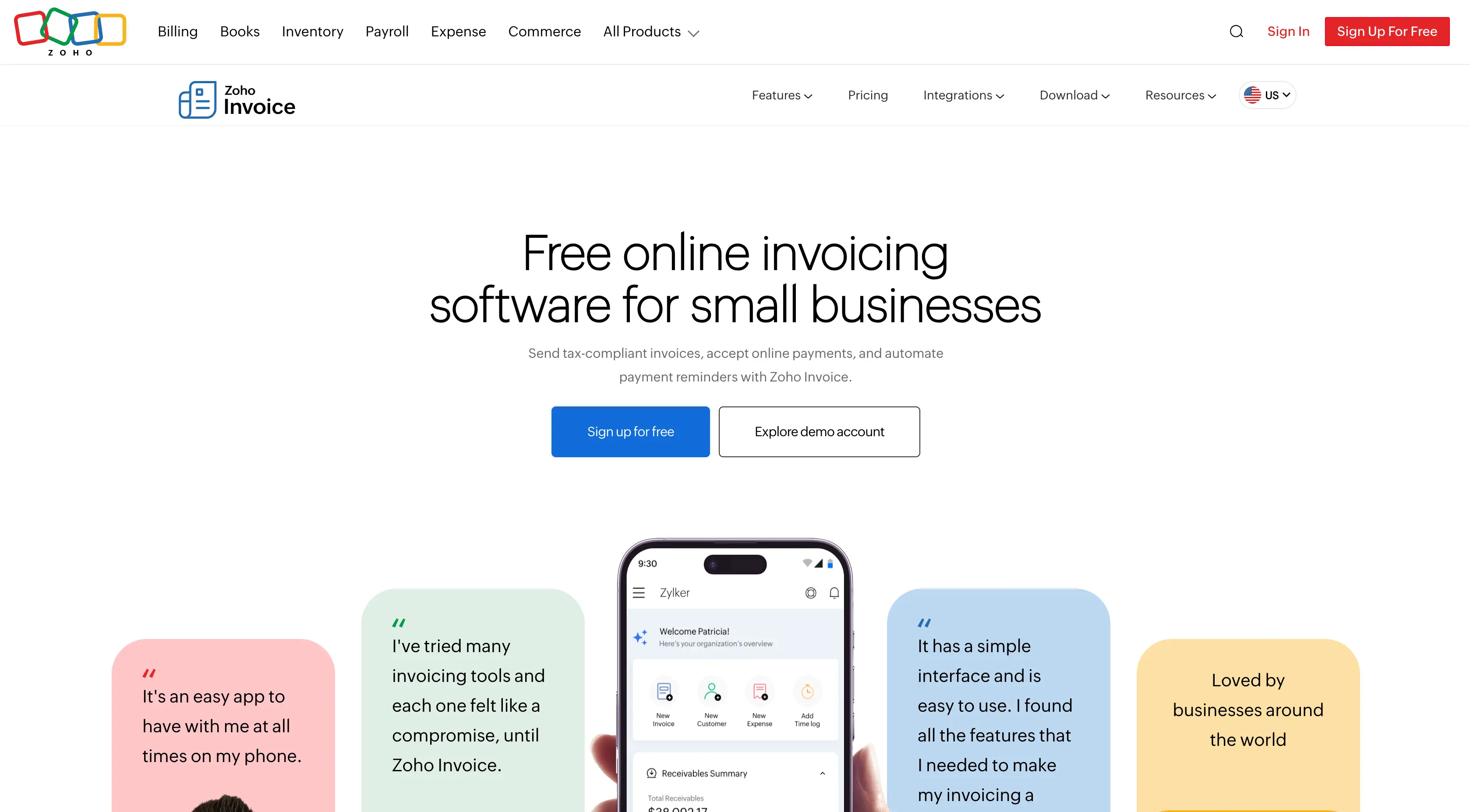
Verdict: Zoho Invoice is the best free Wave alternative for invoicing if you send only a few invoices a month.
Price: Free.
It includes recurring invoices, automated reminders, and online payments. Reviewers report limits of 2 users, 3 projects, and 500 invoices a year, with Zoho branding on documents.
Why switch from Wave: Automated reminders and a second user at $0, both of which Wave Starter lacks.
Watch out for: There's no paid Zoho Invoice plan; growth means moving to another Zoho product. See Alfaa vs Zoho Invoice and our guide to what a free invoice generator gives you.
How much do Wave alternatives cost?
The cheapest plan that fits three common Wave setups, at US monthly list prices before intro discounts and payment fees.
Tool | Type | Solo owner | Owner + bookkeeper | 3-person team |
Wave | Accounting | $0 (manual entry) or $19 | $19 (Pro) | $19 (Pro) |
Zoho Books | Accounting | $0 under $50K revenue (no bank feeds) | $0 (1 user + 1 accountant) | $20 (Standard, 3 users) |
Xero | Accounting | $27 (Early, 20 invoices/mo) | $27 | $59 (Growing) |
QuickBooks Online | Accounting | $38 (Simple Start) | $38 (includes 2 accountant seats) | $85 (Essentials) |
FreshBooks | Accounting | $23 (up to 5 clients) | $43 (Plus; accountant access starts here) | $65 (Plus + 2 users) |
Alfaa | Invoicing only | $24.99 (Growth) | $24.99, with records exported for the bookkeeper | $49.99 (Pro, team accounts) |
Invoice Ninja | Invoicing only | $14 (Pro) | $18 (Enterprise, 2 users) | $32 (Enterprise, 5 users) |
Zoho Invoice | Invoicing only | $0 | $0 (2 users) | Doesn't fit (2-user limit) |
FreshBooks Lite's lack of accountant access is from Bookkeeping-Services, Invoice Ninja Enterprise tiers are from Fitgap.
Three things stand out:
Wave Pro is hard to beat on price for a team that needs bank feeds at $19 with unlimited users.
Zoho Books Free is the only $0 option that keeps an accountant seat if you stay under $50,000 in revenue and can live without bank feeds.
Invoicing-only tools aren't directly comparable. If you drop Wave's books entirely, add your accountant's fee or a separate accounting plan to those rows.
For a wider look at how these tools price clients, users, and add-ons, see our guide to invoicing software pricing.
How do you export your data and switch from Wave?
Export first, decide second. Even if you plan to stay, a full export protects you if plan features change again.
Export from Wave
Export customers and vendors
Export transactions for every account and year you have, and open the file to check that dates, amounts, and categories came through
Export or download invoices and estimates, especially open and recurring ones
Save key reports as PDFs: profit and loss, balance sheet, and general ledger for each year
If a transaction export option is missing on Starter, check whether a short Pro subscription unlocks it before you cancel
Set up the new tool
Agree with your accountant which system they'll support and which date to switch on, ideally the start of a month or quarter
Import or re-create customers, then set up tax rates, payment methods, and invoice branding
Recreate recurring invoices, timed to start after Wave's last scheduled run
Send yourself a test invoice and make a test payment
Close out Wave
Let open invoices be paid in Wave rather than reissuing them
Tell clients if your invoice sender address or payment link changes; give their accounts payable teams notice before any bank detail change
Cancel or downgrade only after the last open invoice is paid and exports are saved
If you used Wave's receipt scanning or expense tracking, set up a replacement; see our guide to free expense tracking
The Bottom Line
Wave's 2026 changes made free Wave a one-person, manual-entry tool. If that's you, Starter still works. If you need bank feeds or a bookkeeper's access, Wave Pro at $19 is usually the cheapest fix. Switch when you need deeper accounting (Xero or QuickBooks), want to stay free with an accountant seat (Zoho Books), or realize your real job is billing clients, not bookkeeping.
For consultants and contractors in that last group, Alfaa handles recurring invoices, automated reminders, payment tracking, and multi-currency from $24.99 a month. Start a 14-day free trial, no credit card required, and run it alongside Wave for one billing cycle before you decide.
Frequently Asked Questions
For free accounting, Zoho Books is the best Wave alternative for businesses under $50,000 in annual revenue. For teams that need full accounting, Xero includes unlimited users on every plan. For businesses that mainly invoice clients, Alfaa, Invoice Ninja, or Zoho Invoice fits better.
Yes. Wave's Starter plan is still free, with unlimited invoices and bookkeeping records. Since June 1, 2026, automatic bank feeds and access for additional users require Wave Pro.
On June 1, 2026, Wave moved automatic bank and card imports to its Pro plan. Starter users must now enter transactions manually or upload statements.
For a solo business or small team happy with Wave's features, usually yes. At 20 for 3 users, Xero Early.
Zoho Books Free covers accounting for businesses with up to $50,000 in revenue and includes an accountant seat. For invoicing only, Zoho Invoice is free, and Invoice Ninja is free for up to 5 clients.
Not on the free Starter plan. Since June 1, 2026, additional users, including bookkeepers and accountants, need Wave Pro.
For invoicing, yes. Alfaa handles invoices, recurring billing, automated reminders, and payment tracking from $24.99 a month. It doesn't do bookkeeping, so pair it with your accountant's system if you used Wave's accounting.