Free Invoice Generator: What It Actually Gives You (and When You'll Need More)
By Alfaa Team
Stay in the loop
Get finance tips delivered to your inbox.
Typing "create an invoice free" into Google gets you a dozen tools that all do roughly the same thing: fill in a template, download a PDF, and are done in a few minutes. That part is genuinely true across almost all of them. What none of them tell you upfront is what's not included, what happens to the information you type in, and the point at which "free" quietly stops being the right tool for what you're actually doing.
This covers all three, plus a straightforward way to know when you've outgrown a one-off generator.
What a free invoice generator actually does well:
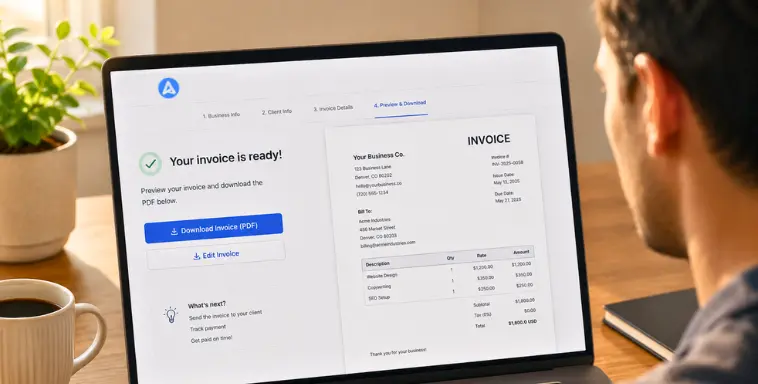
To be fair to the category: for a single, one-time invoice, these tools work. You get a blank template, fill in your details and your client's, list what you're billing for, and download a formatted PDF, usually without creating an account. If you need to bill one client once, this is the right amount of tool for the job, and there's no reason to overcomplicate it.
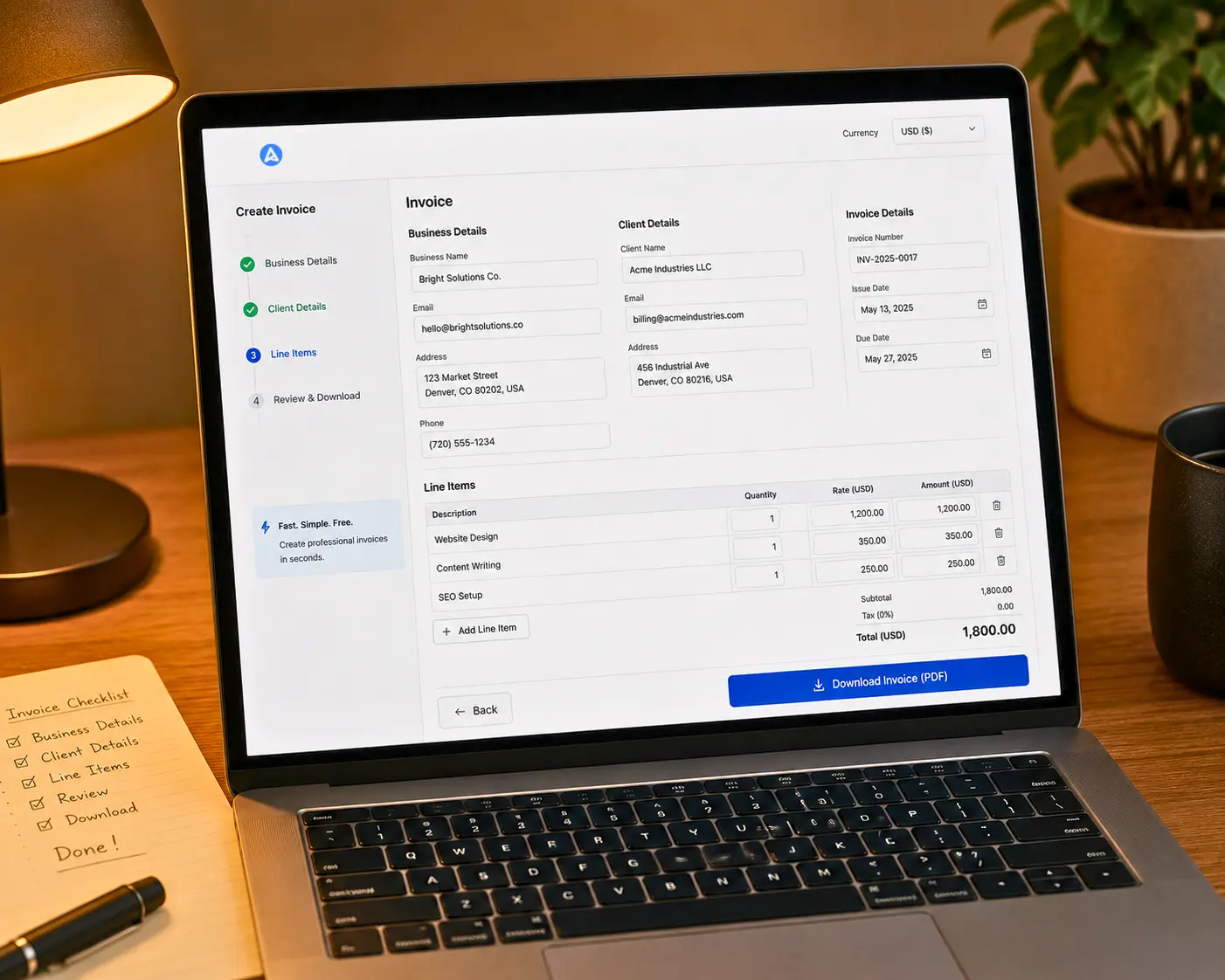
Alfaa's free invoice generator works the same way for exactly that use case: no signup, no credit card, a clean PDF in a few minutes.
The catches nobody states upfront
A few things are true across most free invoice tools, and none of them advertise this clearly on the page itself:
Where your data goes. You're typing in your client's name, address, and how much you're billing them – real business information. Some tools process this entirely in your browser and discard it once you close the tab. Others store it on a server, sometimes indefinitely, sometimes to pre-fill your next invoice, sometimes for reasons that aren't stated at all. Worth a quick check of any tool's privacy policy before you make a habit of it, particularly if you're billing the same clients repeatedly.
Whether the free tier is actually the product or the funnel. Several well-known "free invoice generators" are a stripped-down entry point sitting in front of a much larger paid accounting or payments platform. That's not necessarily a bad thing, but it's worth knowing which kind of tool you're using: one built to be free forever for occasional use, versus one built to get you comfortable before nudging you toward a subscription a few invoices in.
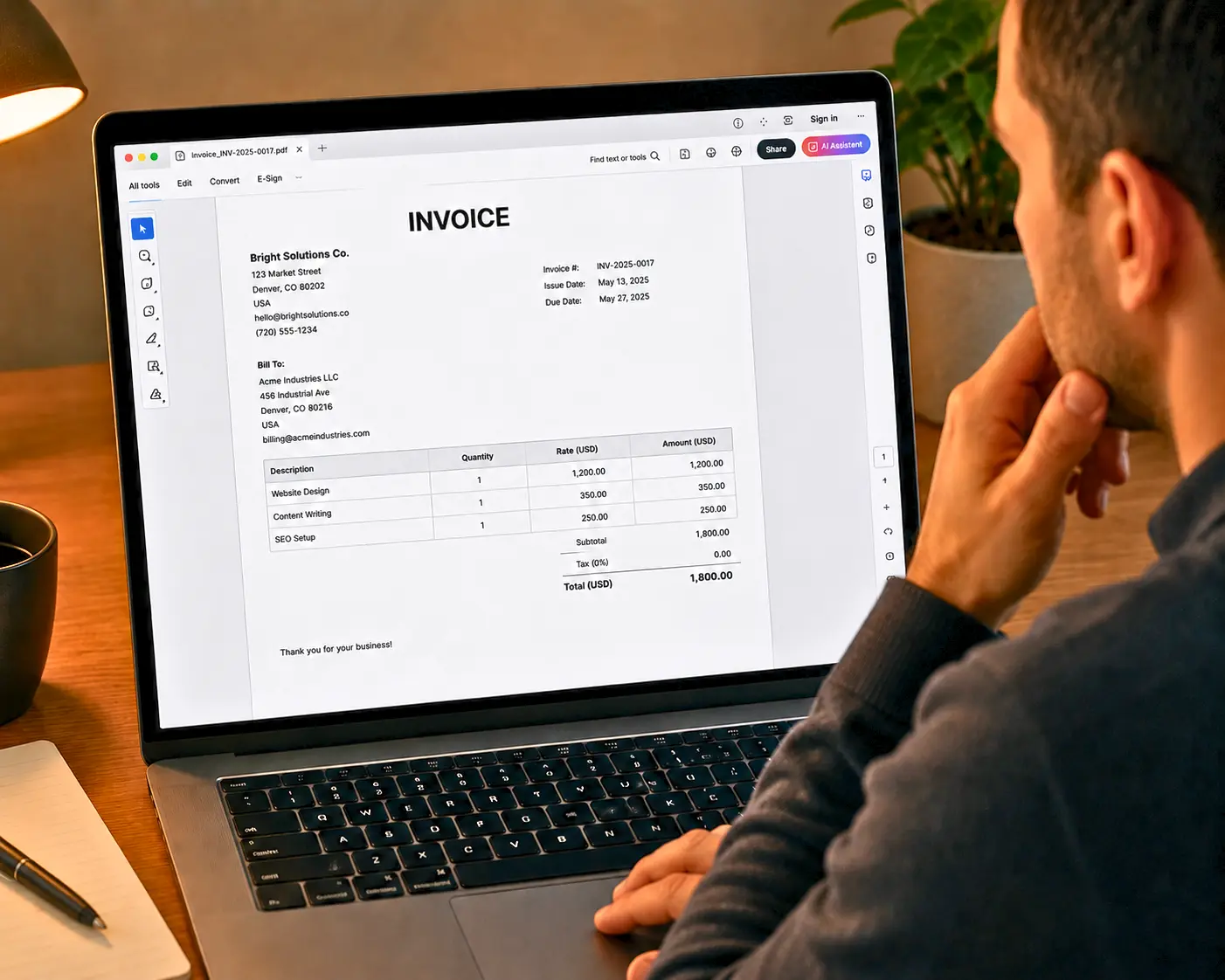
Watermarks or branding on the output. Some free tiers put the tool's own logo somewhere on your downloaded invoice unless you upgrade. If you're sending this to a paying client, check the actual PDF before you send it, not just the on-screen preview.
None of this makes free tools bad. It just means "free" and "no catches" aren't automatically the same thing, and the tool's own landing page is rarely where you'll find the difference stated plainly.
Does the invoice actually hold up?
A blank template filled in correctly still might be missing something your specific situation requires, and most generic generators don't flag this because they're built for a broad, mostly US-centric audience by default.
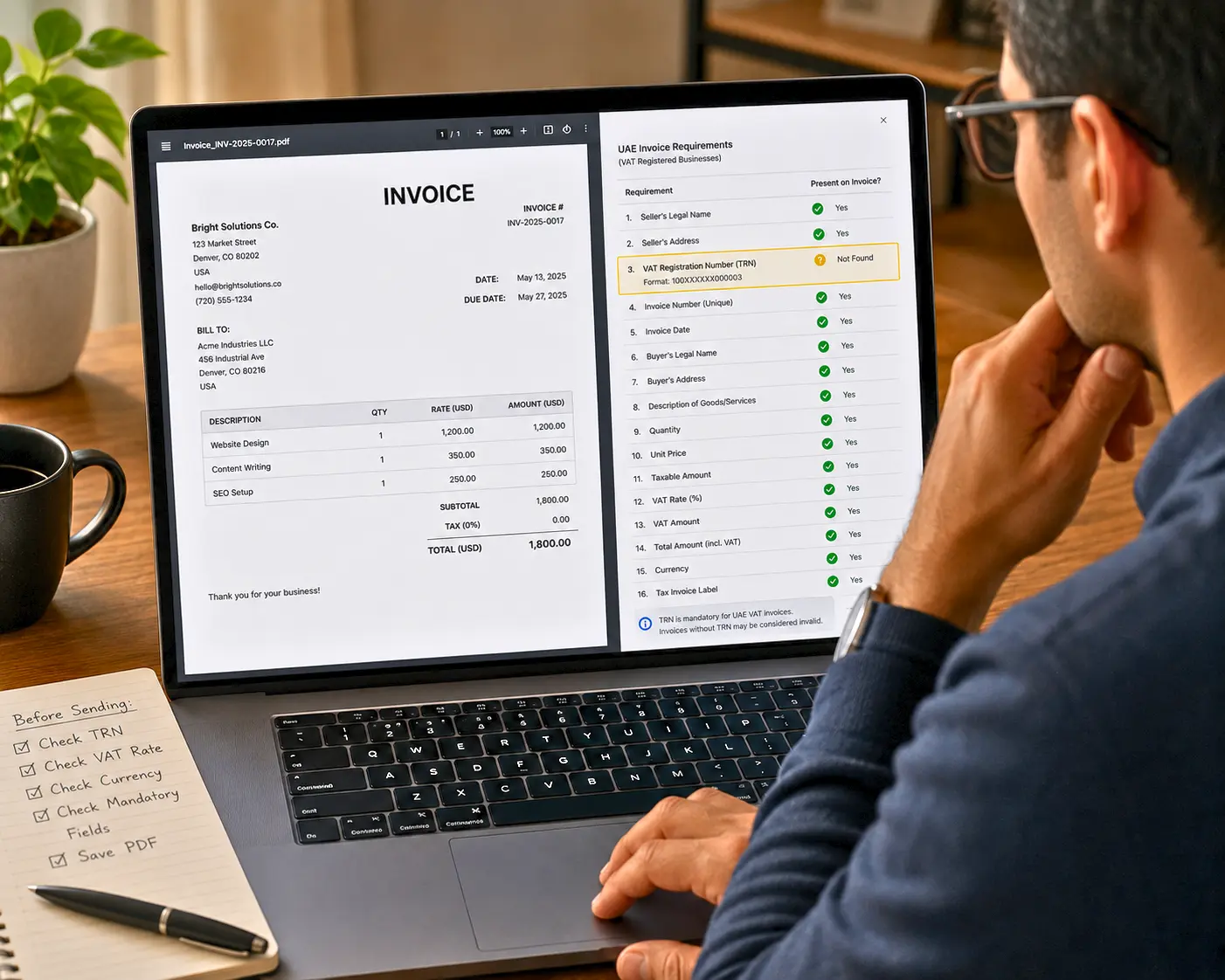
A few things worth checking against your own country before you send:
US: No federal requirement for a specific format, but if your client needs to file a 1099 for you, they'll want your name and taxpayer ID to match what's on file.
UK: Sole traders should show their legal name alongside any trading name. If you're VAT-registered, your VAT number needs to be on the invoice for it to be valid.
EU: For B2B sales where the reverse charge applies, you need the client's verified VAT number on the invoice, not just your own.
UAE: If you're VAT-registered, your TRN needs to appear on every invoice, and an export of services needs specific zero-rating language to be treated correctly.
India: GSTIN is required if you're registered, and GST rules require strict sequential invoice numbering, something a lot of generic one-off templates don't enforce by design.
This is a fast checklist, not the full picture. This breakdown of when sales tax or VAT actually applies to an international invoice covers the reasoning behind each of these in more depth, and this guide to multi-currency invoicing covers what changes once the client is billed in a different currency than your own.
What happens after you hit download
This is the part every free generator treats as the finish line, and it's actually where the real work starts. A downloaded PDF doesn't get you paid by itself. A few things worth having a plan for before you send it:
How you're tracking whether it's been opened or paid. With a one-off tool, this is entirely manual: you're checking your bank account and your memory. That's fine for one invoice. It stops being fine once you're juggling several.
What you do if payment doesn't show up by the due date. Most people default to an awkward, ad-hoc follow-up message written from scratch each time. This guide on why invoices go unpaid and what actually fixes it covers the structural reasons payments slip and how a consistent reminder process changes that.
Whether the client even has an easy way to pay you. A PDF with your bank details listed at the bottom is the bare minimum. It works, but it adds friction the client has to resolve on their own.
None of this is a problem a free one-off generator is built to solve, and that's not a criticism of the tool. It's simply outside what "generate a PDF" was ever meant to do.
The first invoice vs. the tenth invoice
Here's the actual dividing line, and it's rarely about money or business size. It's about repetition.
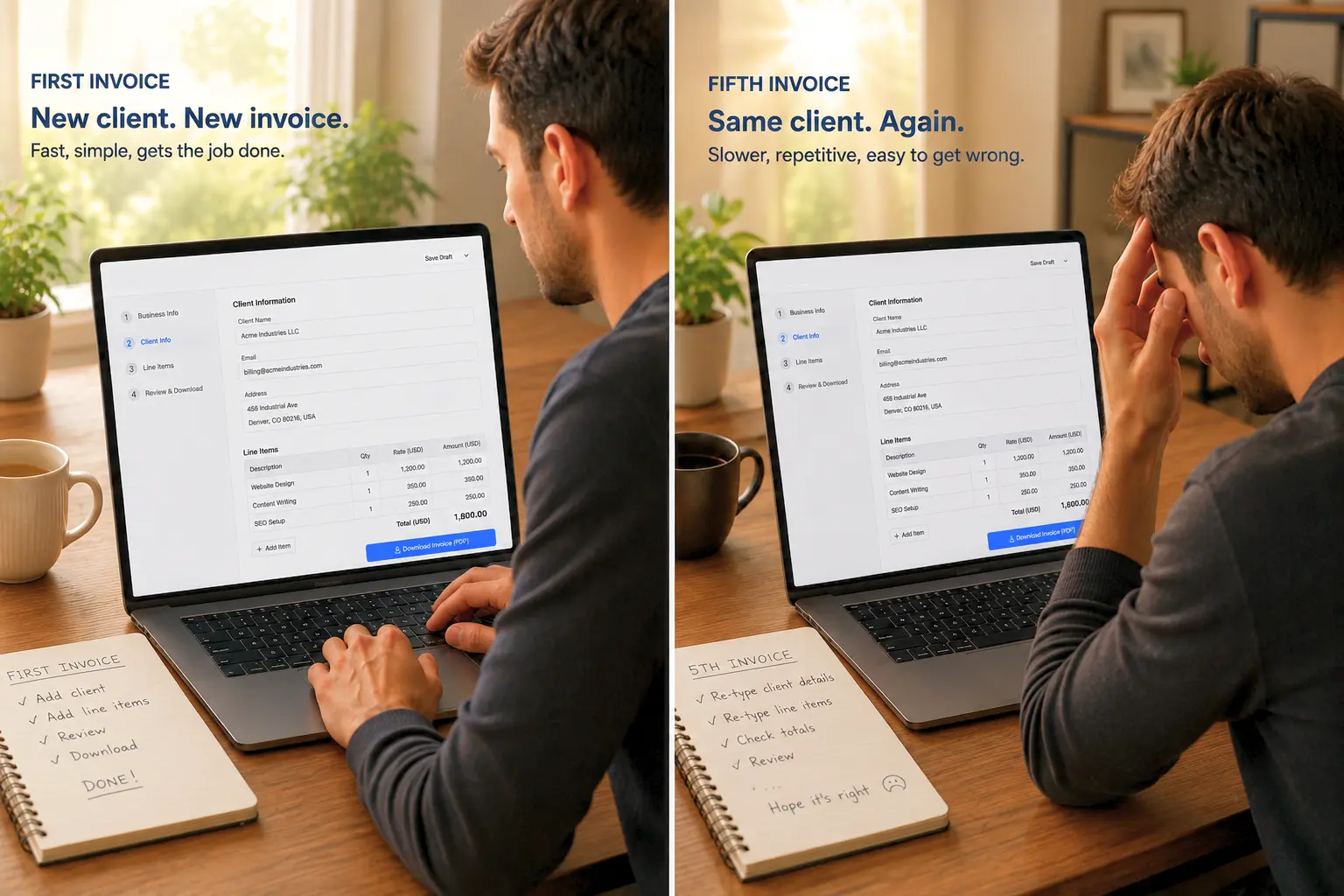
Your first invoice to a new client is a perfect use case for a free generator: Fill in the blanks once, download, and be done. Your fifth invoice to that same client, billed the same way every month, is a different problem entirely. Re-typing the same client details, the same line-item structure, and the same payment terms from scratch each time isn't just slower, it's where small mistakes creep in: a wrong amount, a skipped invoice number, or a client who never got billed at all because it fell through the cracks that month.
This is the actual signal to look for, more useful than any specific revenue number or client count: if you're recreating the same invoice from memory more than once, the tool has stopped matching the job. What actually changes when you move from one-off billing to a recurring setup is worth a look once you notice this happening, since the fix isn't more discipline, it's automating the part that's already repeating itself.
The same logic applies once you're juggling more than a couple of clients at once. Different invoice types exist for different situations, standard, recurring, and credit note, and knowing which one applies matters more once volume goes up and mistakes get more expensive to unwind.
A quick way to check where you actually stand
One client, one invoice, done: A free generator is the right tool. No reason to add complexity you don't need yet.
The same few clients, billed occasionally: Still fine with a free tool, but worth saving your own template externally so you're not re-typing from zero each time.
Recurring clients billed on a schedule: This is where automated recurring billing starts saving real time instead of just feeling like a nice-to-have.
Multiple clients, and you've lost track of what's paid and what isn't: This is the point where payment tracking and saved client records stop being a convenience and start being the thing preventing revenue from quietly slipping through the cracks.
Where this fits with Alfaa
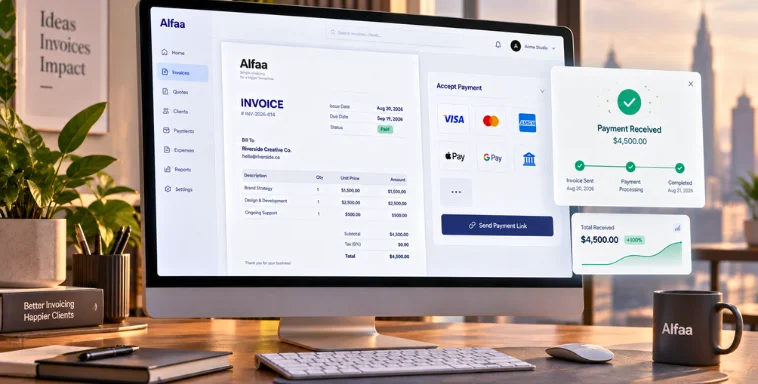
Alfaa's free invoice generator covers the one-off case honestly, no signup, no watermark, and a clean PDF for a single invoice. When billing the same clients becomes a repeating pattern rather than a one-time task, the full platform picks up from there: saved client details, recurring billing on a schedule, automatic payment reminders, and a dashboard that shows what's outstanding without you cross-referencing a bank statement by hand.
Frequently Asked Questions
Yes, for a single invoice with most tools, including Alfaa's. What varies is what happens beyond that first invoice: whether your details are saved, whether the output carries a watermark, and whether the free tier is the whole product or an entry point to a paid plan.
Usually yes for the basics, but "valid" depends on your country's specific requirements. A generic template built for a broad audience often omits fields like a VAT number, TRN, or GSTIN that your situation might require. Check your own country's requirements rather than assuming the default template covers it.
A generator creates one document at a time, typically without saving anything for next time. Invoicing software keeps client and billing details on file, automates recurring invoices, tracks payment status, and sends reminders, the difference matters once you're billing the same people more than once.
Most will let you enter any currency, but few handle currency formatting correctly (decimal conventions, symbol placement) or explain what tax treatment applies across borders. Worth double-checking the output rather than assuming it's handled correctly by default.
When you notice you're recreating the same invoice for the same client more than once. That repetition is the actual signal, not a specific revenue or client-count threshold.

Olivia Bennett
Content Writer @ Alfaa
Olivia is a content writer at Alfaa who specializes in invoicing, small business, and productivity topics. She enjoys simplifying complex ideas into clear, practical insights that help business owners save time, get paid faster, and stay organized.