Stripe is excellent at moving money. Its invoicing layer costs extra. According to Stripe's support documentation, Invoicing Starter charges 0.4% and Invoicing Plus 0.5% of every paid one-time invoice, on top of card processing that starts at 2.9% + $0.30. Recurring invoices fall under Stripe Billing, from 0.7% of recurring transactions.
Those percentages are small on one invoice and large across a year. This guide shows the monthly volume at which a flat-fee invoicing tool costs less and compares six alternatives that still let your clients pay by card through Stripe. We make Alfaa, one of the tools compared; every fee links to a source.
Quick answer: Stripe invoicing charges 0.4% to 0.5% of each paid one-time invoice, and Stripe billing charges 0.7% of recurring invoices, on top of card fees. A flat-fee invoicing tool that still collects through Stripe costs less once you invoice more than a few thousand dollars a month: about 6,250 a month for ALFAA Growth (24.99 against Stripe Invoicing Starter, or about $3,570 a month against Stripe Billing for retainers).
Key takeaways
Stripe Invoicing Starter costs 0.4% per paid invoice, and Invoicing Plus costs 0.5%; both apply to one-time invoices only.
Recurring invoices and subscriptions are billed under Stripe Billing, starting at 0.7% of recurring transactions.
Card processing (from 2.9% + $0.30 in the US) applies on top of every Stripe invoicing fee and doesn't go away if you switch tools; only the invoicing fee does.
Stripe stopped offering 25 free invoices a month on Invoicing Starter on November 1, 2023.
The break-even formula is: monthly flat fee ÷ Stripe's invoicing percentage = monthly invoice volume above which the flat fee is cheaper.
Stripe Payment Links have no invoicing fee and suit simple one-off requests.
What are the best Stripe Invoicing alternatives?
Tool | How clients pay | Invoicing fee | Best for |
Alfaa | Stripe or PayPal | $24.99/mo flat | Independent contractors and agencies billing retainers |
Invoice Ninja | Stripe and other gateways | Free (5 clients); Pro $14/mo | Low-cost invoicing with unlimited clients |
Zoho Invoice | Stripe and other gateways | Free (2 users, 500 invoices a year) | Low-volume invoicing at $0 |
FreshBooks | FreshBooks Payments, powered by Stripe | $23/mo (5 clients) | Invoicing with time tracking and accounting |
Xero | Stripe and other gateways | $27/mo; $59 for unlimited invoices | Full accounting with unlimited users |
Stripe Payment Links | Stripe | No invoicing fee | Simple one-off payment requests |
How we chose these alternatives
We included only tools whose clients can still pay by card through Stripe, directly or via a Stripe-powered processor, so you keep Stripe for payments. We compared the invoicing cost at different monthly volumes, recurring invoices, automated reminders, and plan limits. Fees come from vendor pages and independent reviews checked in October 2026, and each is linked. Alfaa is our product.
How much does Stripe Invoicing cost?
Stripe charges two separate fees on an invoice paid by card: one for processing the payment and one for the invoicing software. According to Stripe's support page:
Stripe product | Fee | Applies to |
Stripe Payments (card processing) | From 2.9% + $0.30 per US card payment | Every card payment, whichever invoicing tool you use |
Invoicing Starter | 0.4% per paid invoice | One-time invoices |
Invoicing Plus | 0.5% per paid invoice | One-time invoices, with smart retries, quotes, and automatic reconciliation |
Stripe Billing | From 0.7% of recurring transactions | Recurring invoices and subscriptions |
Three rules decide what you actually pay:
You're charged only on invoices paid through Stripe. Unpaid, voided, or uncollectible invoices, and invoices your client pays outside Stripe, carry no invoicing fee.
Partial payments are charged on the amount paid.
Retainers usually count as recurring billing, so they're charged at Stripe Billing's 0.7%, not Invoicing's 0.4%.
What that looks like on real invoices
Invoice | Card processing (2.9% + $0.30) | Invoicing Starter (0.4%) | Stripe Billing, if recurring (0.7%) |
$500 one-off | $14.80 | $2.00 | Not applicable |
$2,000 one-off | $58.30 | $8.00 | Not applicable |
$5,000 monthly retainer | $145.30 | Not applicable | $35.00 |
The card fee stays the same if you switch to another tool that still processes through Stripe. Only the invoicing or billing column goes away. On a $5,000 retainer, that's $35 a month, or $420 a year, for one client.
At what volume is a flat-fee tool cheaper than Stripe Invoicing?
Because Stripe's invoicing fee grows with every dollar you bill and a flat-fee tool doesn't, there's a monthly volume above which the flat fee wins.
The break-even formula works for any tool:
\text{Break-even monthly volume} = \frac{\text{Tool's monthly fee}}{\text{Stripe's invoicing percentage}}
Flat-fee tool | vs Invoicing Starter (0.4%) | vs Invoicing Plus (0.5%) | vs Stripe Billing (0.7%) |
Invoice Ninja Pro ($14) | $3,500 | $2,800 | $2,000 |
FreshBooks Lite ($23) | $5,750 | $4,600 | $3,286 |
ALFAA Growth ($24.99) | $6,248 | $4,998 | $3,570 |
ALFAA Pro ($49.99) | $12,498 | $9,998 | $7,141 |
Xero Growing ($59) | $14,750 | $11,800 | $8,429 |
Above these monthly amounts, the flat-fee tool costs less in invoicing fees. Below them, Stripe's percentage is cheaper, unless you need features Stripe doesn't include. The comparison only counts the invoicing fee; card processing is the same whichever tool sends the invoice, as long as the client pays through Stripe.
For retainers, the case for a flat fee comes sooner. An independent contractor billing three 1,500 monthly retainers (4,500) through Stripe Billing pays $31.50 a month in billing fees, more than Alfaa Growth's $24.99. See how recurring billing works without a percentage fee.
When is Stripe Invoicing still the right choice?
Stripe Invoicing isn't overpriced for everyone. Stay with it if one of these describes you:
Your volume is below break-even: An independent contractor invoicing $2,000 a month pays $8 on Invoicing Starter, less than any paid tool on this list.
Your product already runs on Stripe: Software businesses using Stripe Billing for subscriptions, usage pricing, and the customer portal get deep integration that general invoicing tools don't replicate.
You need Invoicing Plus features: Smart Retries for failed payments, quotes, and automatic reconciliation come with Plus at 0.5%.
You only send occasional one-off requests: Stripe Payment Links carry no invoicing fee, just card processing, according to Stripe. If you don't need itemized invoices, they're the cheapest route.
Switch when you bill above break-even every month, run retainers through Stripe Billing at 0.7%, or want features built for service businesses: client-level reporting, flexible reminder schedules, multi-currency invoicing by client, or one place to see who owes what across Stripe, PayPal, and bank transfers.
One more option costs nothing: steering large invoices to bank transfer outside Stripe. Stripe charges no invoicing fee on invoices paid outside Stripe, and you avoid the card fee too. Our guide to invoice payment methods compares the options.
Which Stripe Invoicing alternatives keep Stripe for payments?
1. Alfaa: Best for independent contractors and agencies billing retainers
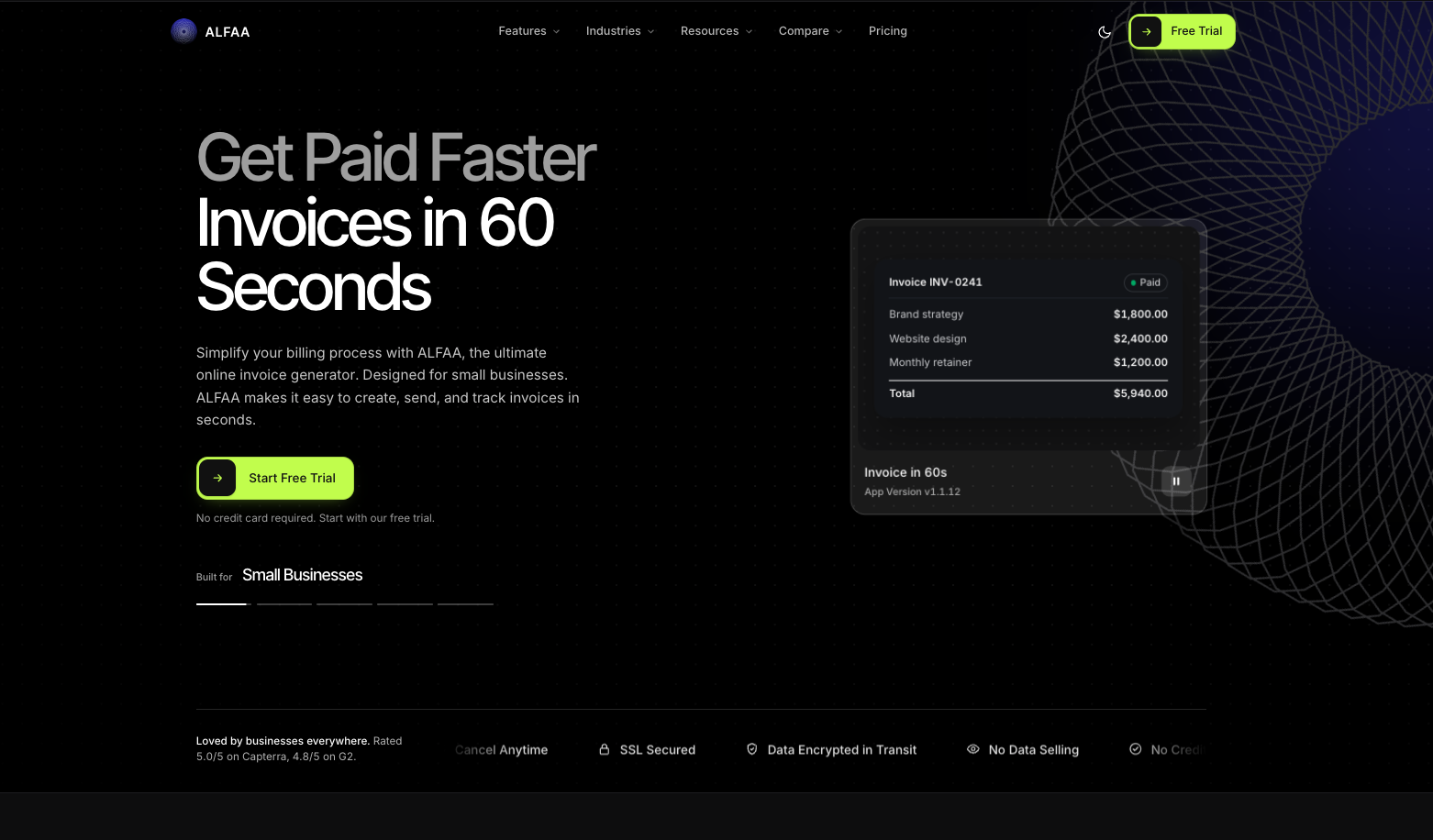
Verdict: Alfaa is the best Stripe invoicing alternative for independent contractors and agencies who bill retainers, because recurring invoices cost a flat monthly fee instead of Stripe Billing's 0.7%.
Price: Growth $24.99/month for up to 50 active clients; Pro $49.99/month for unlimited clients. 14-day free trial, no card required.
Clients pay through Stripe or PayPal from the invoice. Both plans include recurring billing with proration and pause/resume, automated payment reminders, payment tracking software across payment methods, and invoicing in 200+ currencies. Pro adds team accounts, expenses, sending from your own domain, and multiple business entities. See how it works as invoicing software for independent contractors and for consultants.
Why switch from Stripe invoicing: No percentage on top of card fees, and break-even against Stripe billing at about $3,570 a month.
Watch out for: Below break-even, Stripe's percentage is cheaper. ALFAA isn't accounting software.
2. Invoice Ninja: Best low-cost option
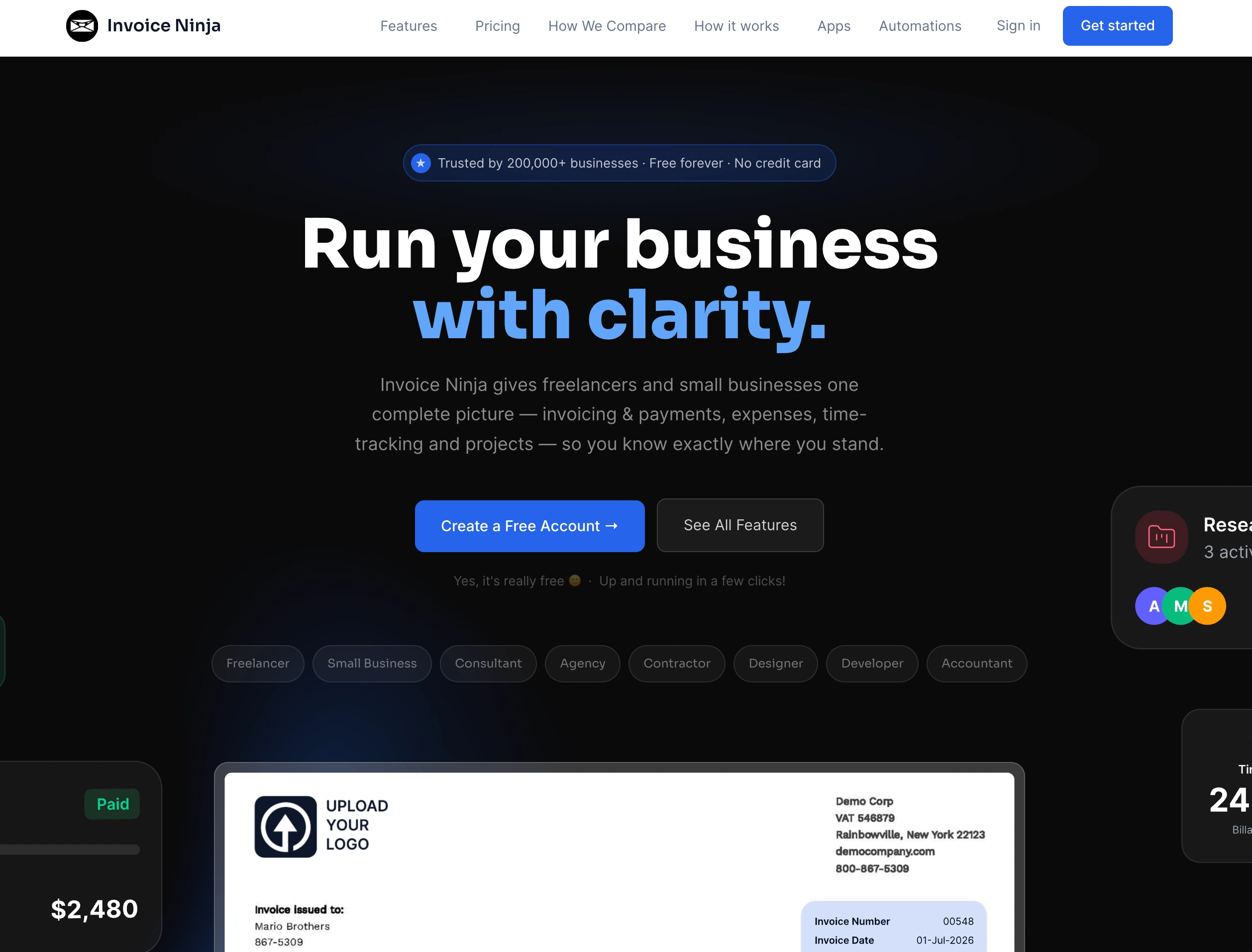
Verdict: Invoice Ninja is the cheapest Stripe invoicing alternative for unlimited clients, breaking even against Invoicing Starter at $3,500 a month.
Price: free for up to 5 clients; Pro $14/month or $140/year; Enterprise from $18/month for 2 users.
Invoice Ninja supports Stripe among several payment gateways, with recurring invoices, quotes, and multi-currency. Technical users can self-host it.
Watch out for: The free plan is branded and capped at 5 clients, and Pro is one user.
3. Zoho Invoice: Best $0 option at low volume
Verdict: Zoho Invoice is the best free Stripe invoicing alternative if you send fewer than 500 invoices a year and need no more than 2 users.
Price: Free; up to 2 users and 500 invoices a year, with "Powered by Zoho Invoice" branding.
It connects to Stripe and other gateways and includes recurring invoices and automated reminders, so the only fee is card processing.
Watch out for: There's no paid Zoho Invoice plan to grow into. See Alfaa vs Zoho Invoice.
4. FreshBooks: Best for invoicing with time tracking

Verdict: FreshBooks is the best Stripe invoicing alternative for service businesses with few clients that also want time tracking and accounting.
Price: Lite $23/month for 5 clients; Plus $43 for 50; Premium $70 for unlimited.
FreshBooks processes card payments through FreshBooks Payments, which is built on Stripe Connect and charges 2.9% + $0.30 per US card transaction.
Watch out for: You use FreshBooks' payment account rather than your existing Stripe account, so payouts and reporting move. Client caps include archived clients. See Alfaa vs FreshBooks.
5. Xero: Best if you need full accounting
Verdict: Xero is the best Stripe invoicing alternative for businesses that want accounting and invoicing together, with unlimited users.
Price: Early $27/month (20 invoices a month); growing $59; established $97.
Xero connects to Stripe for card payments on invoices and reconciles them against your bank.
Watch out for: Most businesses need to grow at $59, which breaks even against Invoicing Starter only at $14,750 a month. Choose it for the accounting, not to save on Stripe fees.
6. Stripe Payment Links: Best for occasional simple requests
Verdict: Stripe Payment Links are the cheapest Stripe invoicing alternative when you don't need a formal invoice, because they carry no invoicing fee.
Price: Card processing only, according to Stripe.
Watch out for: No itemized invoice, due dates, reminders, or recurring schedule. Business clients' accounts payable teams usually need a proper invoice.
How do you switch from Stripe Invoicing without changing your Stripe account?
With most of these tools you keep the same Stripe account, payouts, and dashboard. Only the invoices come from somewhere new.
Before you switch
Export your Stripe customers and invoice history, and keep a copy for your tax records
List every Stripe Billing subscription or recurring invoice: client, amount, interval, and next billing date
Check whether the new tool connects your own Stripe account or uses its own processor (FreshBooks, for example, uses FreshBooks Payments)
During the move
Connect your Stripe account in the new tool and send yourself a test invoice with a small card payment
Re-create recurring invoices in the new tool, starting the cycle after each client's last Stripe billing charge
Cancel each Stripe Billing subscription only after its replacement is scheduled, so no client is billed twice or missed
Turn on automated reminders and add bank transfer as an option for large invoices
After the move
Let open Stripe invoices be paid where they are
Tell clients the invoice will come from a new sender address, and confirm their accounts payable team has your details
Compare your Stripe fee report for the first month with the month before to confirm the invoicing or billing fee has gone
Carrying recurring clients over is the step that matters most. Our guide to recurring invoices covers start dates, proration, and avoiding duplicate charges.
Should you keep Stripe Invoicing or switch?
Keep Stripe invoicing if you bill below break-even, run a software product on Stripe Billing, or only send the occasional payment request. Switch the invoicing layer, and keep Stripe for payments once your paid invoices pass a few thousand dollars a month, and sooner if your work runs on retainers billed at Stripe Billing's 0.7%.
For independent contractors and agencies billing clients every month, ALFAA replaces Stripe's percentage with a flat $24.99 a month, while clients still pay by card through Stripe or by PayPal. Recurring billing, automated reminders, and payment tracking are included on both plans. See it as invoicing software for independent contractors, compare more tools in our invoicing software pricing guide, and then start a 14-day free trial, no credit card required.
Frequently Asked Questions
According to Stripe, Invoicing Starter costs 0.4% and Invoicing Plus 0.5% of each paid one-time invoice. Card processing, from 2.9% + $0.30 in the US, is charged on top. Recurring invoices are billed under Stripe Billing, starting at 0.7%.
No, Stripe stopped offering 25 free invoices a month on Invoicing Starter on November 1, 2023. Stripe Payment Links have no invoicing fee, but they aren't itemized invoices.
Not if the client pays outside Stripe. Stripe charges its invoicing fee only on invoices paid through Stripe, including ACH payments made through Stripe.
For independent contractors and agencies billing retainers, Alfaa is the cheapest paid option, and Zoho Invoice is free at low volume.
Divide the tool's monthly fee by Stripe's percentage. Alfaa Growth at $24.99 becomes cheaper above about $6,248 a month against Invoicing Starter, or $3,570 a month against Stripe Billing for recurring invoices.
Usually, yes. Alfaa, Invoice Ninja, Zoho Invoice, and Xero let clients pay through Stripe. FreshBooks uses FreshBooks Payments, which is built on Stripe but replaces your own account.
Yes, Card processing fees apply whenever a client pays by card through Stripe. Switching tools removes only Stripe's invoicing or billing percentage.