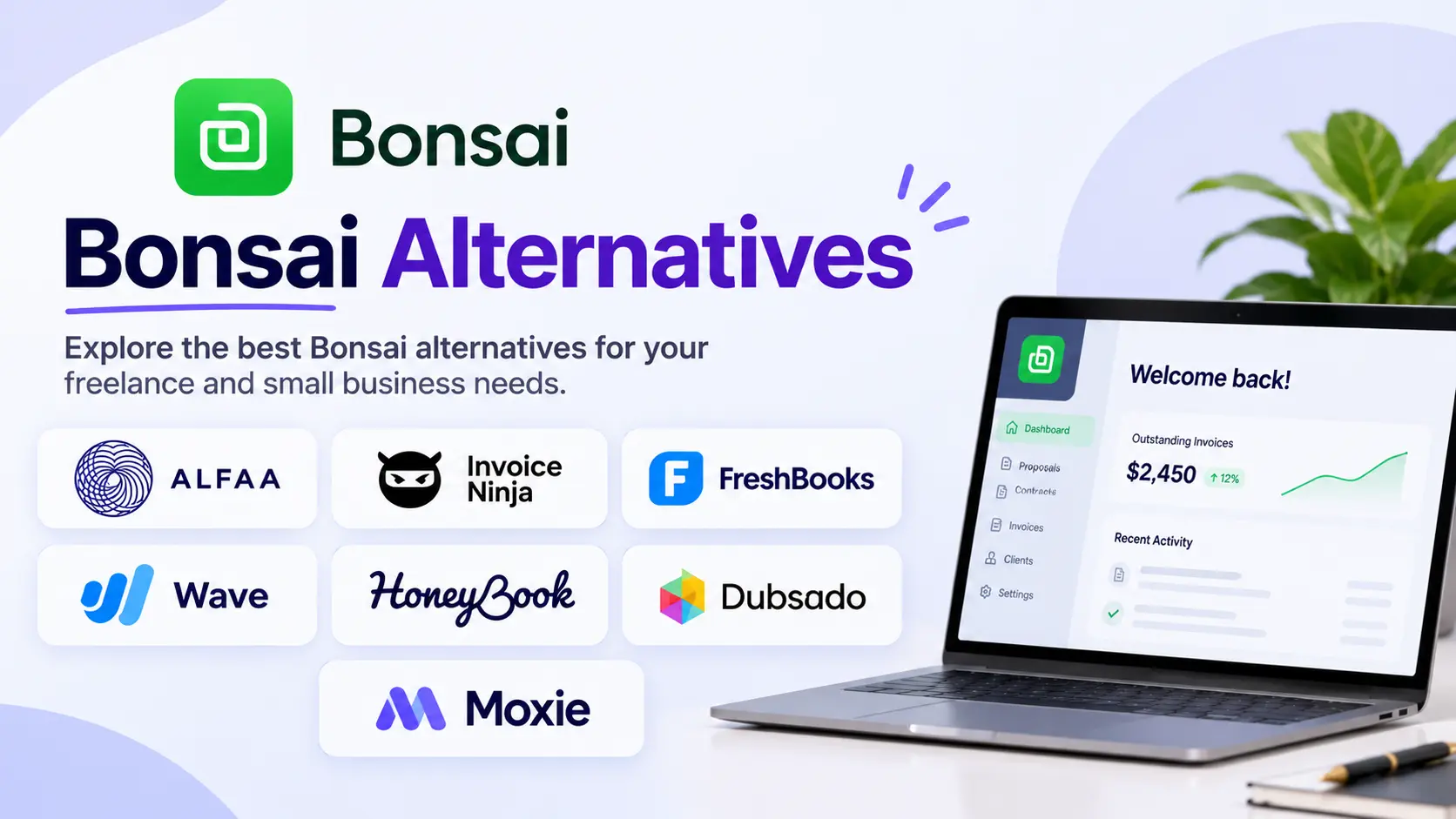
Bonsai bundles proposals, contracts, time tracking, and invoicing into one tool, and it prices every plan per user. According to Costbench, Bonsai's plans run from $15 to $59 per user per month, and invoicing only starts on Essentials at $25 per user. That's fine for one independent contractor. Add two or three people and the bill multiplies, while the features stay the same.
This guide compares seven bonsai alternatives, split by which half of the bonsai you actually use. We make Alfaa, one of the invoicing tools compared. Alfaa doesn't do proposals or contracts, and we say so where it matters. Every price links to a source.
Quick answer: The best bonsai alternatives in 2026 depend on what you use bonsai for. For invoicing and retainers, Alfaa (14 a month) cost less than Bonsai for teams. For proposals, contracts, and client workflows, Dubsado (36 a month) is the closest replacement, and Moxie starts at $12 a month.
Key Takeaways
Bonsai charges per user on every plan: Basic $15, Essentials $25, Premium $39, and Elite $59 per user per month, with lower rates billed annually.
Bonsai's basic plan doesn't include invoicing or contracts; those start at Essentials, and removing Bonsai branding requires Premium.
A 3-person team on Bonsai Essentials pays $75 a month; on Premium, $117.
Dubsado includes 3 users on both plans, from $35 a month, and is the closest flat-priced replacement for Bonsai's proposals and contracts.
HoneyBook Essentials costs $59 a month for up to 2 team members; unlimited team members require Premium at $129.
For independent contractors and agencies that mainly invoice clients, Alfaa costs $24.99 a month for up to 50 clients, with team access on Pro at $49.99.
What are the best Bonsai alternatives in 2026?
Tool | Replaces Bonsai's | Pricing model | Starting price |
Alfaa | Invoicing and retainers | Flat, by client count | $24.99/mo |
Invoice Ninja | Invoicing | Flat; Enterprise by team size | Free (5 clients); Pro $14/mo |
FreshBooks | Invoicing, time tracking, accounting | Flat plus $11 per added user | $23/mo (5 clients) |
Wave | Invoicing and bookkeeping | Flat; unlimited users on Pro | Free; Pro $19/mo |
HoneyBook | Proposals, contracts, invoicing, scheduling | Flat, by team size tier | $36/mo |
Dubsado | Proposals, contracts, forms, workflows | Flat, 3 users included | $35/mo |
Moxie | Proposals, contracts, invoicing, time tracking | Flat | $12/mo |
How we chose these alternatives
We compared each tool with Bonsai on the monthly US list price at 1, 3, and 10 users, whether pricing is per user or flat, and whether it replaces Bonsai's invoicing, its proposals and contracts, or both. Prices come from vendor pages and independent reviews checked in October 2026, and each is linked. Alfaa is our product and is listed only as an invoicing alternative.
How much does Bonsai cost in 2026?
Plan | Per user, monthly | Per user, billed annually | Key additions |
Basic | $15 | $9 | Time tracking, tasks, projects, CRM; no invoicing |
Essentials | $25 | $19 | Invoices and payments, contracts, client portal, scheduling |
Premium | $39 | $29 | Remove branding, integrations, and the deals pipeline |
Elite | $59 | $49 | Custom permissions, Xero integration, 3-user minimum |
The cheapest Bonsai plan that sends invoices is Essentials at $25 per user, and the cheapest that removes Bonsai's branding is Premium at $39 per user. Costbench also lists no free plan.
Why are independent contractors and agencies leaving Bonsai?
Per-user pricing multiplies with every hire: Each person who needs to send invoices or manage clients adds a full seat. On Essentials, that's $25, $75, and $250 a month at 1, 3, and 10 users. On Premium, it's $39, $117, and $390.
Branding removal sits on a higher tier: Client-facing documents carry Bonsai branding until you pay for Premium, which raises the per-user price by $14 a month.
Paying for tools you don't use: Many service businesses use Bonsai mainly for invoices and retainers, not proposals, scheduling, or tasks. Others use it mainly for proposals and contracts and invoices elsewhere. Either way, part of every seat pays for unused features.
Workflow friction reported by users: User reports summarized by Costbench mention that manually recording payments or expenses requires an upgrade and that Bonsai's item × quantity × price invoice model can be restrictive for service pricing.
If you're a solo independent contractor who uses Bonsai's proposals, contracts, and invoicing together, it may still be good value. The case for switching grows with every team member you add.
Which part of the bonsai do you actually use?
Bonsai is two products in one, a client-workflow tool (proposals, contracts, forms, scheduling) and a billing tool (invoices, payments, retainers). Most alternatives are strong in one half, so start by being honest about yours.
If you mainly use Bonsai for | You need | Look at |
Sending invoices, running retainers, and chasing payments | A billing tool with recurring invoices and automated reminders | Alfaa, Invoice Ninja, FreshBooks, Wave |
Winning clients with proposals, then signing contracts | A client-workflow tool with proposals, e-signatures, and forms | Dubsado, HoneyBook, Moxie |
Both, equally, as a solo independent contractor | An all-in-one at a solo price | Moxie, or stay on Bonsai |
Both, with a growing team | Flat pricing that includes several users | Dubsado (3 users included), or a billing tool plus a separate e-signature tool |
A two-tool setup is common for agencies: one tool for proposals and contracts, one for billing. It can cost less than Bonsai per seat and gives each job a tool built for it. Our guide on whether you need a full CRM or just better billing management covers the same trade-off.
Which Bonsai alternatives are best for invoicing and retainers?
1. Alfaa: Best for independent contractors and agencies billing retainers
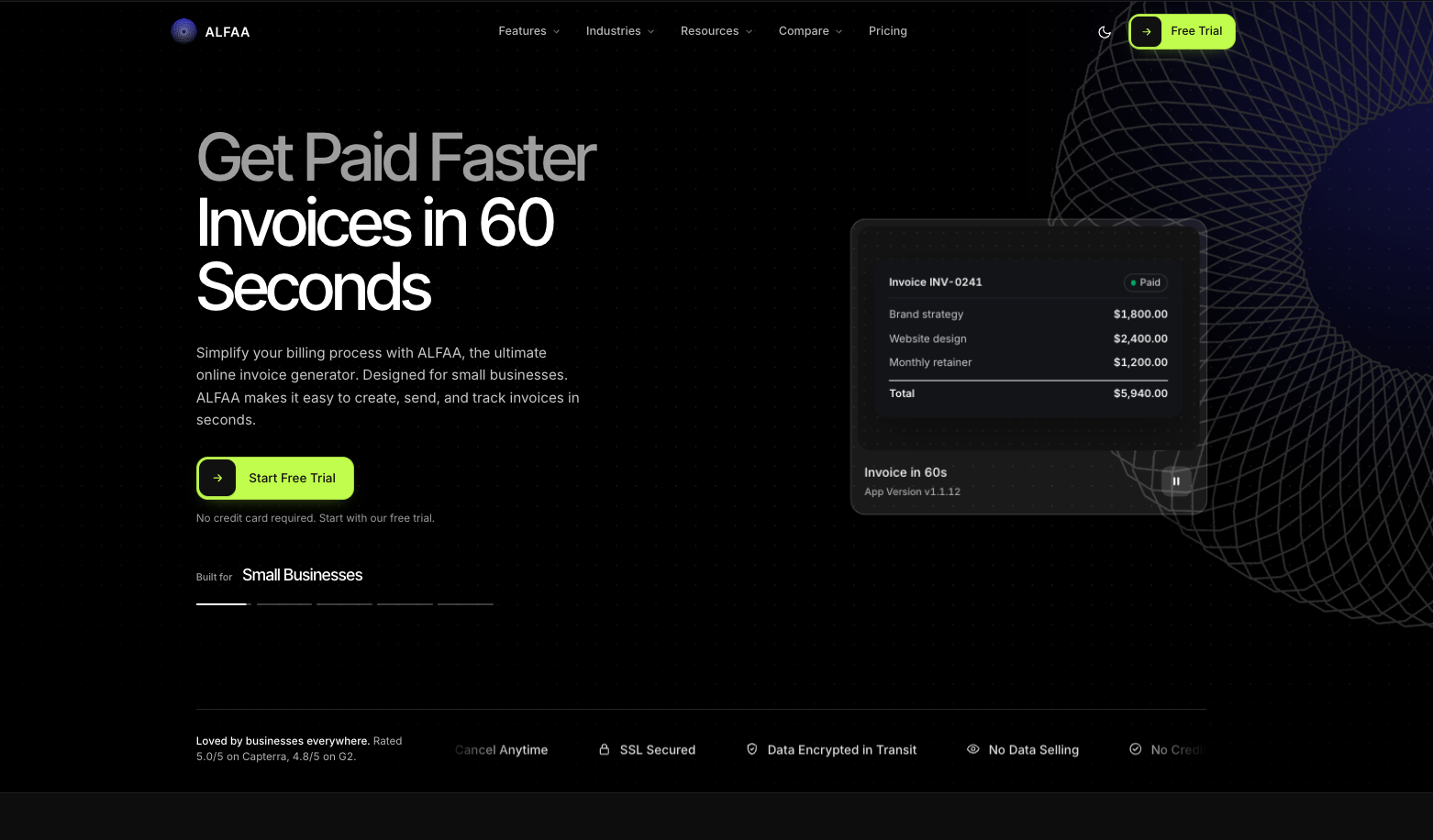
Verdict: Alfaa is the best Bonsai alternative for independent contractors and small agencies that mainly use Bonsai to invoice clients and run retainers, because its pricing is flat rather than per user.
Price: Growth $24.99/month for up to 50 active clients; Pro $49.99/month for unlimited clients and team accounts. 14-day free trial, no card required.
Both plans include automated recurring billing software with proration and pause/resume, automated payment collection reminders, payment tracking, and invoicing in 200+ currencies, with clients paying by Stripe or PayPal. Pro adds team management, expenses, sending from your own domain, and multiple business entities. See how agencies give staff controlled access to billing or how it works as invoicing software for independent contractors.
Why switch from Bonsai: A 3-person agency pays $49.99 a month on Alfaa Pro instead of $75 on Bonsai Essentials or $117 on Premium.
Watch out for: Alfaa is built for billing and doesn't include proposals, contracts, or e-signatures. If you rely on those, or on Bonsai's scheduling and time tracking, pair Alfaa with a dedicated tool or choose an all-in-one below.
2. Invoice Ninja: Best low-cost invoicing with unlimited clients
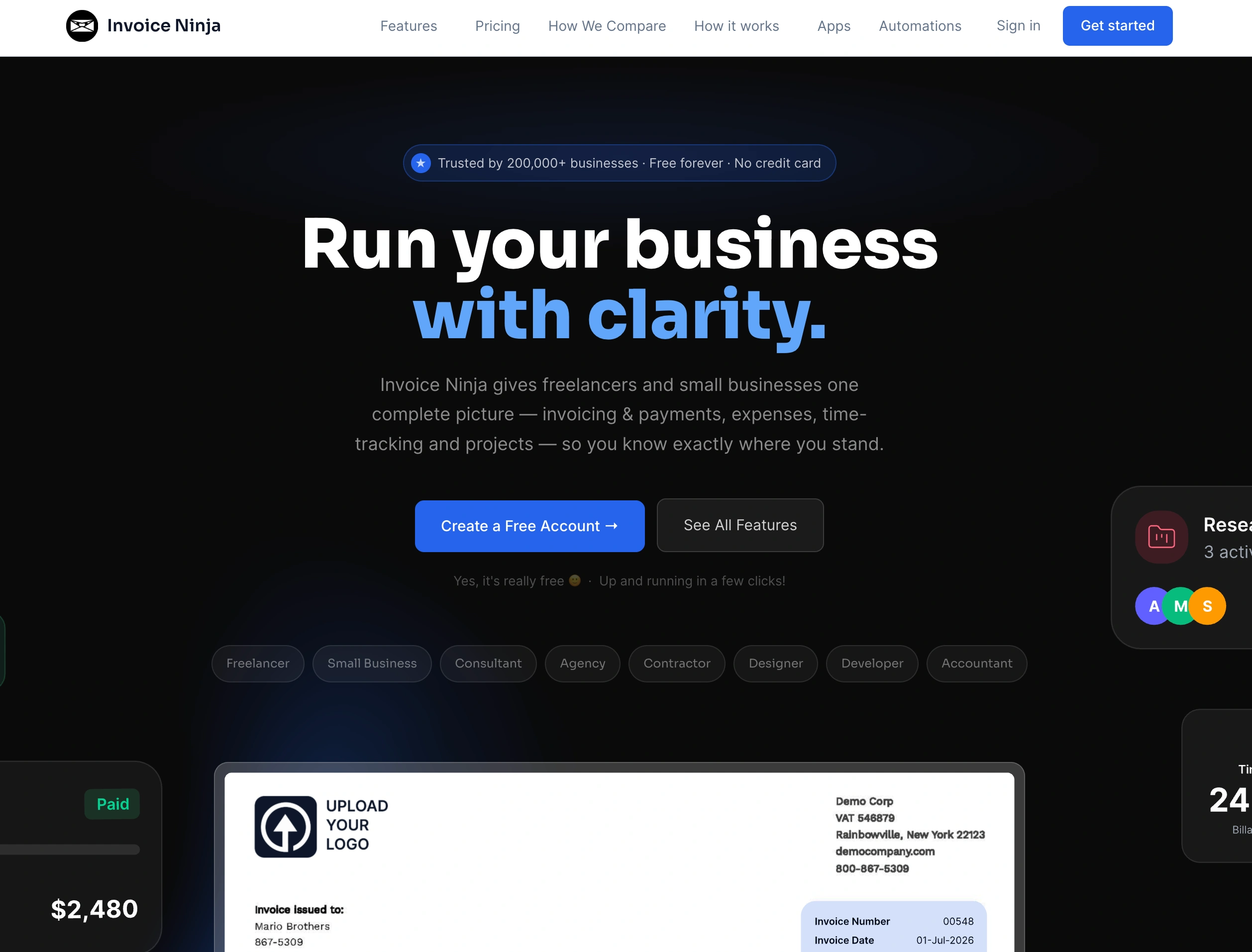
Verdict: Invoice Ninja is the cheapest Bonsai alternative for invoicing, with unlimited clients for $14 a month.
Price: Free for up to 5 clients; Pro $14/month or $140/year for 1 user; Enterprise from $18/month for 2 users, priced by team size.
Invoice Ninja includes recurring invoices, quotes, multi-currency and online payments, and technical users can self-host it.
Why switch from Bonsai: A solo independent contractor pays $14 instead of $25, without vendor branding on Pro.
Watch out for: No contracts or e-signature workflow comparable to Bonsai's, and Pro covers one user.
3. FreshBooks: Best for invoicing with time tracking
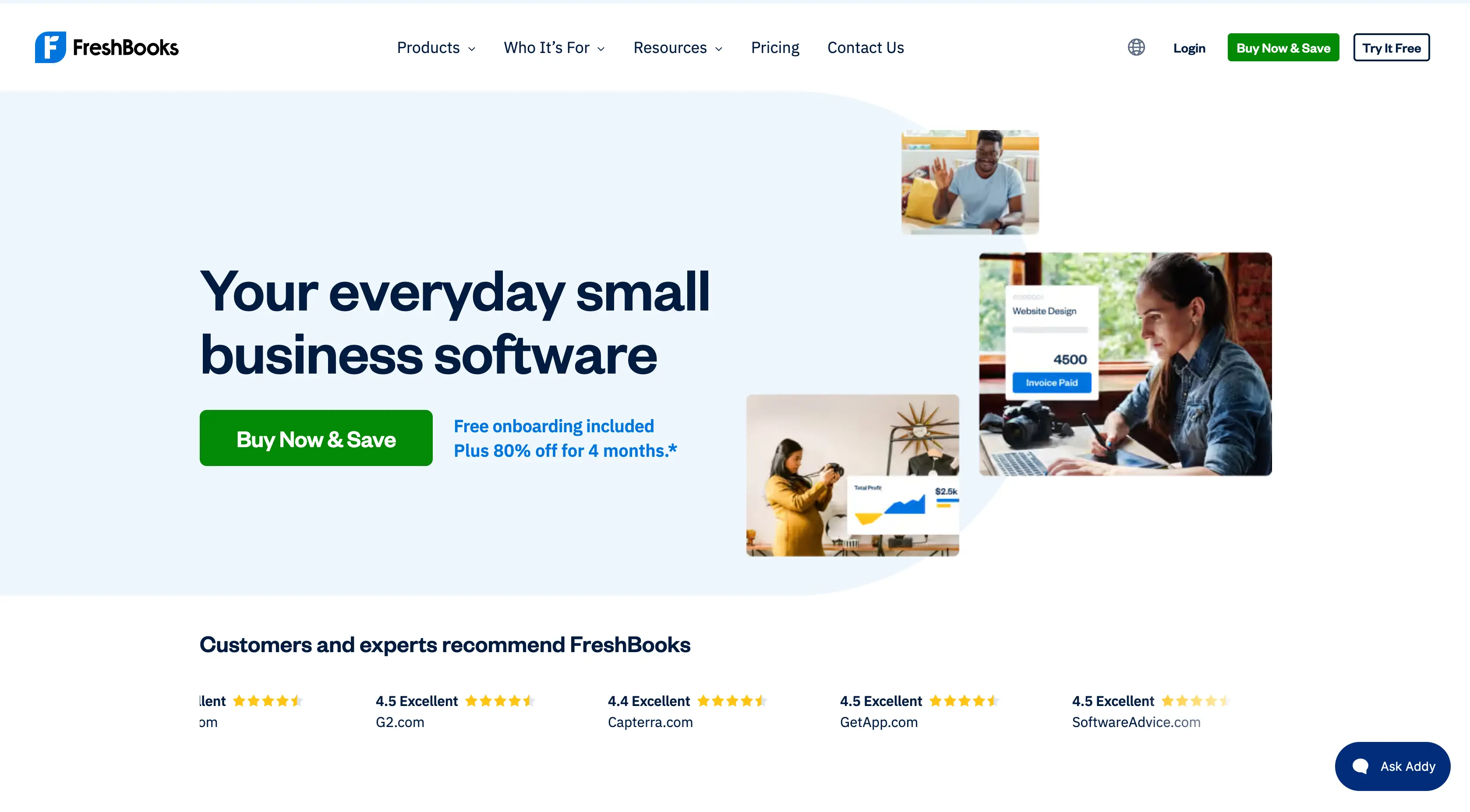
Verdict: FreshBooks is the best Bonsai alternative for service businesses with few clients that want invoicing, time tracking, and accounting reports in one tool.
Price: Lite $23/month for 5 billable clients; plus $43 for 50; premium $70 for unlimited; $11/month per added user.
Why switch from Bonsai: Keeps time tracking alongside invoicing and adds accounting reports and accountant access on Plus.
Watch out for: Client caps include archived clients, and it also charges per added user. See FreshBooks alternatives and Alfaa vs FreshBooks.
4. Wave: Best free invoicing with bookkeeping
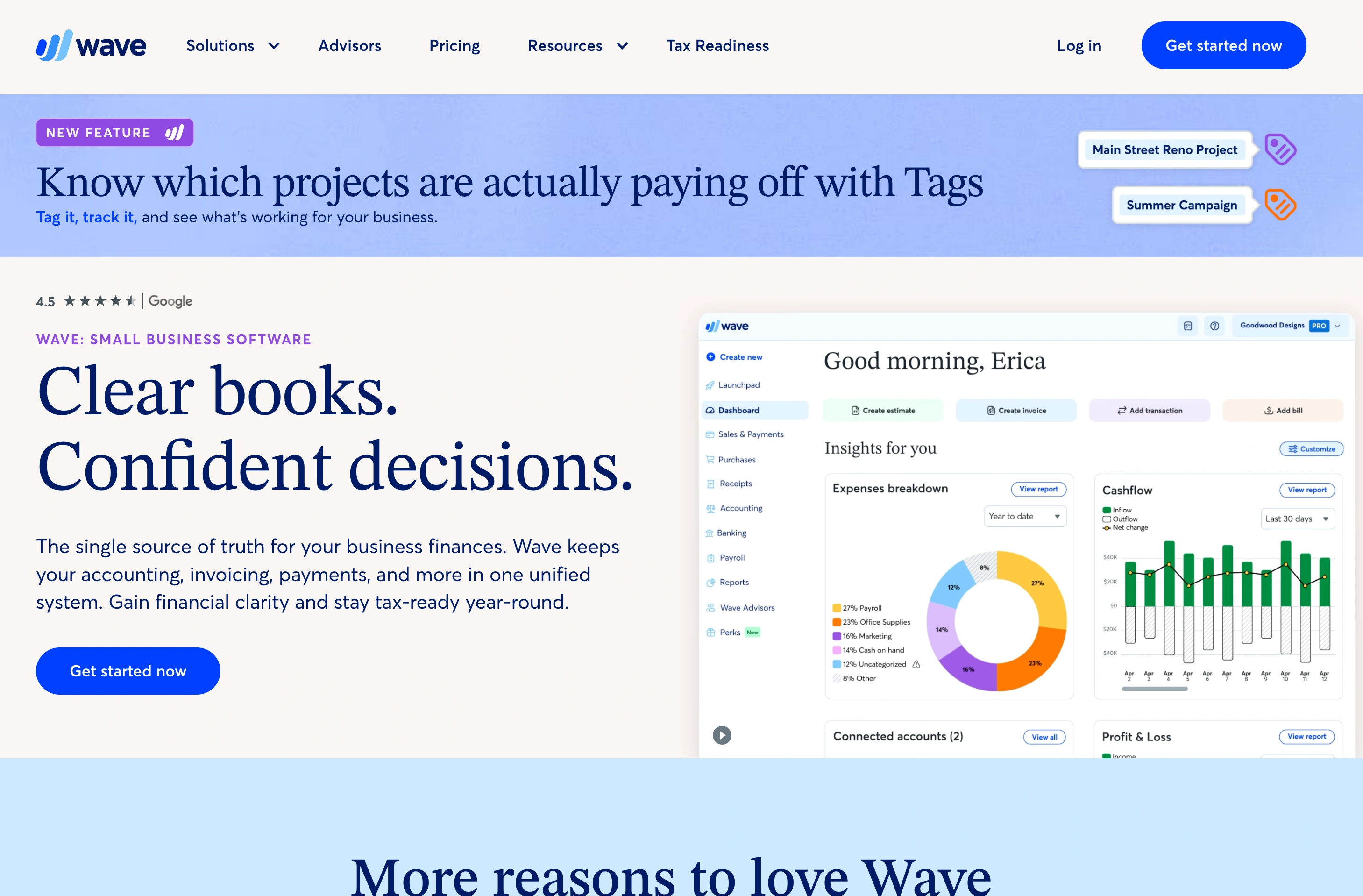
Verdict: Wave is the best Bonsai alternative for solo businesses that want free invoicing and bookkeeping or unlimited users for $19 a month.
Price: Starter free; Pro $19/month or $190/year.
Why switch from Bonsai: Wave Pro includes unlimited users, so a 10-person team pays $19, not $250.
Watch out for: No proposals or contracts. Since June 1, 2026, bank feeds and collaborator access require Pro. See Alfaa vs Wave.
Which Bonsai alternatives are best for proposals and contracts?
5. Dubsado: Best flat-priced replacement for small teams
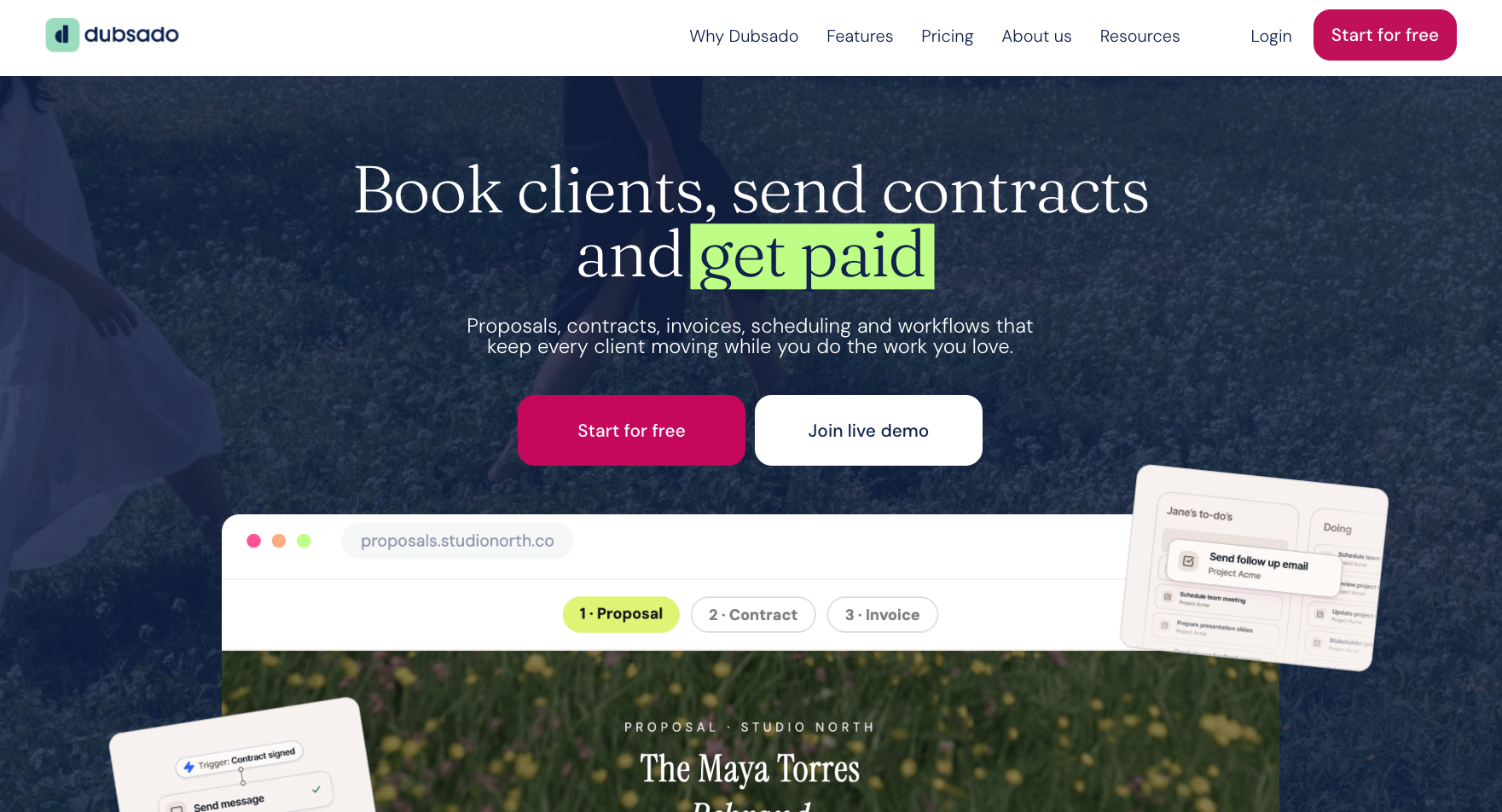
Verdict: Dubsado is the best Bonsai alternative for small teams that rely on proposals, contracts, and client workflows, because both plans include 3 users at a flat price.
Price: Starter $35/month or $335/year; Premier $55/month or $525/year. Both include 3 users; 4 to 10 users add $25 a month.
Dubsado covers forms, proposals, contracts, invoicing, and payment plans, with automated workflows (Flows) and scheduling on Premier.
Why switch from Bonsai: A 3-person team pays $35 or $55 a month in total, instead of $75 to $117 on Bonsai Essentials or Premium.
Watch out for: According to Agiled's comparison, Starter has no automation, no scheduler, and no recurring invoices; those need Premier. Dubsado also has a steeper setup curve than Bonsai.
6. HoneyBook: Best all-in-one for client experience
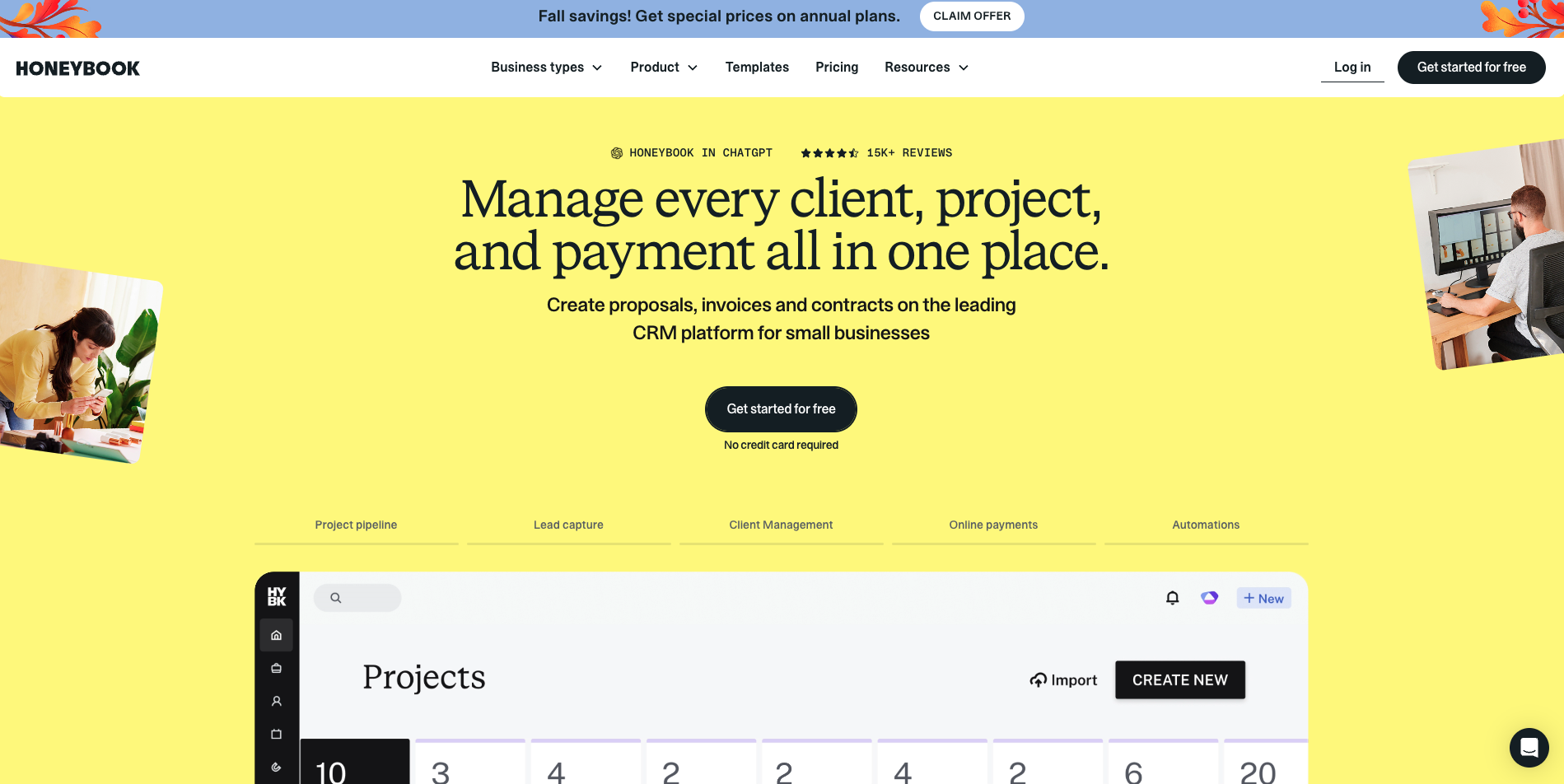
Verdict: HoneyBook is the best Bonsai alternative for service businesses that want polished proposals, contracts, scheduling, and invoicing in one client-facing flow.
Price: Started at 29 billed annually, Essentials for up to 2 team members; Premium 109 for unlimited team members. HoneyBook raised these prices in February 2025, from $19 to $39 and $79 a month.
Starter covers invoices and payments, proposals and contracts, and a client portal. Essentials adds automations, the scheduler, a QuickBooks Online integration, and removal of "Powered by HoneyBook".
Why switch from Bonsai: Pricing is per account tier, not per user, so a 2-person team on Essentials pays $59, not $50 to $78 on Bonsai.
Watch out for: A third team member forces Premium at $129. Card payments carry processing fees starting at 2.9% + 25¢.
7. Moxie: Best low-cost all-in-one for solo independent contractors
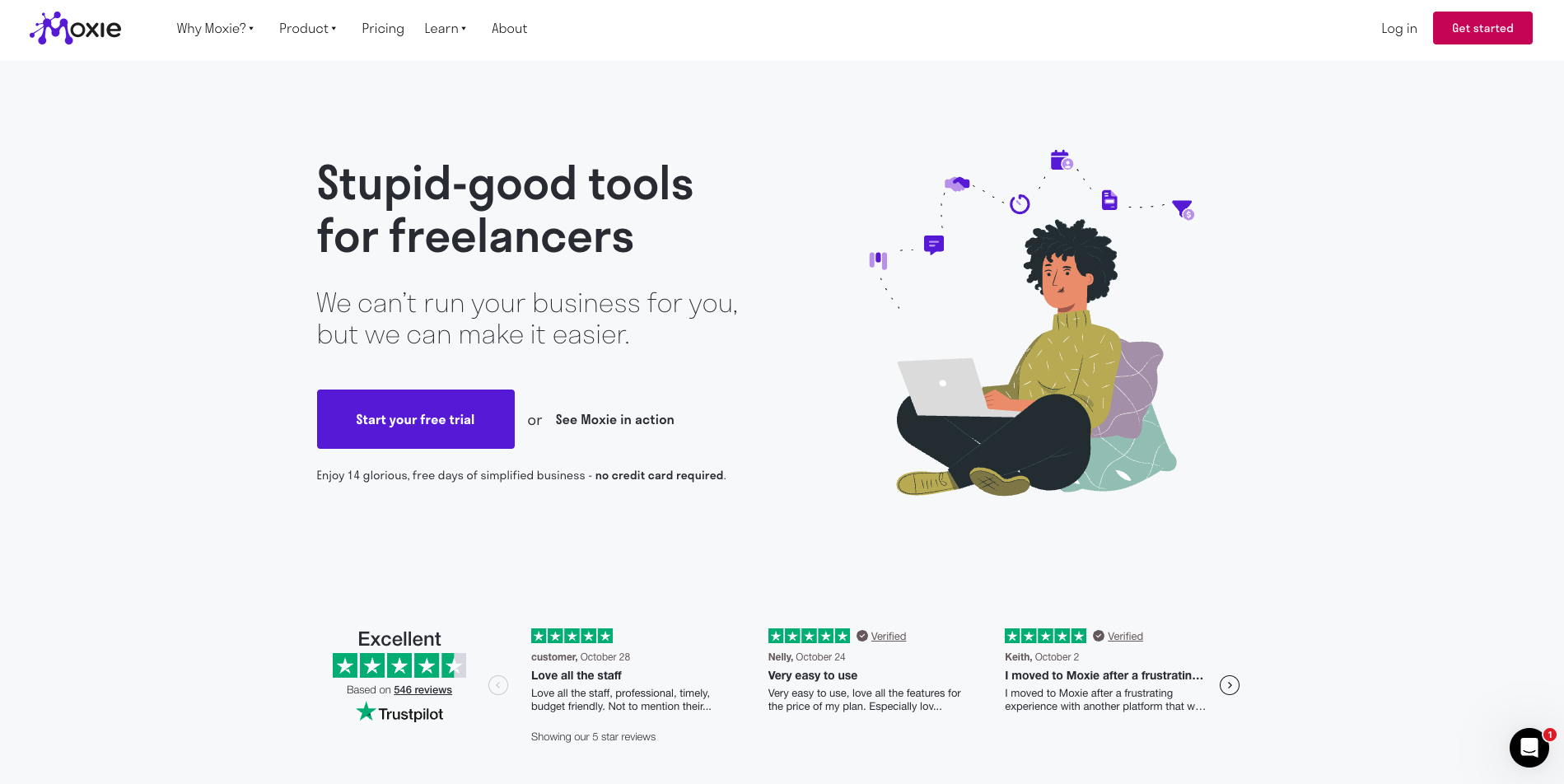
Verdict: Moxie is the cheapest Bonsai alternative that still combines proposals, contracts, invoicing, and time tracking, starting at $12 a month.
Price: From 12/month (10 billed annually), automations on Pro are about $20/month billed annually. Plans are priced flat rather than per user.
Moxie includes time tracking on every plan, plus expense tracking and accounting sync.
Why switch from Bonsai: It covers most of Bonsai. Essentials' workflow for about half the price for one person.
Watch out for: Confirm how many team members your plan includes before moving a team; Moxie is designed mainly for solo operators.
How much do Bonsai alternatives cost at 1, 3, and 10 users?
Monthly US list prices on monthly billing, for the cheapest plan that fits, assuming up to 50 clients. Annual billing lowers most of these.
Tool | 1 user | 3 users | 10 users |
Bonsai Essentials | $25 | $75 | $250 |
Bonsai Premium | $39 | $117 | $390 |
Wave | $0 or $19 (Pro) | $19 (Pro) | $19 (Pro) |
Dubsado Starter | $35 | $35 | 60(+25 for 4–10 users) |
Dubsado Premier | $55 | $55 | $80 |
Invoice Ninja | $14 (Pro) | $32 (Enterprise) | $54 (Enterprise) |
Alfaa | $24.99 (Growth) | $49.99 (Pro) | $49.99 (Pro)* |
FreshBooks Plus | $43 | $65 | $142 |
HoneyBook | $36 (Starter) | $129 (Premium) | $129 (Premium) |
Moxie | $12 | $25 | $40 |
What the numbers show:
Bonsai's per-user model is the most expensive at team scale. At 10 users, Bonsai Essentials costs $250 a month against $60 for Dubsado Starter and $49.99 for Alfaa Pro.
For a solo independent contractor, the gap is small. Bonsai Essentials and Dubsado ($35), so switching is about fit, not price.
HoneyBook jumps at the third user, from $59 to $129, while Dubsado stays flat up to 3 users.
For how all these pricing models compare across more tools, see our guide to invoicing software pricing.
How do you switch from Bonsai?
Check your renewal date first. Costbench reports that Bonsai contracts auto-renew and that annual plans are paid upfront, so plan the move before your next renewal.
Before you switch
Note your renewal date and turn off auto-renew if you're leaving
Decide which half of Bonsai You're replacing billing, client workflow, or both
Export clients, invoices, payments, and time entries, and keep a copy for your tax records
Download signed contracts and accepted proposals as PDFs, you'll need them if a dispute comes up later
List every recurring invoice, client, amount, frequency, and next send date
During the move
Rebuild proposal and contract templates in the new tool, or in a separate e-signature tool if you're splitting workflow from billing
Set up clients, tax rates, payment methods, and your invoice branding
Recreate recurring invoices, timed to start after Bonsai's last scheduled run
Turn on automated payment reminders and send yourself a test invoice
After the move
Let open invoices be paid in Bonsai rather than reissuing them
Tell clients about any new invoice sender address, client portal, or payment link, and give accounts payable teams notice before any bank detail change
Keep Bonsai until the last open invoice is paid and your exports are saved
Which Bonsai alternative should you choose?
Start with the half of Bonsai you rely on. If it's proposals, contracts, and client workflows, Dubsado is the best flat-priced replacement for small teams, HoneyBook offers the most polished client experience, and Moxie is the lowest-cost option for one person. If it's invoicing and retainers, a billing tool with flat pricing removes the per-user cost that makes Bonsai expensive as you grow.
For independent contractors and agencies in that second group, Alfaa covers recurring invoices, automated reminders, payment tracking system, and multi-currency billing from $24.99 a month, with team accounts on Pro at a flat $49.99. Explore it as invoicing software for independent contractors or for billing software for seo agency, then start a 14-day free trial, no credit card required, before your Bonsai renewal.
Frequently Asked Questions
It depends on what you use bonsai for. For invoicing and retainers, Alfaa costs less, especially for teams. For proposals, contracts, and client workflows, Dubsado (from $35 a month with 3 users included) and HoneyBook (from $36) are the closest replacements.
Bonsai charges per user on every plan: Basic $15, Essentials $25, Premium $39, and Elite $59 per user per month on monthly billing, or $9, $19, $29, and $49 billed annually. Invoicing starts on Essentials.
Yes. Moxie starts at $12 a month, Invoice Ninja Pro costs $14, and Wave is free for invoicing. For teams, Dubsado includes 3 users for $35 a month, and Wave Pro includes unlimited users for $19.
No. According to Costbench, Bonsai has no free plan; the cheapest plan is Basic at $15 per user per month, and invoicing requires Essentials.
Agencies should avoid per-user pricing. Dubsado includes 3 users on both plans, Wave Pro includes unlimited users, and Alfaa Pro includes team accounts at a flat $49.99 a month for billing.
For one person, no: HoneyBook Starter is $36 a month and costs slightly more than Bonsai Essentials. A third person moves HoneyBook to Premium at $129.
For invoicing, yes. Alfaa handles recurring invoices, automated reminders, payment tracking, and multi-currency billing with flat pricing. It doesn't include proposals, contracts, or e-signatures, so pair it with a dedicated tool if you use those.